


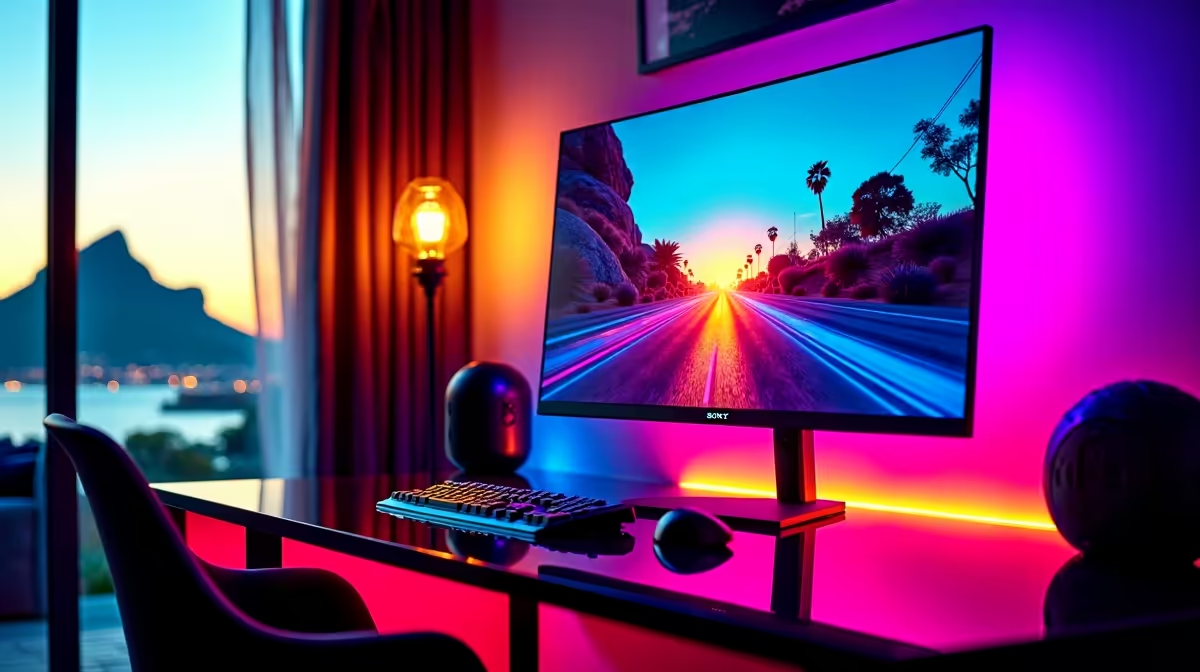
Alienware 27 240Hz QD-OLED Gaming Monitor- AW2726DM at R6731 suits a home gamer who wants fast OLED motion without turning a desk setup into an expensive showcase. A good OLED gaming monitor makes the most sense when the room is used for both evening play and everyday browsing, because the strong contrast and fast response help games feel sharper while keeping the screen size practical.
OLED monitor picks for a home desk
For a balanced 27-inch class setup, the Asus ROG Strix OLED XG27AQDMG gaming monitor, 27-inch with 26.5-inch viewable panel, sits at R8721. That size is easy to place on a normal desk without pushing speakers, keyboard, and mouse into awkward positions, and it gives enough screen space for competitive games, YouTube, and browser tabs.
If the priority is resolution, the ASUS ROG Swift OLED PG27UCDM 26.5-inch 3840 x 2160p 4K UHD 16:9 240Hz 0.03 monitor at R19300 is the premium pick. The 4K UHD panel is better suited to a cleaner creator and gaming desk where text clarity, game detail, and high refresh all matter.
Cape Town home setup notes
For a flat, townhouse, or family gaming room in Cape Town, check where the fibre router, wall plug, and desk sit before choosing the screen position. The LG UltraGear 27" QHD OLED Gaming 480Hz 0,03ms Monitor at R14000 is a strong fit for a dedicated gaming corner where the QHD resolution, 480Hz refresh rate, and 0,03ms response can be used properly.
Pro Tip ⚡
The MSI MAG 272QP QD-OLED X50 MONITOR at R14400 is the option to consider when you specifically want QD-OLED at a higher price point and only need one main screen. For comparison, the MSI MAG 274F 200Hz at R3,006 and ViewSonic VX2779A 240Hz at R2,350 are faster-budget alternatives, but they are not the OLED choice for this build.
Ready to choose the right oled monitor? Use Alienware 27 240Hz QD-OLED Gaming Monitor- AW2726DM at R6,731 as the Cape Town setup benchmark, then check whether (3 in stock) matches the space, workload, and upgrade path.











