Quick Answer
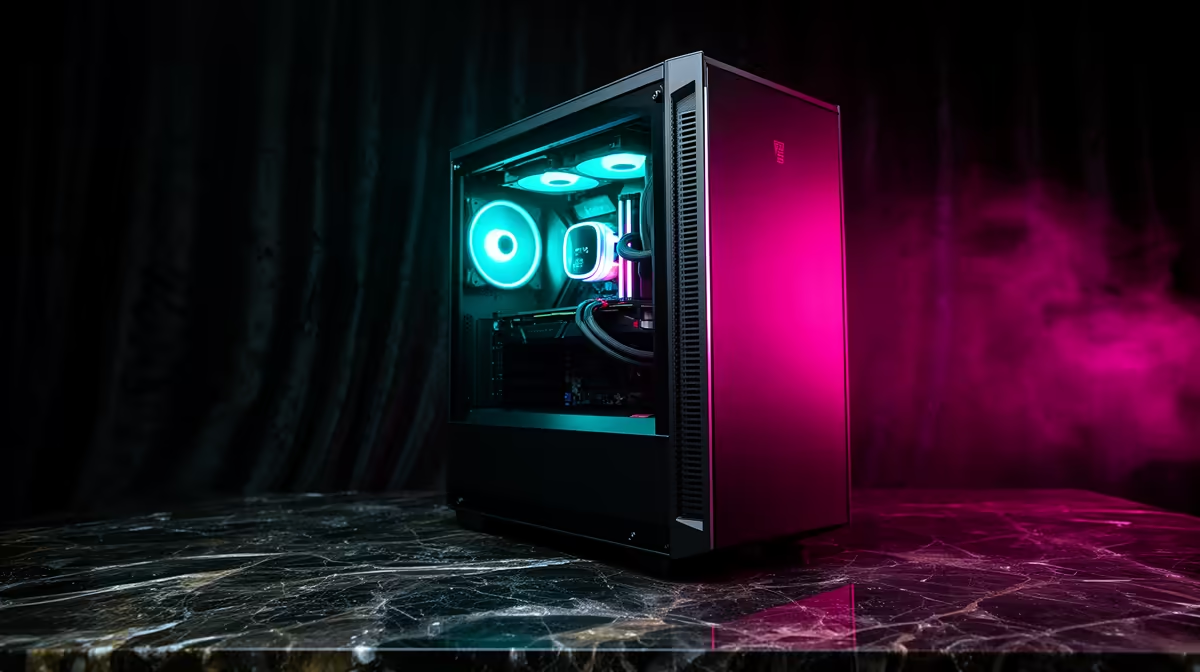
A Twitch and YouTube streaming rig for Paarl costs around R20,000-R28,000. A Ryzen 7 7700, RTX 4060 Ti and 32GB DDR5 streams 1080p60 at 6Mbps while gaming, using NVENC so your in-game frame rate barely moves.
Encode On The GPU, Not The CPU
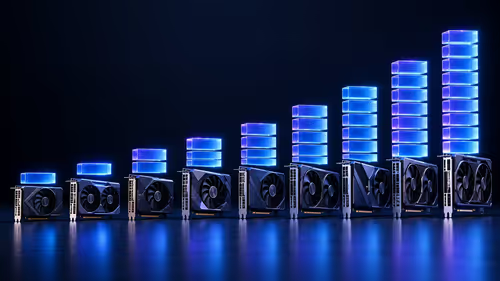
NVIDIA's NVENC encoder compresses your stream on dedicated hardware, freeing the processor for the game and OBS. The RTX 4060 (around R6,500) and RTX 4060 Ti (around R10,500) both have the current encoder. A Ryzen 7 7700 (around R6,500) keeps scenes, alerts and chat smooth during peak viewer moments.
Bitrate, Memory And Mic
Stream 1080p60 at 6,000Kbps on Twitch; YouTube supports 8-12Mbps for sharper motion. Fit 32GB DDR5 so OBS and the game coexist, plus a 1TB NVMe SSD (around R1,100) for fast clip exports. A USB condenser mic gives a bigger quality jump for viewers than any GPU upgrade at this budget.
Paarl Connectivity
Upload speed decides stream stability. Vumatel and Openserve fibre cover much of Paarl and the Cape Winelands; a symmetrical 50/50Mbps or 100/100Mbps line easily sustains a 6Mbps stream with headroom for downloads. The mild climate keeps cooling simple - one intake fan and a rear exhaust suffice to hold the RTX 4060 Ti under 70C during long broadcasts, so you can focus on the stream rather than the hardware.
FAQ
Does streaming halve my frame rate?
No. NVENC offloads encoding to the GPU, so the cost on a single PC is a small dip, not a halving, even at 1080p60.
What is the right Twitch bitrate?
1080p60 at 6,000Kbps for non-partners. Going higher risks buffering for viewers on slower connections.
Do I need a separate streaming PC?
Not at this level. One PC with NVENC handles gaming and streaming. A second PC only helps for elaborate multi-camera production.
in Paarl at your streaming time of day - if upload drops below 10Mbps in the evening, lower your bitrate to 4,500Kbps to avoid dropped frames.