Quick Answer
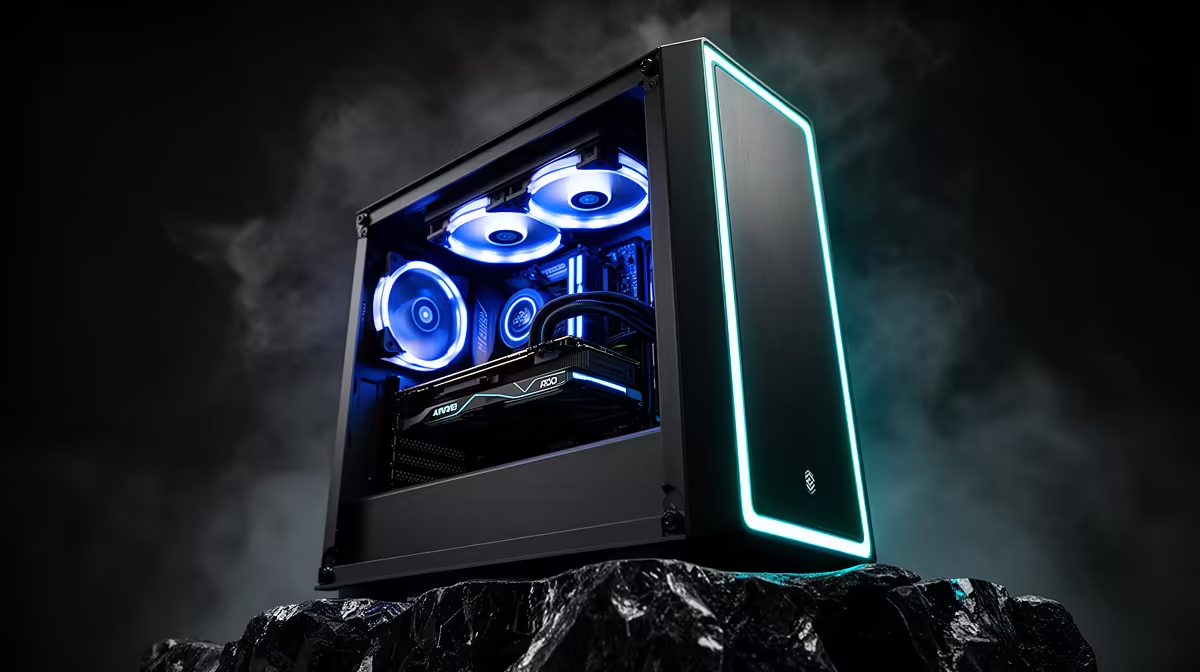
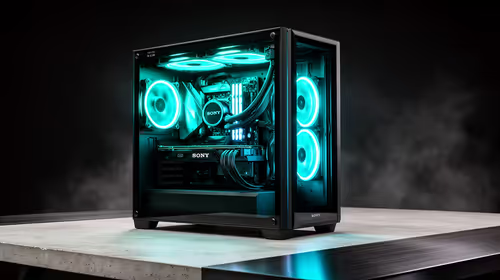
A 1080p video-editing rig for eMalahleni costs around R16,000-R20,000. A Ryzen 7 7700, RTX 4060, 32GB DDR5 and a 1TB NVMe SSD handle DaVinci Resolve and Premiere Pro 1080p timelines with smooth scrubbing and fast exports.
Specs That Speed Up 1080p Editing
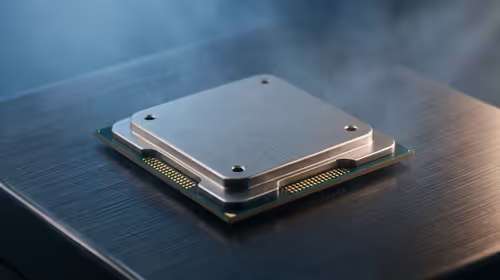
For 1080p editing, the CPU drives timeline responsiveness and the GPU accelerates effects and exports. A Ryzen 7 7700 (around R6,500) gives strong multi-core export speed; an RTX 4060 (around R6,500) accelerates DaVinci Resolve's Fusion and Premiere's GPU effects. 32GB DDR5 prevents stutter with multiple clips and Lumetri colour grades open at once.
Storage Is The Hidden Bottleneck
Video editing is storage-hungry. Use a 1TB NVMe Gen4 SSD (around R1,100) as the working scratch and cache drive so 1080p playback never drops frames, and add a larger HDD for archived projects. DaVinci Resolve in particular benefits from fast scratch storage and 32GB of RAM for caching effects.
eMalahleni Notes
Inland Mpumalanga rooms get warm, so a mesh case with two intake fans and a 650W 80+ Gold PSU keep the GPU under 75C during long renders. Openserve and Vumatel fibre serve parts of eMalahleni for uploading finished 1080p exports. Evetech delivers assembled editing rigs to the Witbank area by courier.
FAQ
Is an RTX 4060 enough for 1080p editing?
Yes. It accelerates DaVinci Resolve and Premiere effects and exports comfortably at 1080p. You only need a bigger GPU for 4K or heavy VFX.
How much RAM for video editing?
32GB is the sweet spot for 1080p. It keeps the timeline, browser and colour grades responsive without swapping to disk.
DaVinci Resolve or Premiere Pro?
Resolve has a strong free version and leans on the GPU; Premiere is subscription-based. Both run well on this build at 1080p.
Resolve's cache and scratch folders to your NVMe SSD, not the HDD - it is the single change that makes 1080p timelines scrub without stutter.