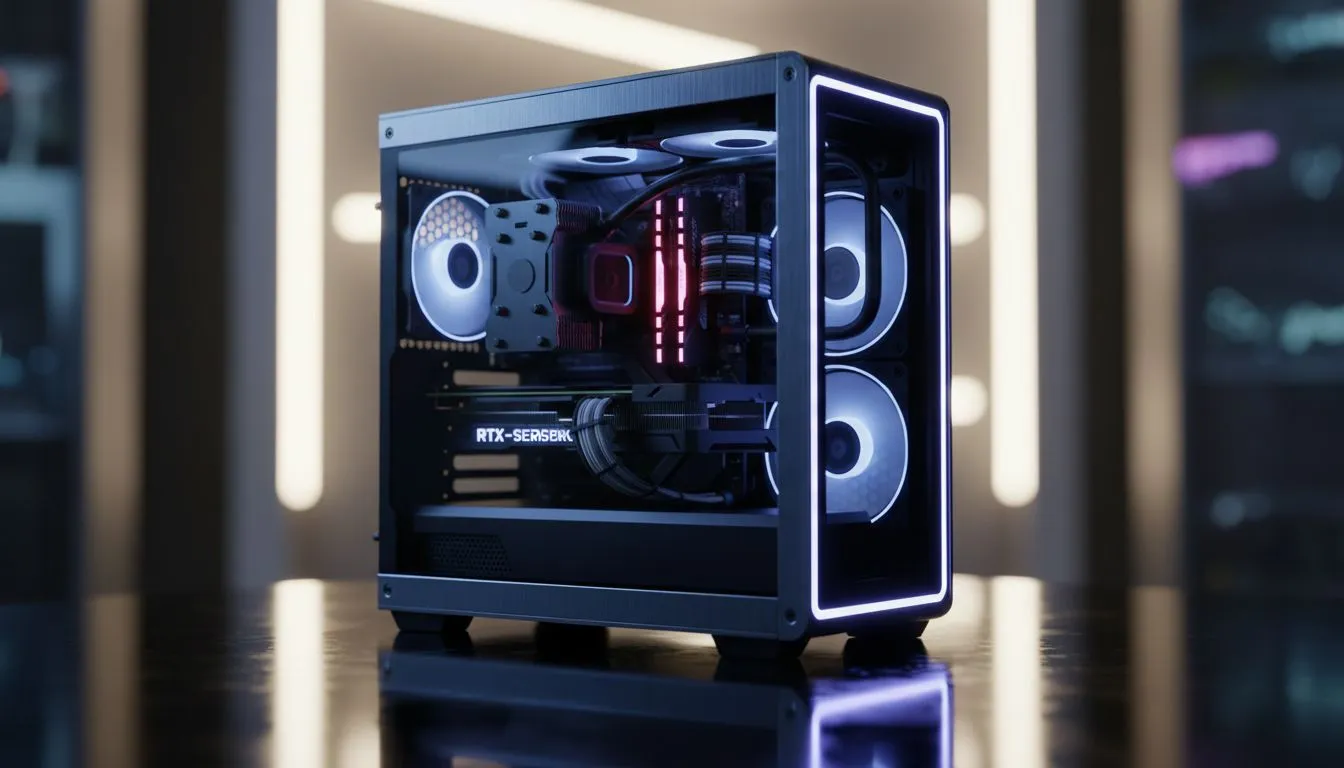
Building a sleek Small Form Factor (SFF) PC is the ultimate flex for any South African gamer. That is, until your beautiful new machine starts sounding like a jet engine during a Johannesburg heatwave. The "sandwich" layout, with components packed tightly together, is a masterclass in space efficiency... and a serious thermal challenge. This SFF sandwich case cooling guide will walk you through the essentials of taming temperatures and unlocking your rig’s true potential. 🔧
The Unique Challenge of SFF Sandwich Case Cooling
So, what makes these cases so tricky? Unlike a traditional tower, a sandwich-style case places your motherboard and graphics card back-to-back, separated by a central spine and connected via a PCIe riser cable. This creates two distinct thermal chambers. While brilliant for saving space, it severely restricts natural airflow. Heat from both the CPU and GPU gets trapped, potentially throttling performance when you need it most.
Effective cooling isn't just a luxury; it's a necessity for stability and longevity. The goal is to actively move hot air out of the case before it saturates the entire system. This starts with choosing the right core components, especially from a wide selection of CPU coolers designed for various thermal loads.
Choosing Your Weapon: Air Coolers vs. AIOs
When it comes to SFF builds, the debate between air and liquid cooling is more critical than ever. Your choice will be heavily dictated by your case's specific clearances and your performance goals.
Low-Profile Air Cooling
For builders who prioritise simplicity and reliability, a high-quality low-profile air cooler is a fantastic option. These coolers are designed to fit in incredibly tight spaces. The trade-off? They have less surface area and mass than their larger cousins, meaning they can be overwhelmed by high-end CPUs like an Intel Core i9 or AMD Ryzen 9, especially if you plan on overclocking. They are perfect, however, for mid-range builds where silence and a set-and-forget setup are key.
The AIO Advantage ❄️
This is where All-In-One (AIO) coolers truly shine. An AIO uses a pump on the CPU block to move liquid to a radiator mounted on the case's edge. This directly expels the CPU's heat outside the chassis, rather than just circulating it internally. For a hot-running processor in a cramped sandwich case, a good Liquid Cooler (AIO) can be the difference between thermal throttling and buttery-smooth frame rates. Many popular SFF cases are optimised for 240mm or 280mm AIOs, making them a natural fit.
Mastering Airflow and Managing Riser Cables
Your cooler choice is only half the battle. Directing air efficiently is crucial. The most common and effective strategy for sandwich cases is setting your radiator or case fans to exhaust. This configuration pulls cool air in through the case's ventilated side panels, forces it over your hot components, and immediately pushes it out.
Don't forget the PCIe riser cable! A cheap, flimsy riser can not only hurt GPU performance but also be a nightmare to route, potentially blocking precious airflow paths. Invest in a quality one and take the time to route it cleanly. Many builders find that premium AIOs, like those from trusted brands such as Corsair, offer flexible tubing that makes navigating around riser cables much easier.
Pro Airflow Tip 💨
Your GPU fans also play a huge role. In most sandwich cases, the GPU pulls air directly from the side panel. Ensure this intake is unobstructed. You can even use your motherboard's BIOS or software like Fan Control to create a custom fan curve that ramps up case fans in sync with your GPU temperature, creating a powerful 'push-pull' effect.
Putting It All Together: A Final Checklist
Before you power on your compact powerhouse, run through this final SFF sandwich case cooling checklist:
- Check Clearances: Double-check your case manual for maximum CPU cooler height and radiator compatibility. Not all SFF cases can fit a massive 360mm Radiator, so measure twice!
- Fan Orientation: Ensure all your case fans are set to exhaust for the best thermal performance in this layout.
- Cable Management: Use zip ties and custom-length cables where possible. Every stray cable disrupts airflow.
- Consider Undervolting: A slight undervolt to your CPU and GPU can significantly reduce temperatures with minimal to no performance loss. It's a free win! ✨
Ready to Build Your Cool & Compact Rig?
Mastering SFF sandwich case cooling transforms a hot box into a high-performance beast. Don't let thermals throttle your dream build. Explore our massive range of PC cooling solutions and find the perfect hardware to conquer the heat in South Africa.