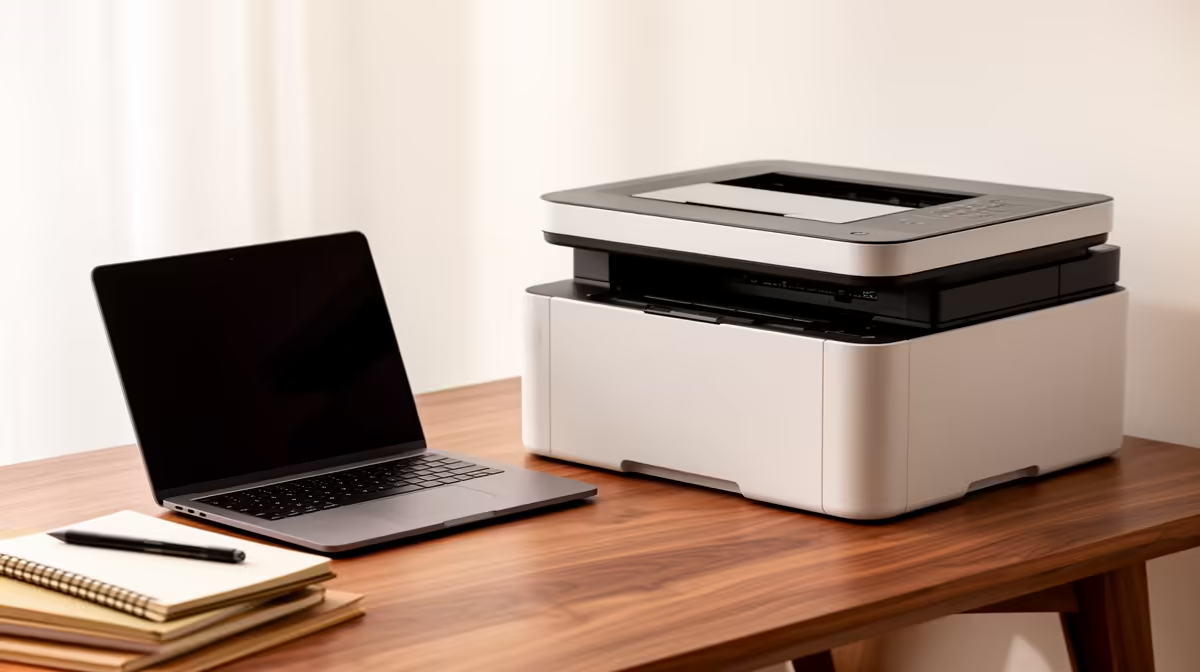
A shared office printer is the right choice for a first-time PC buyer only when several people regularly print or scan and need dependable network access. It should not be bundled into a first setup by habit when documents are mostly digital or occasional output is available elsewhere.
Count pages and devices before selecting features
Track one month of monochrome text, colour work, scans, duplex jobs and signed forms. List every computer and phone that must connect, then identify confidential output and paper sizes. Include consumables, desk space and support in the full setup plan.
No shared printer has a verified SKU or price in the supplied facts. Compare candidates on automatic duplex, document feeder, scan resolution, wired or wireless networking, current drivers, consumable yield, replacement availability, service access and warranty. Calculate running cost from realistic coverage.
Secure printer administration, install manufacturer updates and disable unused remote-print functions. Collect private pages promptly and restrict scan destinations. Maintain an offline procedure for urgent documents when the printer or network is unavailable.
Buy only after shared demand proves the convenience. A compact monochrome model can suit text-heavy work, while rare colour output may remain external. Ask who replaces toner and clears queue errors before assuming a shared device will remain available to every beginner.
Building a first office setup? > Browse Evetech computers and networking after defining print demand.