


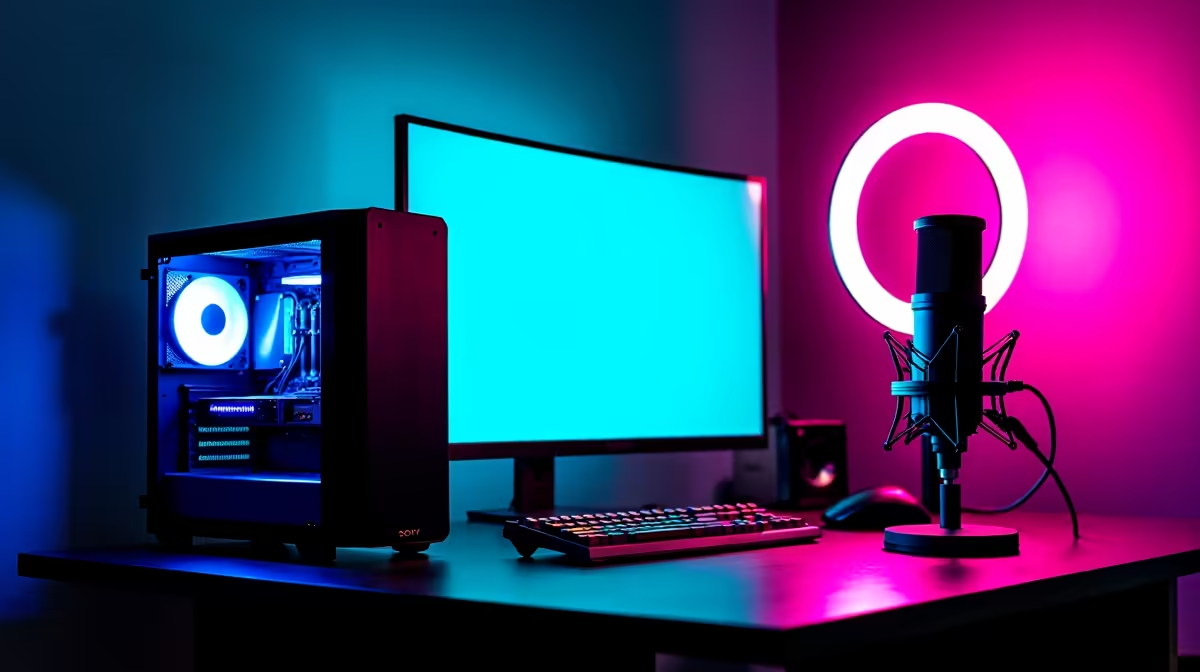
A sensible OBS setup starts with one capable computer, clear microphone audio, stable networking and a modest camera. Allocate money to the complete broadcast path instead of spending the entire system budget on graphics performance. The chosen game, resolution and encoder remain the decisive inputs.
Build the core stream first
The Lenovo LOQ 83GS laptop is verified at R9,500 with a Core i5-12600HX processor, RTX 3050 graphics, 8GB memory and 512GB storage. It provides an entry comparison for PC capture. Confirm memory upgrade options and test the hardware encoder with the intended games rather than assuming every title will stream at the same settings.
Improve sound before decoration
The HyperX SoloCast 2 microphone is verified at R690, while the Logitech Brio 100 webcam costs R458. Place the microphone close to the speaker, reduce room echo and test the camera under the actual desk light. A basic camera with clean lighting can look better than a premium unit in a dark room.
Use wired Ethernet where practical. Run a private hour-long broadcast and review dropped frames, audio sync, fan noise and notification privacy. Save a lower-load OBS profile for demanding games and keep local recordings on storage with enough free capacity. Protect the streaming account with multi-factor authentication and store recovery codes away from the computer.
Buy extras only after three real sessions reveal a repeated limitation.
Pro Tip ⚡
Planning an OBS setup? > Ask Evetech to balance the computer, microphone, camera and network around the intended games.









