A practical streaming setup for music production begins with a quiet computer, sufficient memory, stable USB connections and clean audio capture. Video polish should come later. Live instruments and software effects can create latency or processor spikes that ordinary chat streaming never exposes.
Rehearse the full signal path
Open the digital audio workstation, the real project, streaming software and every scene element. Set the intended sample rate and buffer, then perform for at least twenty minutes while checking audio dropouts, sync, processor peaks and stream health. Use headphones to prevent monitor sound feeding back into the microphone.
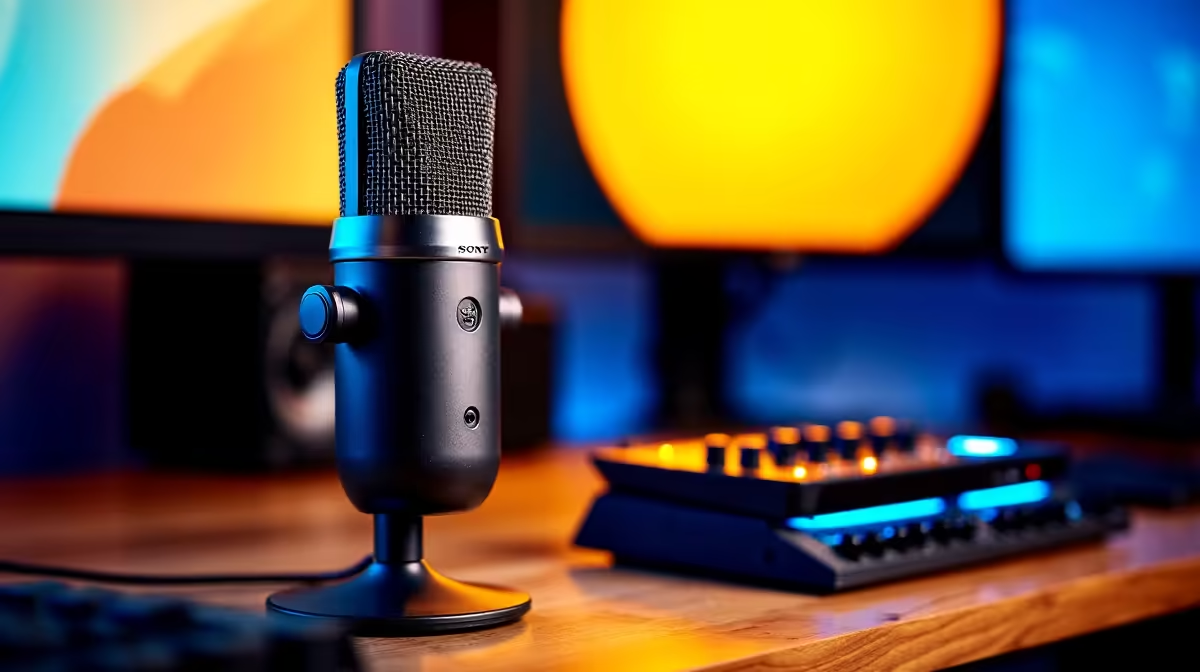
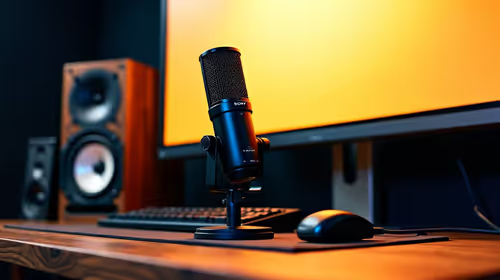
The factpacks verify the Minisforum UM750L mini PC with Ryzen 5 7545U, 16GB memory and a 1TB SSD at R4,600. It is a compact starting reference, but the music software, plug-ins, displays and USB devices must be checked for compatibility. The HyperX SoloCast 2 USB microphone appears at R690. It can handle spoken presentation, yet an instrument or XLR microphone may require a dedicated audio interface. The reference material does not confirm an audio interface or cost.
Keep project storage and backup capacity inside the plan. Connect by Ethernet for important broadcasts, disable unnecessary background updates and save a local test capture. If the current computer already runs the session cleanly, spend first on the missing audio path rather than replacing it.
Assembling a music stream? > Compare verified compact PCs and microphones with Evetech around software, latency and connectivity.