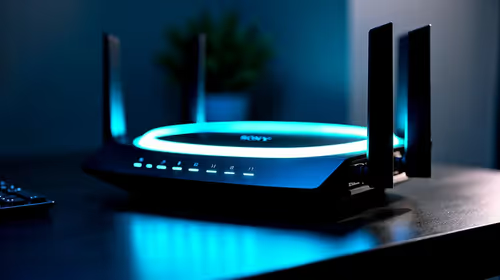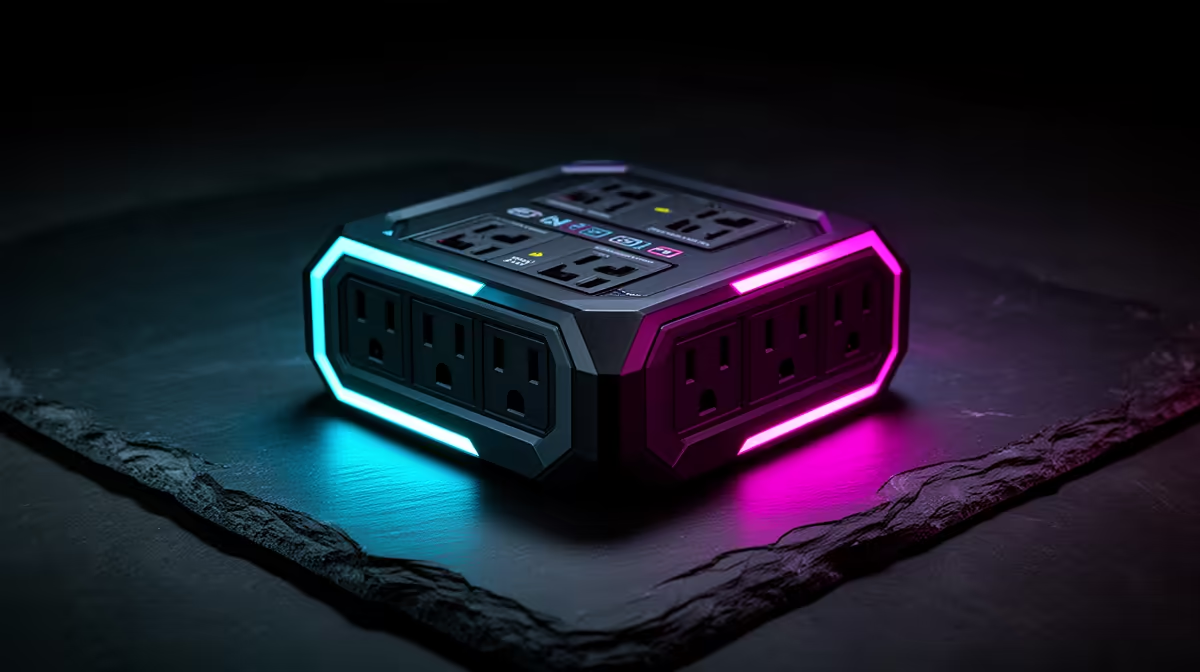
A basic multi-plug adds sockets. A surge-protective device contains components designed to clamp short voltage spikes. A UPS can add battery time and voltage management, depending on its design. None can promise survival from a direct lightning event, and Eskom's published guidance says unplugging equipment offers the best protection from lightning when it is safe to do so.
Quick Answer
Use a certified surge protector or correctly sized UPS connected to a properly earthed outlet. Protect the PC, monitor and any copper network or signal path that can carry a surge. Before a severe storm reaches you, shut down and unplug power and data cables when you can do that safely. Never handle plugs during active nearby lightning.
Evetech's Corsair PSU selection helps you match the computer's internal supply to the build. The power-supply best sellers provide wider wattage and model context, while external surge protection remains a separate layer.
Tell a Power Strip From a Surge Protector
They can look identical. A plain power strip is an extension with several outlets. A surge protector should identify its protective function, electrical ratings, certification and maker.
Check for a protection-status indicator where the model provides one. A lit power switch proves the strip has power, not that its surge components remain effective.
Do not exceed the strip's current and wattage rating. High-draw heaters, kettles and printers do not belong on the same small strip as the gaming PC.
Understand the Layers
A plug-in surge protector handles a class of short spikes at the outlet. Building-level surge protection, correct earthing and lightning protection add upstream layers through qualified electrical work.
A UPS includes battery backup on specified outlets and may provide automatic voltage regulation or online conversion, depending on type. Read the exact model. A cheap standby unit and an online UPS do not condition power in the same way.
The PC power supply has internal protections, but it should not be treated as the sacrificial surge device for the room.
Size a UPS for the Real Load
UPS units carry both watt and VA limits. Neither may be exceeded. Measure the PC and monitor at the wall under the workload you intend to support, then choose headroom and runtime using the UPS maker's sizing tool.
Do not connect a laser printer or other high-inrush appliance to battery-backed outlets unless the UPS maker permits it. Reserve battery capacity for the PC, monitor and network equipment needed for a clean shutdown.
Test the UPS self-check and safe-shutdown software. Batteries age and runtime falls, so a unit that worked years ago still needs a present load test.
Protect Every Copper Path
A surge can arrive through mains, Ethernet, telephone, coaxial or another connected service. Unplugging the power lead while leaving a long outdoor copper network path connected does not isolate the PC.
Fibre itself does not conduct electricity, though powered networking equipment and copper Ethernet inside the home still connect to mains. Review the complete path.
Do not improvise signal protection that breaks earthing or network standards. Use equipment designed for the service and ask a qualified installer when an outdoor cable enters the building.
Use a Properly Earthed Outlet
Surge devices depend on correct installation and earthing. Do not defeat the earth pin or use an unsafe adapter. A wiring-fault indicator is a reason for a qualified electrician to inspect the outlet.
Plug a UPS according to its manufacturer. Some UPS makers instruct you to connect directly to the wall and prohibit another surge strip on the input or output because it can affect operation and cover.
Never daisy-chain power strips. Replace damaged plugs, loose outlets and scorched leads rather than adding another adapter.
Know When Protection Is Spent
Surge components can degrade as they absorb events. Follow the maker's protection indicator and replacement instructions. Replace a unit after a major event when its documentation requires it, or when the protection light fails, the case is damaged or the cord overheats.
There is no honest universal replacement age for every surge protector. Inspect it and follow the named model's guidance.
A UPS battery and its surge circuitry have separate health considerations. A passed battery test does not replace checking protection status.
Prepare Before the Storm
Save work and shut the PC down before the storm reaches the area. Unplug at the wall and disconnect exposed copper data paths when it is safe. Keep cables positioned so this does not require moving a heavy desk in a hurry.
Once lightning is close, do not handle connected electrical equipment. Personal safety comes first. Wait for conditions to pass before reconnecting.
FAQ
Can lightning damage a switched-off PC?
Yes. A connected power or data path remains available even when the PC is off.
Is a basic multi-plug a surge protector?
No. A power strip can add outlets without surge-clamping components. Check certification and the maker's protective ratings.
Does a UPS replace a surge protector?
Many UPS models include surge protection, but capabilities differ. Read its protected outlets, watt and VA limits, voltage features and installation rules.
Protect the complete power and data path with certified equipment, then unplug before nearby lightning when conditions make that safe.