


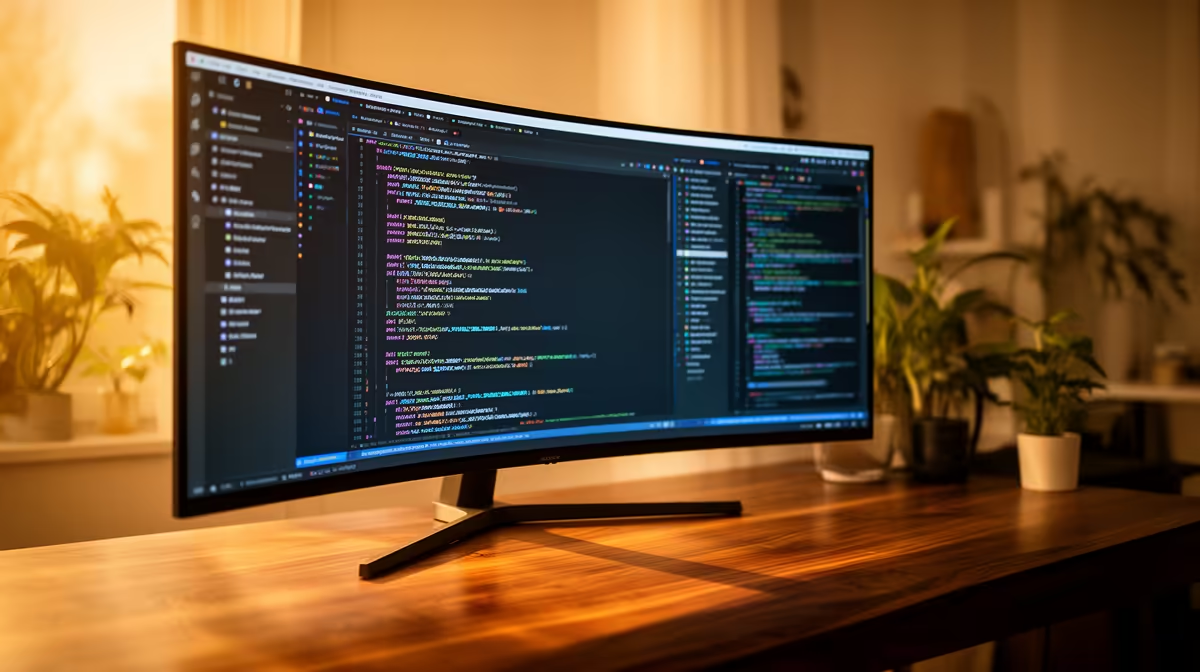
ASUS TUF VG34WQML5A 34 Inch UWQHD Curved Fast VA LED 21:9 250 Hz Gaming Mo at R7700 suits an SA web developer who wants a wide coding canvas without jumping to a dual-screen setup. A good ultrawide monitor can handle this workload well because a 34 inch 21:9 panel gives space for the editor, browser preview, terminal, and reference notes in one clean sweep.
Practical picks for wide-screen coding
The ASUS TUF VG34WQML5A is the strongest value lead here at R7700, with UWQHD resolution, a curved Fast VA LED panel, a 21:9 shape, and 250 Hz refresh. For web development, that means wide horizontal room for layouts and dashboards, while the curve helps keep side panels easier to scan across a full working day.
Samsung Odyssey (34") QHD 3440 x 1440 pixels UltraWide Gaming Monitor at R7999 is another sensible option if the exact 3440 x 1440 workspace matters most. That resolution is useful when testing responsive pages because a developer can keep a browser open beside code and still see enough width to judge desktop layouts properly.
SA home office web development desk
On a student desk, creator desk, or small-business home office table, the Arozzi Nova Curved 34" VA, 165Hz - Black at R4100 is the budget-friendly pick, with a 34 inch curved VA panel and 165Hz refresh. It is not just for gaming rooms; the wide panel can reduce tab switching when checking copy, product pages, CMS fields, and browser previews.
The HP MONITOR OMEN CURVED GAMING 34 INCH WQHD 165HZ 1 YEAR Warranty at R10405 gives a 34 inch curved WQHD panel with 165Hz refresh and a 1 year warranty. That makes sense for a more permanent work desk where the screen will be used for both site work and after-hours entertainment.
Pro Tip ⚡
Ready to choose the right ultrawide monitor? Use ASUS TUF VG34WQML5A 34 Inch UWQHD Curved Fast VA LED 21:9 250 Hz Gaming Mo at R7,700 as the ultrawide monitor shortlist benchmark, then check whether (7 in stock) matches the space, workload, and upgrade path.











