


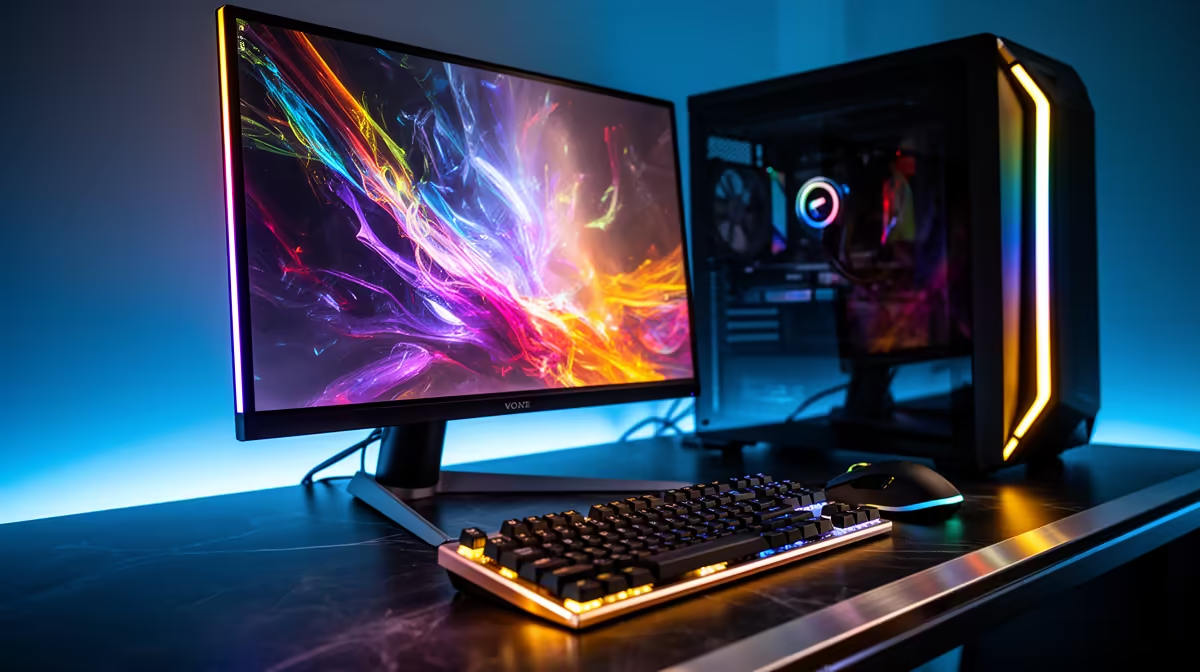
Picking hardware for University of the Western Cape starts with the room, not the spec sheet. A Cape Town student on a real budget wants a machine that fits the desk, runs cool in a shared space and survives the weekly trip between campus and home.
Quick Answer
For a single-monitor University of the Western Cape build around R12,000, a Ryzen 5 or Core i3 tower with 16GB DDR5, a 500GB-1TB NVMe and one 24-27 inch 1080p 75-100Hz panel is the sweet spot. It fits a narrow res desk, sips power, and holds a steady 60fps in the games students actually play. Spend the leftover on a surge-protected plug rather than a bigger case.
Sizing the desk and power before the parts
Measure your res desk first. Most Cape Town residence desks give you 100-120cm of width, which comfortably holds a mid-tower, a 24-27 inch monitor and a keyboard, but leaves little room for a second screen. Note where the wall socket sits, because a tower, monitor, router and phone charger can all crowd one outlet. A four-way surge plug rated for at least 2,000 joules protects the whole desk for under R350. If you commute home on weekends as a Vaalie, pick a case under 8kg so the machine travels without a full rebuild.
Where to spend and where to save
Put money into the SSD and monitor, not RGB. A 1TB NVMe (around R1,100) loads Windows, your course software and a couple of games without the constant juggling a 256GB drive forces. 16GB of DDR5 keeps a browser full of research tabs open alongside a game. The GPU only needs to hold 1080p at 60-100fps for the titles students run between lectures, so the integrated graphics on a Ryzen 5 8600G can even cover lighter games while you save for a dedicated card.
Power, heat and noise in a shared room
Residence rooms get warm and you often share with a roommate, so cooling and noise matter. A case with one intake and one exhaust fan keeps temps sensible in Cape Town's summer without sounding like a hairdryer. Run the tower off the floor on a small riser so dust and spilled coffee stay clear of the intake. Keep the PSU at 80+ Bronze or better; a quality 550-650W unit runs cool and quiet for these mid-range parts and protects the components when residence power flickers.
FAQ
How much should a University of the Western Cape residence PC cost?
Budget around R12,000 for a capable single-tower setup including the monitor. You can start lower near R8,000 with integrated graphics and add a GPU later, or stretch to R18,000 for smoother 1080p high-refresh play.
Will this build fit a standard residence desk?
Yes. A mid-tower plus a 24-27 inch monitor fits the typical 100-120cm res desk with room for a keyboard and notes. Choose a compact case under 45cm tall if your desk has an overhead shelf.
Can I run it safely off one wall socket?
Use a surge-protected four-way plug rated for 2,000+ joules, which costs under R350. That covers the tower, monitor and router on one outlet and shields them when residence power blinks.
your desk width, the wall-socket position and your monitor size before you shop. That two-minute check at the Evetech site prevents buying a tower or panel that looks great online but cramps a University of the Western Cape res desk.










