


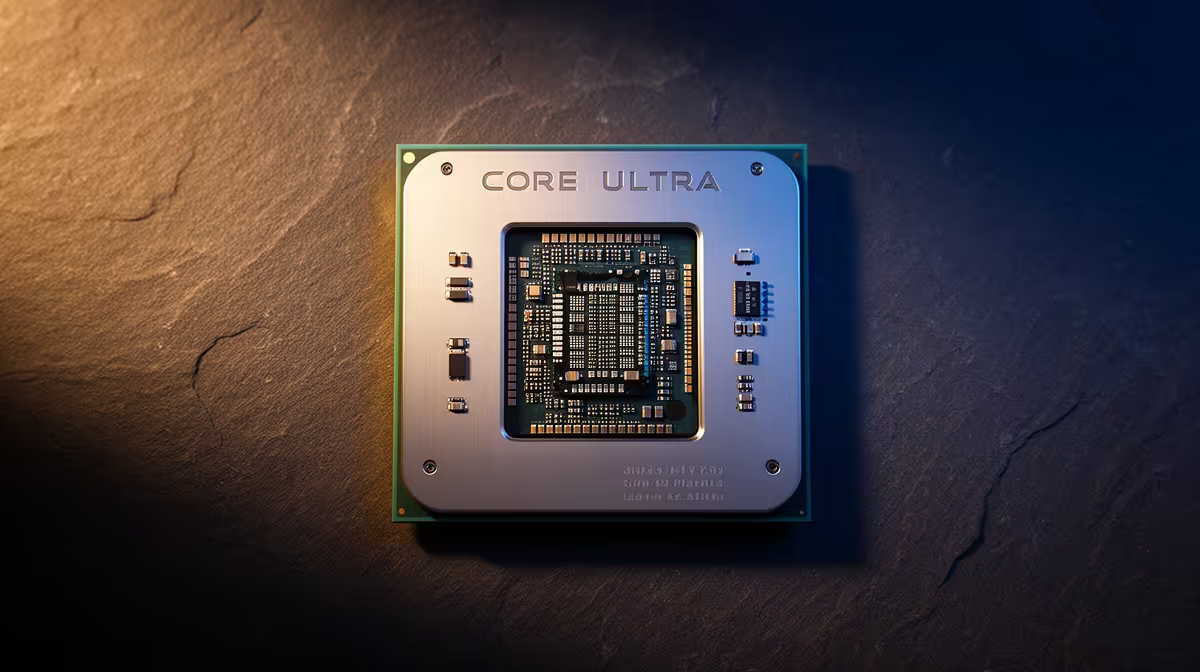
Treat this as a diagnosis, not a shopping trip. Below is an ordered, South African gaming checklist for the symptom in the heading, written so each step is something you can verify yourself before booking a repair or buying a replacement.
Quick Answer
Treat this as a diagnosis, not a shopping trip. This usually comes down to power delivery, an unstable EXPO profile or background load rather than a faulty Core Ultra 9 285K. Run a fixed 20-minute test after each change and keep the one that holds at a steady frame rate or a stable temperature under 85C.
PSU and connector checks
Set the Windows power plan to High performance so the CPU is not parked at low clocks during games. Re-seat the 12V-2x6 and 8-pin EPS connectors fully; a half-clicked plug shows up as random shutdowns under load.
Memory stability checks
Drop to two sticks in the correct A2 and B2 slots if four-DIMM configs refuse to post cleanly. Drop to two sticks in the correct A2 and B2 slots if four-DIMM configs refuse to post cleanly.
Drivers, BIOS and Windows
Check that a recent Windows feature update did not swap your tuned driver for a generic Microsoft one overnight. Roll the GPU driver back to the last stable release, then do a clean reinstall using DDU so leftover files do not clash.
Temperatures under load
Confirm the case has a clear front-to-back path and that no cable is resting against a 120mm or 140mm fan. Log temperatures across a 20-minute session; a CPU sitting at 95C or a VRM past 100C points to airflow or paste, not the silicon.
Plan a baseline budget of around R15,000 before you start.
FAQ
Is the Core Ultra 9 285K actually the problem?
Not until the software, heat, power and cable checks all pass. The Core Ultra 9 285K is the platform under review, so rule out the cheaper causes first and only suspect the hardware once a clean reinstall and a default-BIOS test still fail.
Does heat explain random crashes?
Often. A CPU sitting at 95C or a GPU hotspot past 100C will throttle or shut down to protect itself, so log temperatures across a full session rather than reading one quick number.
Is it safe to keep using the PC like this?
If it shuts down or blue-screens, stop heavy loads until you find the cause. Repeated hard crashes can corrupt the boot drive, so back up your data before deep testing.
Pro Tip
one variable per test: adjust a setting, re-run the same 20-minute load, then decide.











