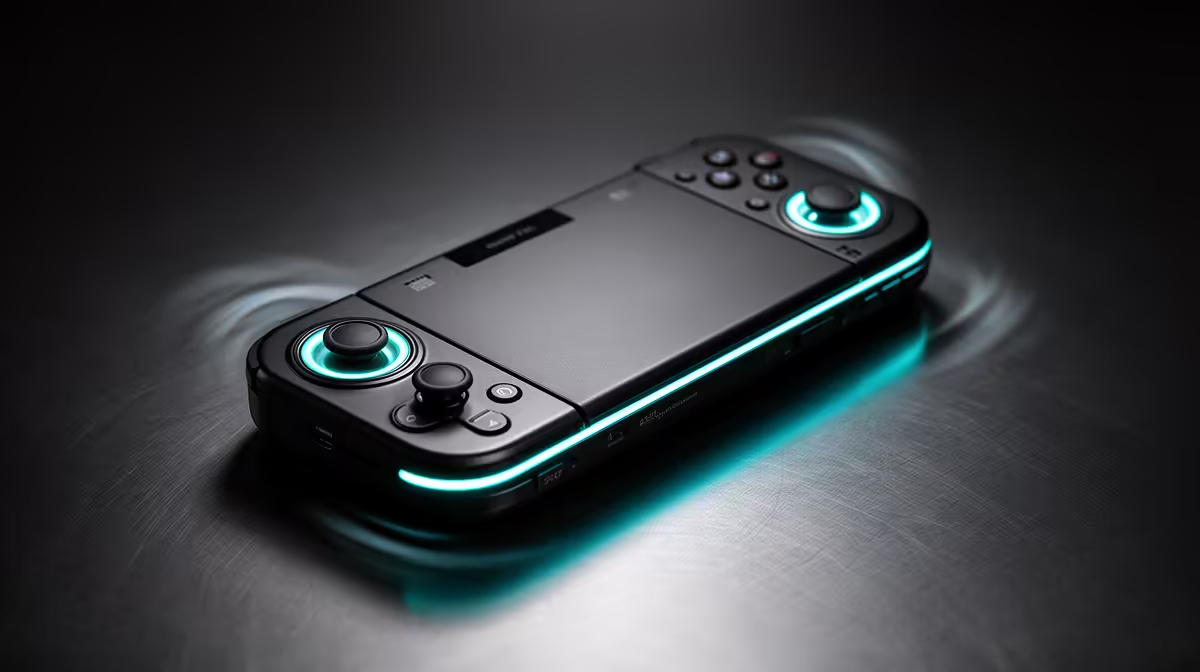
Louder fan noise on a Steam Deck after a Windows update tracks back to the APU running hotter, since the fan only reacts to heat. A changed power plan or driver is the usual trigger.
Quick Answer
Increased Steam Deck fan noise after a Windows update usually means a power plan or driver is pushing the APU harder, raising heat the fan then chases. Set a balanced Windows power plan, install the Deck drivers, and cap demanding games. SteamOS typically keeps the fan quieter through better power tuning.
Heat drives the fan
The fan is a symptom, speeding up because the APU got hotter. On Windows-on-Deck, an aggressive power plan or a generic driver runs the chip harder for the same frames, so it heats up and the fan responds. Installing the Deck-specific drivers and a balanced plan lowers the heat the fan is reacting to.
Quiet it down
Cap demanding games to a sustainable frame rate so the APU is not pushed to maximum, which keeps the fan calmer. Clean the rear intake to restore airflow so the fan does less work. If a quiet handheld matters most, SteamOS manages power more efficiently and tends to spin the fan less than a stock Windows setup.
Bottom Line: Steam Deck fan noise after Windows updates
To sum up for SA buyers weighing this: The fan is a symptom, speeding up because the APU got hotter. On Windows-on-Deck, an aggressive power plan or a generic driver runs the chip harder for the same frames, so it heats up and the fan responds. This keeps the decision grounded in what actually changes the experience rather than headline numbers, so you spend where it counts.
FAQ
Why is my Steam Deck fan louder after a Windows update?
The APU is running hotter, usually from a changed power plan or driver. Install Deck drivers and use a balanced power plan.
Does capping fps quiet the fan?
Yes. A sustainable frame cap eases the APU load, lowering heat so the fan spins slower.
Is the fan quieter on SteamOS?
Generally yes. SteamOS tunes power more efficiently, producing less heat for the fan to chase than stock Windows.
Quiet the Steam Deck after an update.
Install Deck drivers, set a balanced power plan, and cap frames. Browse Evetech for the OLED Deck or accessories if you want a cooler, quieter handheld.