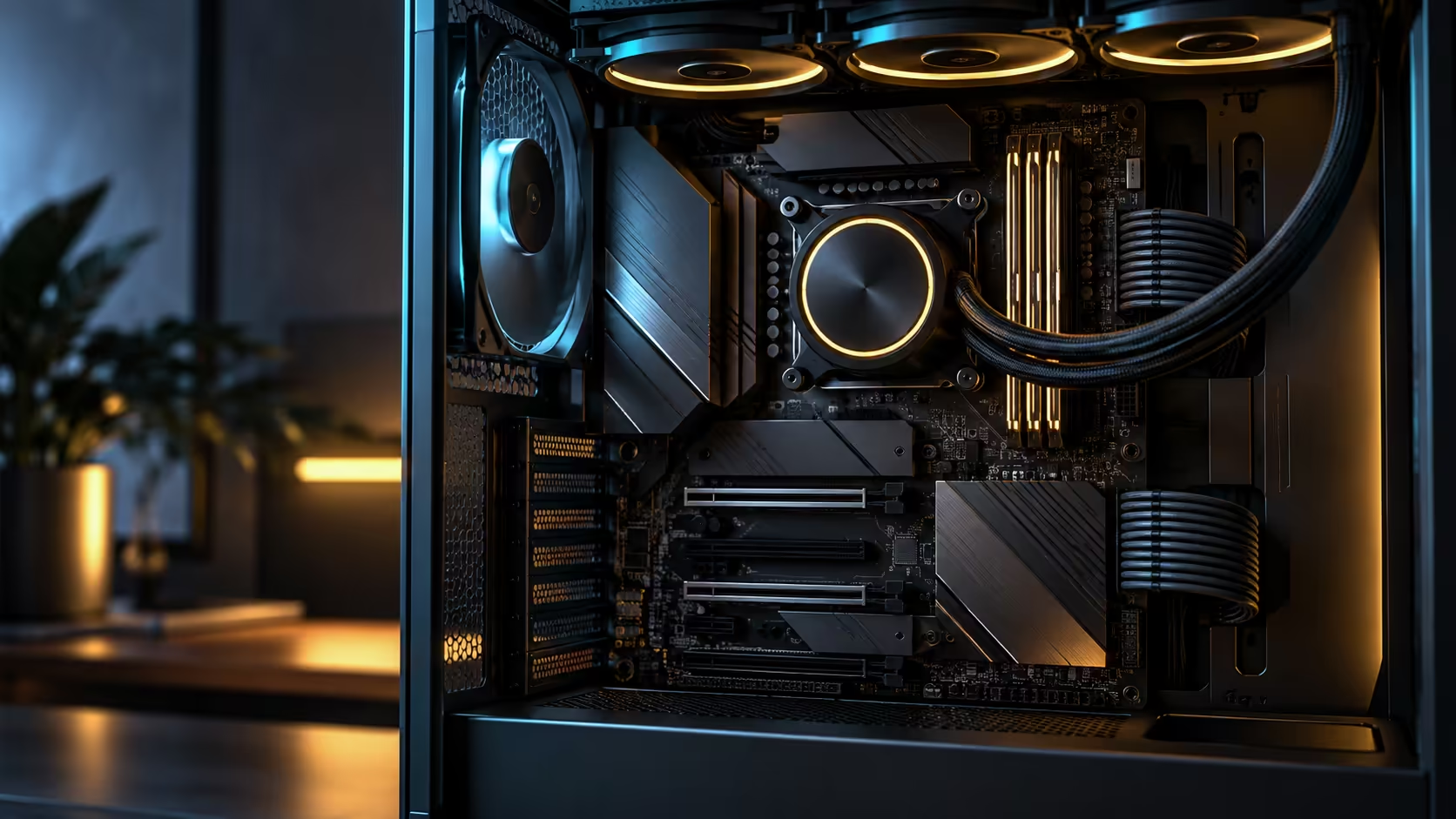
Spending order matters more than total budget when three big-ticket items compete for the same rand amount. An AM5 motherboard, DDR5 and 360mm cooling budget goes further when the board is decided first, because it fixes what memory you can even buy and, on some boards, removes the cooling line item entirely.
Quick Answer
Spend on the board first, since it fixes your socket, memory type and port list for the life of the build. Memory speed comes second, and cooling comes third, except where a board bundles its own AIO and takes that line off the list completely. This R54,999 flagship's included Ryujin 360 does exactly that, freeing the remaining budget for memory and the graphics card instead.
🥇 Why the board goes first, always
Every other component in an AM5 build depends on the board's own decisions: which CPU generations it supports, what DDR5 speed up to 8600+MT/s it is rated for, and how many of its 5 fast storage slots it offers without an add-in card. Committing to a board late in the budgeting process risks discovering it cannot actually run the memory kit or CPU already bought, which is a far more expensive mistake to unwind than simply planning the order correctly from the start.
Once the board is settled from the AMD motherboard range, every remaining decision has a fixed set of compatible options rather than an open-ended search.
🥈 Memory speed second, and why it beats capacity for most budgets
With the board's memory ceiling known, the next spending decision is how close to that ceiling to buy. A mid-tier DDR5 kit running comfortably within the board's rated speed, rather than the fastest kit available, is usually the better use of budget for most builds, since going right to a platform's stated maximum often costs disproportionately more for a small additional gain.
Prioritise speed over raw capacity unless your specific workload genuinely needs a very large amount of memory. A well-specced kit from the DDR5 range at a sensible capacity leaves more of the budget for the components that affect daily performance more directly, such as the graphics card. A 32GB kit running comfortably fast covers the large majority of gaming and creative workloads without the premium a 64GB or 128GB kit commands for headroom most builds will never actually use.
🥉 Cooling last, unless the board already answered it
Cooling is traditionally the third line item, and shopping the liquid cooler range separately for a 360mm AIO to match a high-core CPU is a meaningful budget line on its own. Some boards remove this decision entirely by bundling a matched cooler, and the Crosshair X870E Edition 20 is one of them, arriving with its Ryujin 360 Edition 20 already fitted as part of the R54,999 total.
That changes the practical order for anyone buying this specific board: with cooling already answered, the third slot in the budget effectively opens up for something else, whether that is a faster storage drive, a larger case, or simply putting more toward the graphics card. Buying the bundled cooler locally also means a single warranty claim covers the whole unit rather than two separate ones from two different suppliers.
💰 What a settled order actually saves
Planning in this sequence avoids the two most expensive budgeting mistakes: buying memory before confirming the board's actual support for it, and buying a separate 360mm cooler for a board that already includes one. Both mistakes cost real money to correct, either through a return process or through owning a spare component with no use in the build.
A build that spends on the board first, memory second at a sensible speed rather than the maximum, and treats cooling as already handled where the board allows it, tends to land closer to its intended total budget than one shopped in whatever order the parts happened to catch the buyer's eye.
Frequently Asked Questions
Why should the motherboard be the first purchase in an AM5 build?
Because it fixes the CPU generation, memory type and speed ceiling, and available storage slots for the rest of the build, so buying it last risks incompatible choices made earlier.
Is the fastest available DDR5 kit always worth the extra cost?
Usually not. A kit running comfortably within the board's rated speed at a reasonable capacity is often the better value than chasing the platform's absolute ceiling.
Does every AM5 board include a cooler?
No. Most require a separate cooler purchase; a board that bundles one, like this R54,999 model with its included Ryujin 360, removes that line from the budget entirely.
What is the most common budgeting mistake in an AM5 build?
Buying memory or a cooler before confirming the board's own specifications, which can leave a buyer with a component that does not suit the eventual board choice.
Where should leftover budget go once the board's cooling is already included?
Toward the graphics card or faster storage, since those are the components that most directly affect day-to-day performance for most workloads.
Ready to spend your budget in the order that actually protects it?
Settle the board first, then memory speed, then check whether cooling is already handled before shopping for it separately.