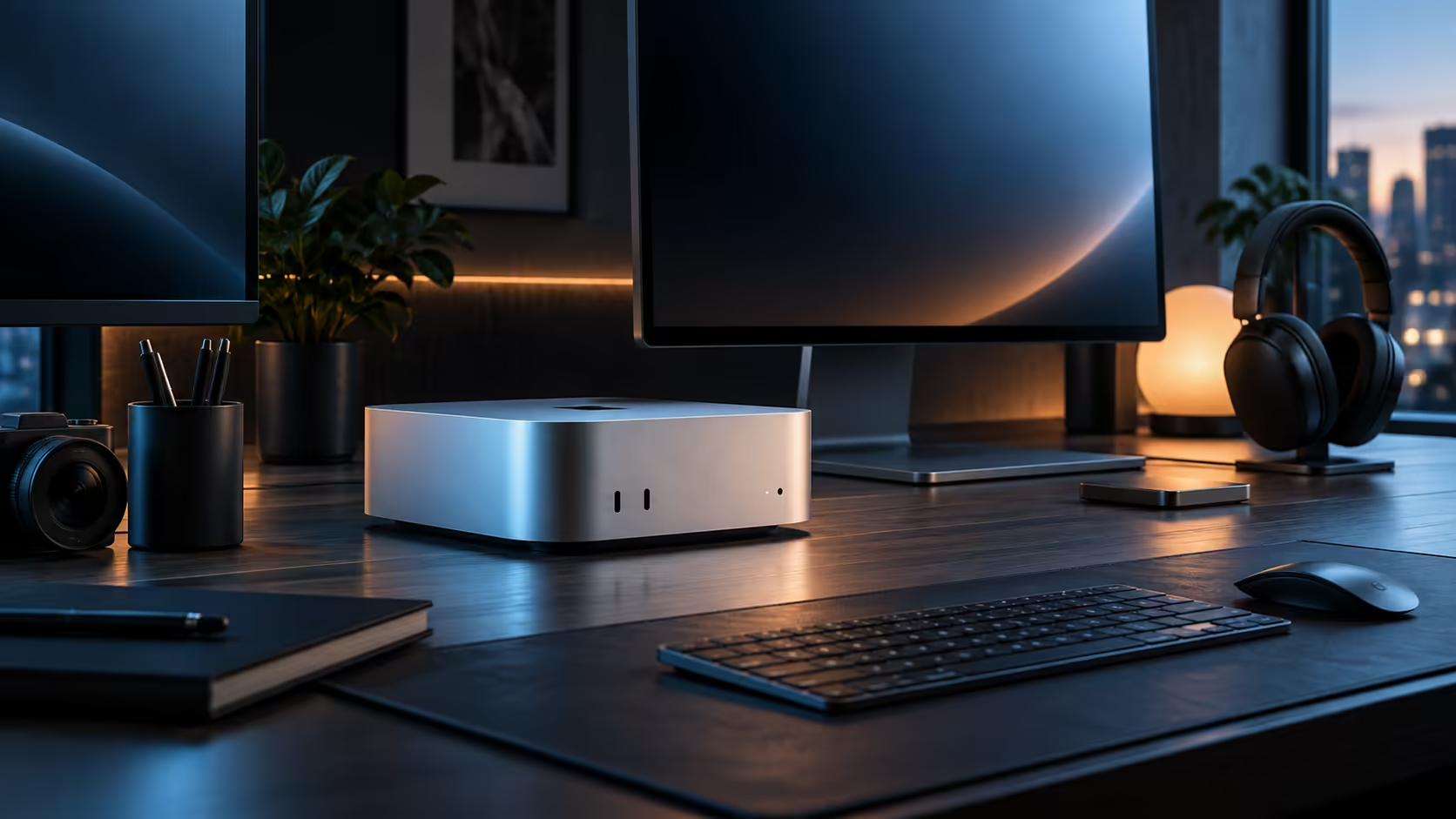
A monitor arm, the right cable and a proper stand cost a small fraction of a Mac Mini itself, yet they change how a desk feels every single day far more than their price tag suggests, which is exactly why display accessories deserve their own line in a ZAR budget rather than an afterthought.
Quick Answer
Settle memory first, since it is fixed for life and cannot be revisited, on a R21,699 base configuration. Storage can always be added externally later without penalty. Display accessories, a monitor arm, VESA hardware and a properly rated cable, are the smallest and most flexible spend on the list, and they are worth adding once the bigger decisions are locked in rather than skipped to save a few hundred rand.
💾 Memory: settle it before anything else on this list
This configuration's 16GB of unified memory cannot be changed once it ships, unlike a traditional PC where system memory can often be added later, so buying it locally with a proper warranty matters more here than on a part that could otherwise simply be swapped out. Spend the most planning time on this single figure, because it is the one line item a later budget review cannot fix.
🗄️ Storage: the flexible middle of the budget
The 512GB internal drive holds documents, photos and applications comfortably, and video is the one workload that fills it faster than expected. Because an external drive can be added at any point after the initial purchase without any downside, storage sits lower on the priority list than memory despite feeling like the bigger decision upfront.
🖥️ Display accessories: small spend, daily difference
A monitor arm frees real desk surface and lets a screen sit at proper eye level, which matters more to daily comfort than almost anything else on this list, yet it is routinely the first thing cut from a tight budget. A cable rated for your monitor's actual resolution and refresh rate, rather than whatever came bundled, also belongs here rather than being assumed as a given. Browse monitor accessories once the machine and memory decisions are locked in.
🧾 Why this order actually saves money
Buying a R500 arm or a cable before settling on memory or storage risks mismatching it to a setup that later changes, whereas locking in the machine first and adding accessories last means every purchase fits the final desk rather than an earlier guess at it.
Frequently Asked Questions
Isn't storage the bigger decision, since it holds all my files?
Memory is locked in on day one for good, whereas an external drive can join the setup whenever you actually need one, penalty-free.
Are display accessories really worth a dedicated budget line?
Yes, a monitor arm or a properly rated cable makes a noticeable daily difference for a relatively small cost against the machine itself.
Should I buy the monitor arm before or after choosing the monitor?
After, generally, since the arm needs to match the monitor's weight and VESA pattern rather than the other way round.
Is it worth budgeting for accessories before ordering the machine itself?
Set a rough figure aside mentally, yes, but hold off on any actual accessory purchase until the machine and memory decision are locked in, since guessing at accessories too early risks buying something that does not suit the final setup.
How much should a first-time buyer budget for display accessories specifically?
A few hundred to around R1,000 covers a basic monitor arm and a properly rated cable, which is a small fraction of the machine's own R21,699 price but makes a noticeable daily difference to comfort.
Does spending more on display accessories ever stop paying off?
Yes, past a certain point diminishing returns set in quickly; a solid arm and a properly rated cable cover most of the benefit, and spending considerably more rarely improves daily comfort by much further beyond that point.
Is a cheap generic cable ever a false economy on this kind of budget?
Often, yes; an unrated cable can silently cap resolution or refresh rate below what the monitor and machine both support, so the small saving costs real, ongoing image quality every single day the desk is actually used for work.
🖥️ Where the wider range fits into the same order
This same memory-first, accessories-last order applies whether the final choice is this configuration or something else in the mini PC category, since the underlying reason, one figure is fixed for good and the rest can flex, does not change with the brand on the case.
🧮 What a Windows shopper needs to unlearn first
A Windows build usually treats system memory as an upgrade you can revisit any weekend with a screwdriver, which is exactly the habit that causes trouble carried over here. Budgeting time, not just rand, toward getting the 16GB decision right upfront matters more on this machine precisely because that later weekend fix does not exist.
Ready to budget a Mac Mini desk in the right order?
Settle memory first, then plan storage and display accessories around your actual setup.