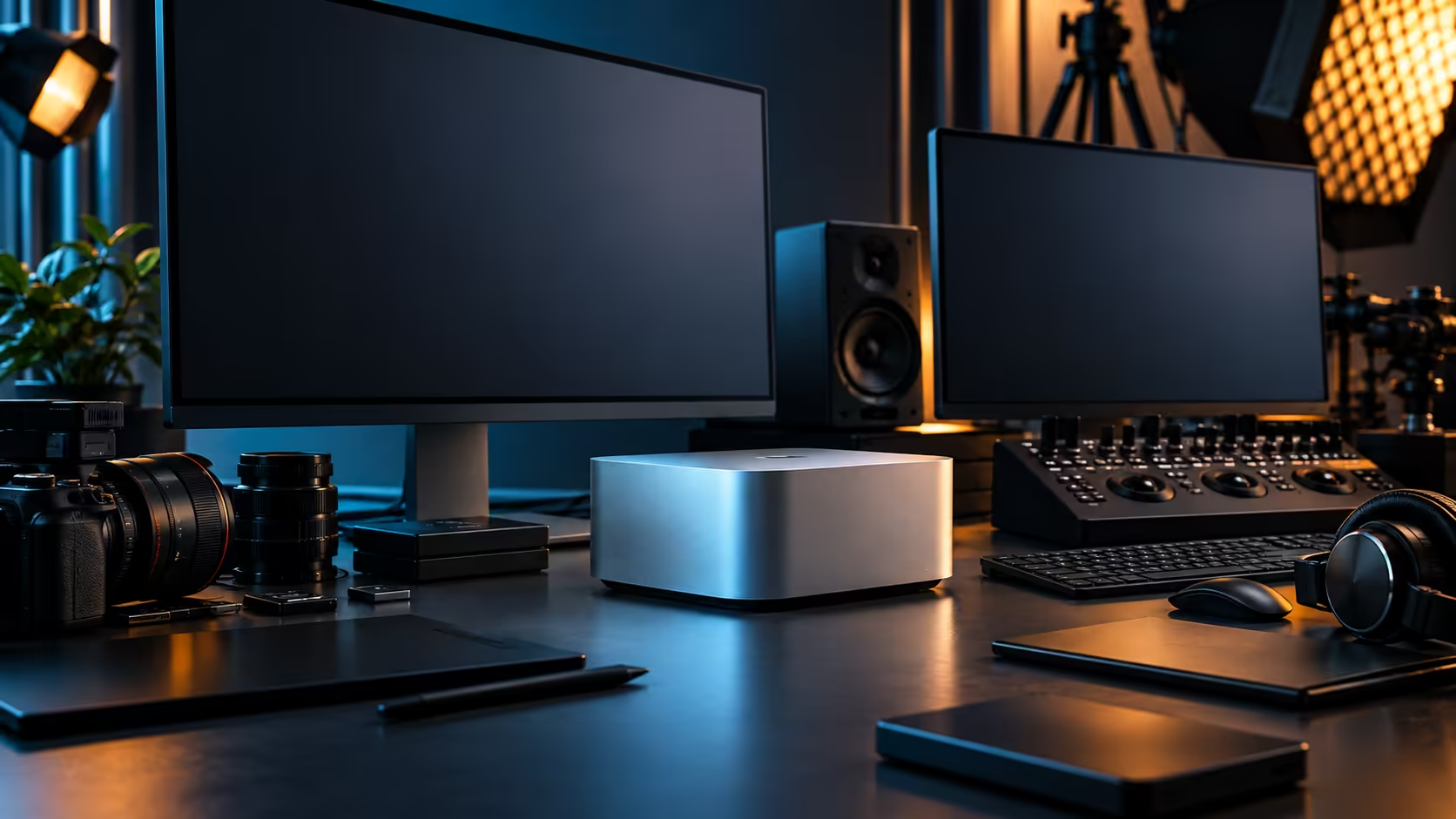
Spend money where a decision can never be revisited, and defer spending where it can. That single rule does more for a South African Mac Studio budget than any spreadsheet, because two parts of this purchase are permanent and everything else can be added later as the work demands it.
Quick Answer
Memory and chip tier are fixed for the machine's life, so decide those against your heaviest realistic project and don't try to save money there. Storage, displays and Thunderbolt cables can all be added incrementally after the initial purchase, so it's fine to start modest and grow into the setup. The Mac Studio M5 Max itself, with 36GB and 512GB, is R49,499.
🔒 The two decisions you cannot revisit
Get these right first, because there's no upgrade path for either one afterward.
The M5 Max chip and its 36GB of unified memory are fixed at the point of purchase, sealed into the machine with no user-accessible path to add more later. This is the one part of the whole budget worth spending real time on: open your current heaviest project, watch how much memory it actually uses under real load, and size this decision against that number rather than a marketing comparison against other machines in Apple's wider lineup. Do this before comparing configurations across the mini PC range, since it tells you which tier is actually worth paying for rather than which one simply looks safest on paper.
🇿🇦 Why buying locally protects this budget
A cheaper-looking overseas listing rarely accounts for what a South African buyer actually pays once the machine has to travel.
Customs and import duty on a R49,499 machine can erase most of an apparent saving before the box even arrives, and a fault on privately imported hardware generally has to travel back overseas for repair rather than being handled down the road. Building the budget around a local purchase from the start keeps the total honest and keeps support close by if something needs attention later.
📦 What can wait until the budget allows it
Everything downstream of the machine itself is a staged decision, not a one-shot commitment.
Real project work eats into the 512GB internal SSD faster than the number on the box suggests, but external Thunderbolt 5 storage from the SSD range can be added at any point after the initial purchase, in whatever capacity your current budget allows, and expanded again later without touching the machine itself. The same is true of Thunderbolt-certified cables from the comprehensive cable range: buy what you need today, and add more as the desk grows around the machine.
🖥️ Displays sit in the middle of this ordering
A monitor is a real cost, but it's not permanent the way memory is, and it's worth treating it that way in the budget.
Start with a single 27-inch monitor suited to your actual work rather than the largest one you can justify, and treat a second or third screen as a later addition once the core setup has proven itself in daily use. This staged approach keeps the initial outlay focused on the machine and its memory tier, which is where the money genuinely can't be recovered by an upgrade path afterward.
💰 A South African budget worked through in order
Put the numbers in the sequence that actually matches how permanent each decision is.
Start with R49,499 for the machine and its fixed memory tier, confirmed against your real workload. Add a Thunderbolt-rated cable or two immediately, since these are cheap and necessary from day one. Budget for external storage within the first month of ownership rather than waiting for the internal drive to actually run out. Treat the display and any further accessories as the flexible part of the plan, expanded as the work and the budget both allow it, rather than a fixed number decided on day one.
Frequently Asked Questions
What part of a Mac Studio purchase should I spend the most time deciding on?
The memory tier, since it's fixed for the machine's entire life and cannot be upgraded afterward. Everything else can be added incrementally.
Can I add more storage to a Mac Studio after buying it?
Not internally, but external Thunderbolt 5 storage can be added at any point and expanded again later as your needs grow.
Should I buy a display immediately or wait?
You need at least one screen to use the machine, but treat additional screens as a staged upgrade rather than a day-one requirement, particularly on a tighter budget.
Why does memory get more attention in this budget than other components?
Because it's the one decision with no upgrade path. Storage, cables and displays can all be added or changed later without touching the machine's core specification.
How should I stage a Mac Studio purchase on a limited South African budget?
Prioritise the machine and its memory tier first, add essential cables immediately, plan for external storage within the first month, and treat displays and further accessories as ongoing additions rather than a single upfront cost.
Ready to budget for a Mac Studio the way its own architecture actually demands?
Get the memory tier right first, then stage storage, cables and displays as your setup grows.