



A new game in a cloud library can save you a hardware purchase, but only if your account and connection can actually use it. Aniimo GeForce NOW support appears in the 17 September update, giving South African players another reason to test streaming on the equipment they already own before pricing a new graphics card.
Quick Answer
Aniimo is included in the new GeForce NOW game announcement, with titles being added throughout the week. Start with R0 in new hardware spending: check the game and supported store in your regional account, then run the connection test. That is not a promise of a free subscription; provider access, service charges and regional capabilities still need checking.
☁️ Confirm the route from your account to the game
The global update announces eleven additions, including Aniimo, Active Matter and Outer Wilds. An announcement is a reason to look in the service, not proof that every store version and regional account has immediate access. Check the actual listing you will launch before making another purchase.
Confirm which account owns or accesses the game and which store connection the streaming service expects. Do this before troubleshooting image quality. A missing entitlement or unsupported store path will not be solved by changing your router, screen or PC graphics settings.
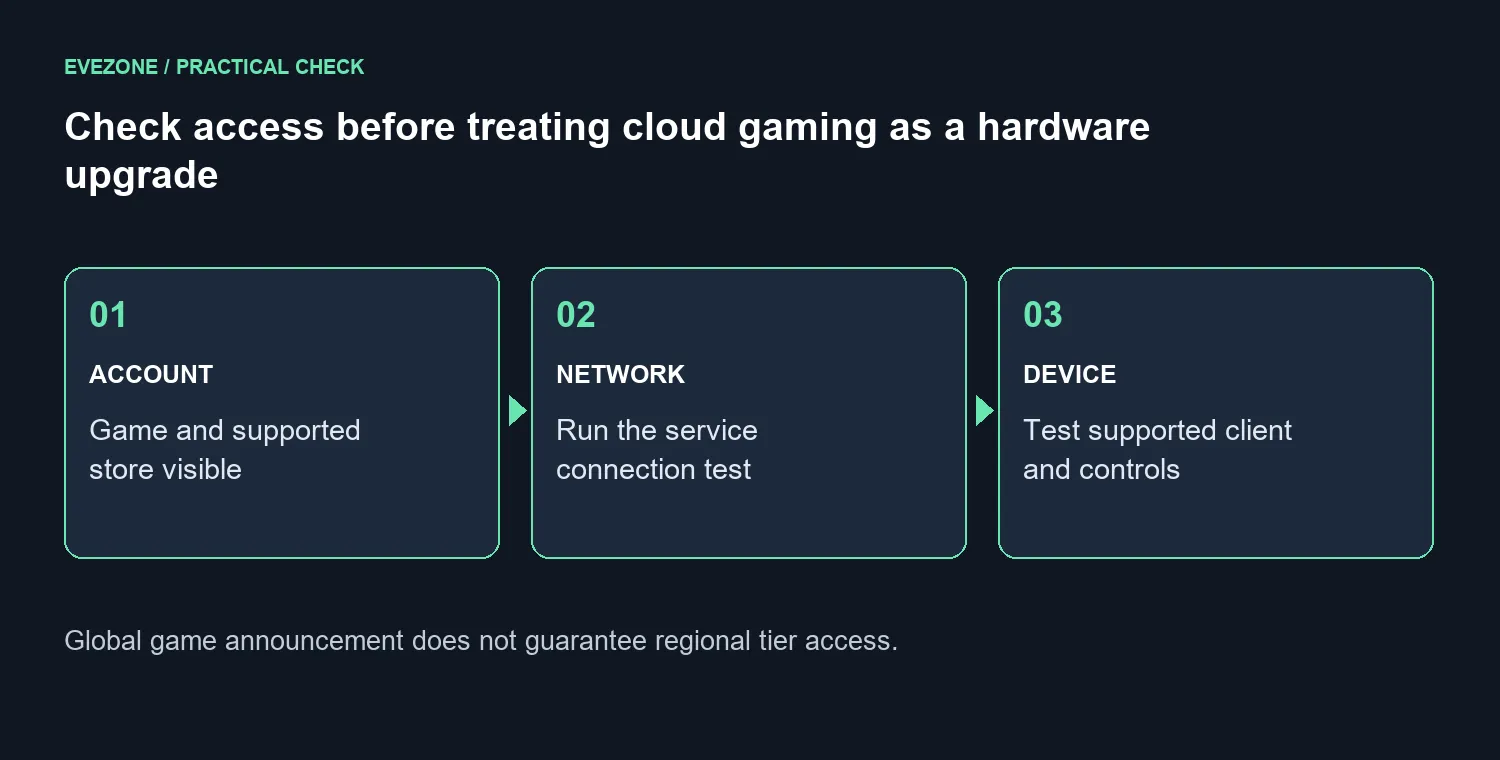
South African players should also read the local provider's current service terms. Do not assume that the highest globally advertised streaming tier, resolution or server hardware applies to the regional offer. Keep a note of the plan you are testing so later comparisons use the same service conditions.
📶 Test stability where you will actually play
NVIDIA specifies 25Mbps for 1080p streaming at 60fps and requires less than 80ms latency to its data centre. Those are service requirements, not a guarantee that a connection advertised above that speed will feel good in every room. Test at your normal playing time, with the household using the network as it usually does.
Compare Wi-Fi with Ethernet if you can. If the wired result is steady and the wireless result is not, you have a useful local lead. Moving closer to the router or trying a supported 5GHz connection can help isolate that part of the route before you buy anything.
Only then look at wireless routers against the problem you found. In the 18 September catalogue, a CUDY AC1200 travel router was R699, but its existence does not mean replacing your home router is the right fix. Coverage, client support and the wider connection still need to match.
🎮 Keep local rendering and streaming decisions separate
When the service renders the game remotely, the client still needs to display the stream and handle controls. Test the supported application or browser on your existing device. A smooth menu is not enough: play a representative section and inspect motion, responsiveness and any interruptions.
Use a repeatable scene or route when comparing settings. Change one streaming setting at a time so you can tell whether it improved the experience. If the service test reports a connection issue, buying a faster local GPU is unlikely to be the first useful response.
A gaming monitor can be a separate comfort or display upgrade. Choose its size and resolution around both streamed and locally installed games, while recognising that the stream itself may have a lower ceiling than the screen. A good display cannot manufacture details or frames that the service does not deliver.
Frequently Asked Questions
Is Aniimo part of the September cloud update?
Yes. It is named in the 17 September announcement, which also notes that game onboarding can happen throughout the week.
Does this confirm a particular South African plan?
No. The regional account and provider remain the place to check the title, store path and available tier before paying.
What if my speed test looks fast but play feels uneven?
Run the service's connection test and compare a wired session. A headline download result does not isolate latency, wireless instability or the route to the game server.
Should I postpone a graphics-card purchase?
Test streaming first if it could meet your needs. Keep a local upgrade on the table if you need offline use, local rendering or games the service does not offer.
Building a setup around the games you can actually play? Test your current connection first, then compare Evetech networking and display options against the limitation you found. Buy the part that solves that problem.










