



Bazzite Deck 44: The Handheld Update Check
Bazzite Deck 44 replaces core handheld control tools and adds a graphical updater, but some devices temporarily lose features. Users should pin a working deployment before testing it.
Read moreArc B580 Gaming Optimization: Drivers and Settings. Tested & verified settings for best FPS and visual quality on SA hardware budgets.
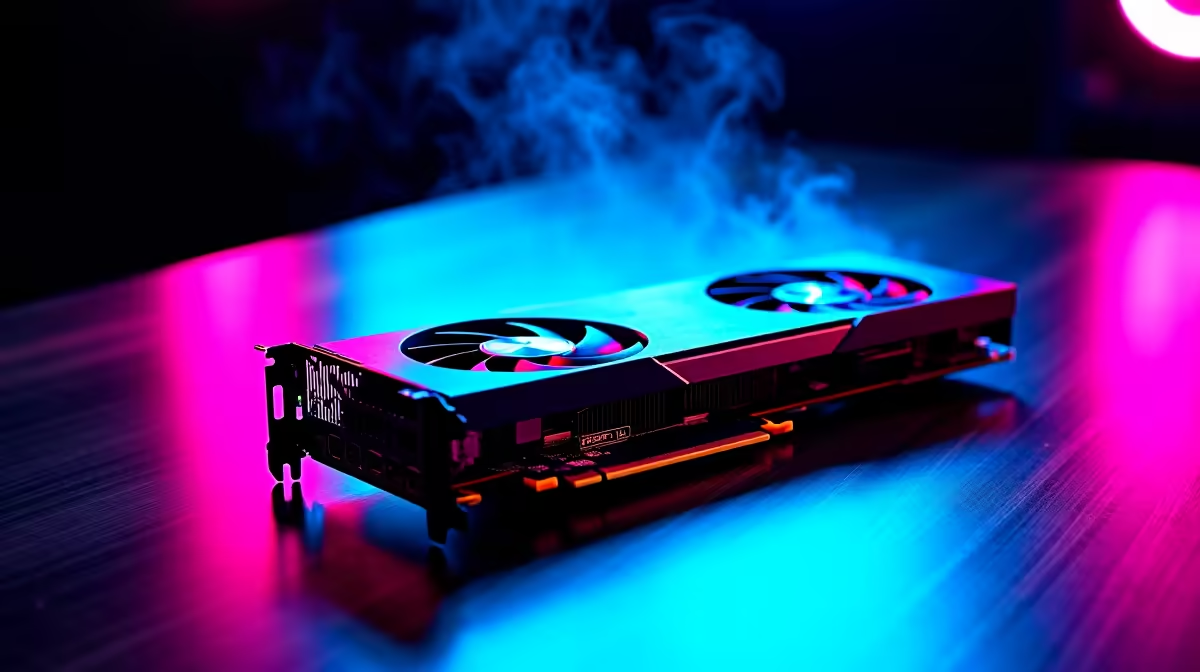
Load shedding might pause your session... but subpar frame rates shouldn't. If you recently picked up Intel's latest budget champion, you know every frame counts when stretching your ZAR. Getting the most out of your rig requires proper Arc B580 gaming optimization. Let us dive into the best drivers and settings to keep your gameplay buttery smooth.
Intel's Battlemage architecture is fierce... but it needs the right software to shine. Your first step for proper Arc B580 gaming optimization is always the drivers. Intel pushes driver updates fast to improve stability and boost FPS in modern titles. Always download the latest WHQL certified drivers directly from Intel.
Before installing new drivers, always use Display Driver Uninstaller (DDU). This free tool wipes old files that cause conflicts. A clean slate means your new GPU can stretch its legs without stuttering. Checking out the latest graphics cards is a great start if you need to upgrade an ageing rig.
Once your drivers are sorted, open the Intel Arc Control overlay. This tool is your ultimate command centre. For competitive shooters, cap your frame rate just below your monitor's refresh rate to reduce input lag. Drop shadow quality slightly to gain frames without losing visual fidelity.
You should also lean heavily on Intel XeSS. This AI upscaling tech renders your games at a lower resolution and scales them up. It delivers a massive FPS boost while keeping your graphics crisp. Pairing your B580 with a bottlenecked CPU will throttle these gains. Exploring premium gaming PCs saves you the hassle if you want a setup ready to rock immediately. Alternatively, a solid pre-built desktop gives you the perfect foundation to drop in your new GPU.
If you are running an Intel Arc GPU, enabling Resizable BAR (ReBAR) in your motherboard BIOS is not optional... it is mandatory. Without ReBAR, you will lose massive amounts of performance. Always check that it is switched on before you start gaming.
Optimization goes beyond just the desktop tower. Proper airflow keeps your B580 cool, ensuring it maintains high clock speeds during intense matches. Cable management and decent case fans are cheap ways to protect your investment. Pairing your optimised PC with a high refresh rate monitor completes the package.
Sometimes you need to take your gaming on the road. If you travel often for work or studies, having a reliable secondary machine is fantastic. You can browse high-performance gaming laptops to keep your rank up while away from home.
Upgrading your setup does not have to drain your wallet. Keep an eye out for hardware bundles to maximise your ZAR. Grabbing the latest tech specials ensures you get top-tier gear without the premium price tag. Every piece of hardware works together to deliver that flawless gaming experience.
Ready to Find Your Perfect Match? The GPU market is complex, but for maximum power, choice, and value in South Africa, a custom rig is hard to beat. Explore our massive range of PC specials and find the perfect machine to conquer your world.
Arc B580 Gaming Optimization: Drivers an available at Evetech.co.za with local warranty and fast delivery.
Arc B580 Gaming Optimization: Drivers an - check Evetech for latest stock and SA pricing.
Depends on your use case. Arc B580 Gaming Optimization: offers good value at current Rand pricing.
Bazzite Deck 44 replaces core handheld control tools and adds a graphical updater, but some devices temporarily lose features. Users should pin a working deployment before testing it.
Read more
Cell C has enabled 5G access through partner radio networks for compatible phones in covered areas. Customers should verify device support and real coverage before changing hardware.
Read more
Find the safest car phone holder mounting position to keep your eyes on the road. 🚗 We compare windshield, dashboard, and air vent mounts to help you drive distraction-free and secure your device effectively. 📱

Windows 11 update KB5121003 is linked to crashes in several multiplayer games on versions 24H2 and 25H2. Check the build, report the fault and avoid risky file or update changes unless the problem is confirmed on your PC.

Sennheiser's Momentum True Wireless 5 adds user-replaceable batteries, 12-hour playback and a $299.95 launch price. There is no confirmed South African date, so compare longevity with live earbuds from R199 to R2,999.

AVerMedia's GC531 and GC535 are professional HDMI capture devices for continuous streaming, with RGB24 capture up to 2K30 and 4K30. South African creators should compare them with live 4K capture cards from R2,099.

CISA has added Windows IKE flaw CVE-2026-33824 to its actively exploited list. Supported Windows systems need the April 2026 security update or tightly limited IKE exposure.
Windows 11 update KB5121003 is linked to crashes in several multiplayer games on versions 24H2 and 25H2. Check the build, report the fault and avoid risky file or update changes unless the problem is confirmed on your PC.

Comsol's standalone 5G network covers about one million Gauteng homes and starts commercial ISP service in September. Early packages range from R275 to R875 a month, but coverage and fair-use rules still decide the real value.
Sennheiser's Momentum True Wireless 5 adds user-replaceable batteries, 12-hour playback and a $299.95 launch price. There is no confirmed South African date, so compare longevity with live earbuds from R199 to R2,999.
Bazzite Deck 44 replaces core handheld control tools and adds a graphical updater, but some devices temporarily lose features. Users should pin a working deployment before testing it.

Gigabyte's FO32U24G pairs 4K 240Hz and FHD 480Hz modes on a 32-inch Tandem WOLED panel. SA buyers should compare the two use cases and wait for confirmed local pricing.

A South African price check found one 16GB DDR4 kit up 229% as memory and SSD costs lifted a midrange desktop basket. Buyers should compare complete upgrade paths, not one part.
Cell C has enabled 5G access through partner radio networks for compatible phones in covered areas. Customers should verify device support and real coverage before changing hardware.