


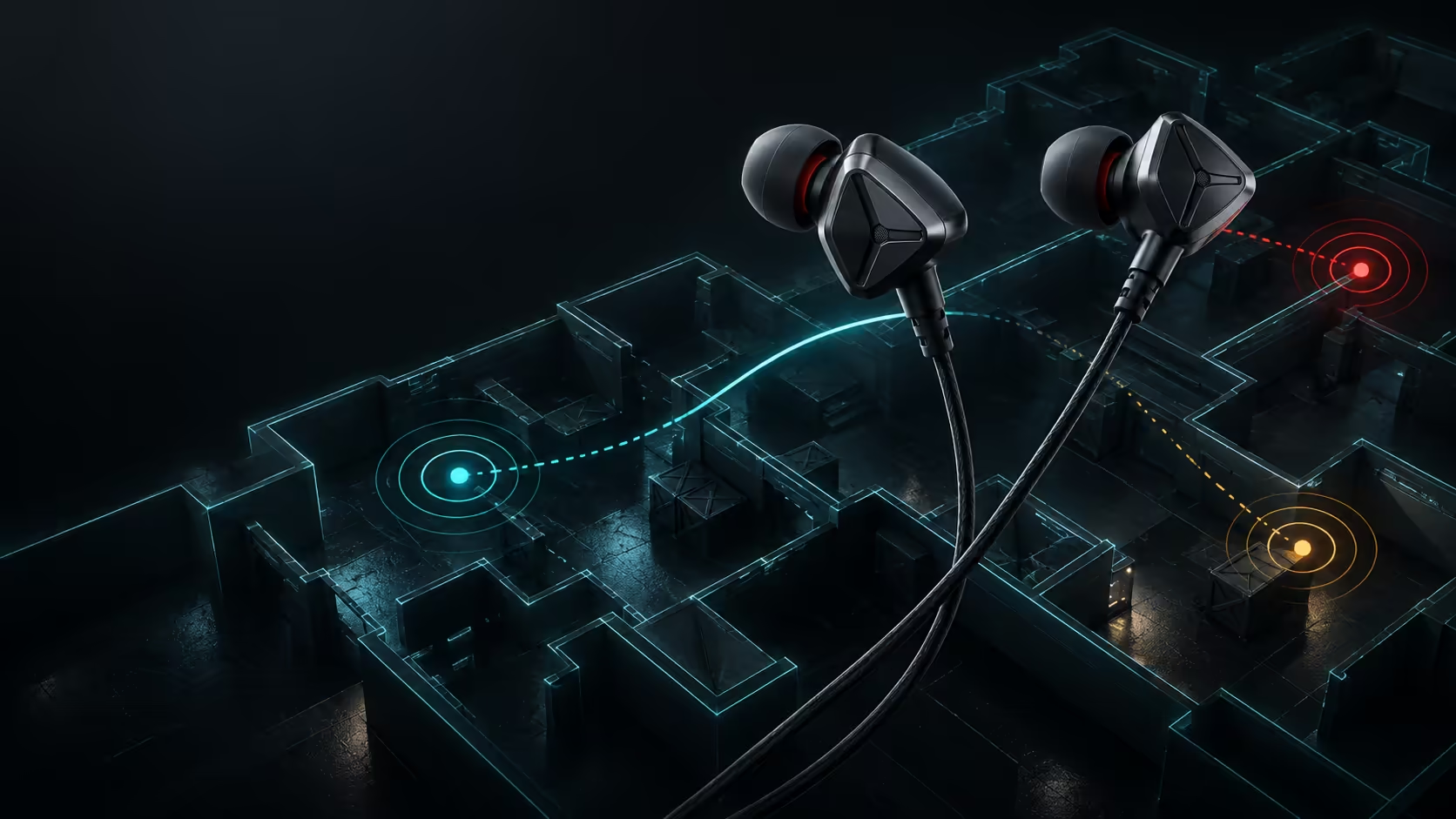
The best IEMs for Valorant are the pair that stays sealed and comfortable while delivering a consistent stereo image through the exact device you use. Riot supports headphone HRTF and optional third-party spatial audio. Those processing paths should not be stacked, so configuration matters as much as the earphone specification.
Quick Answer
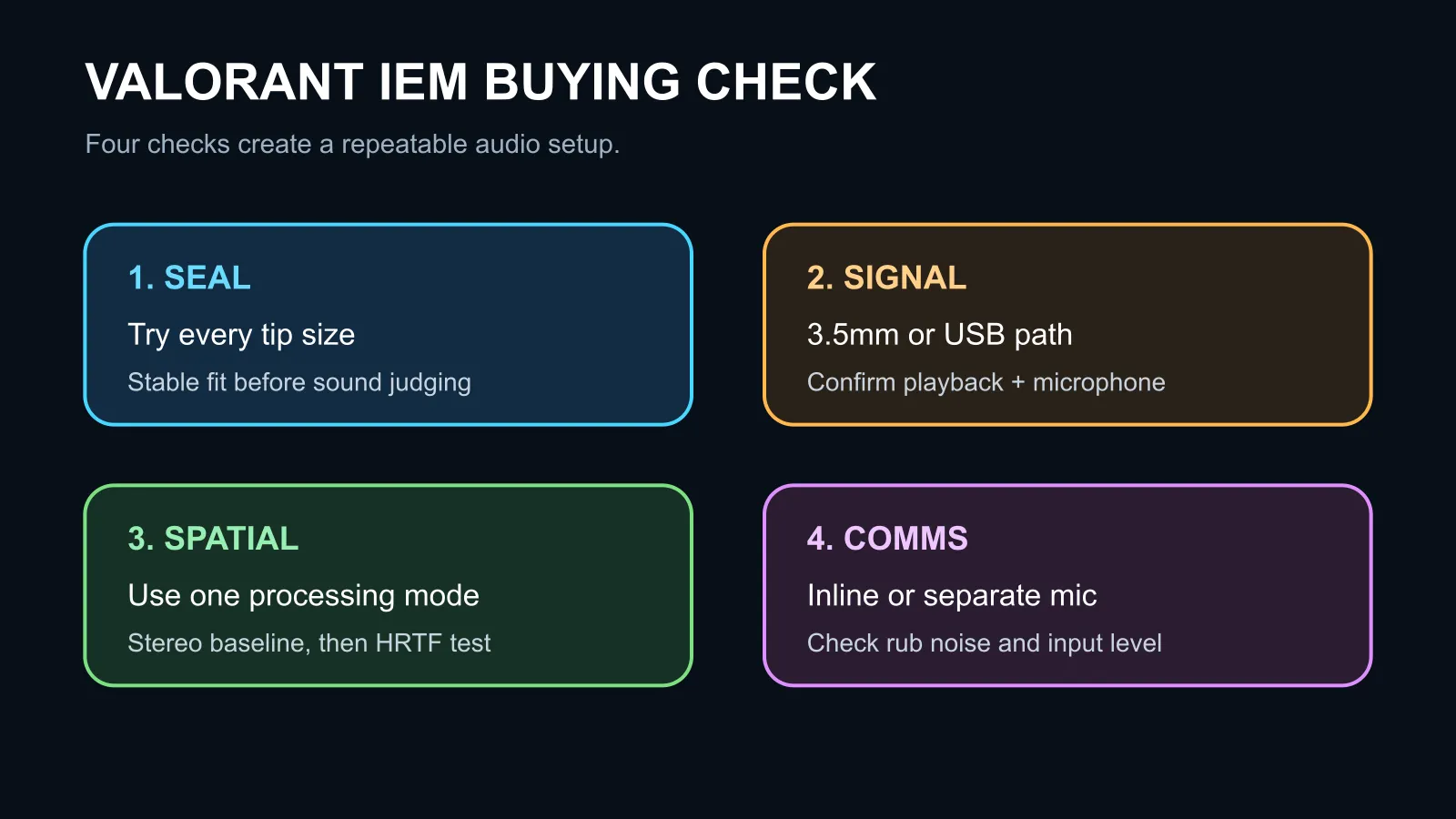
Start with a wired IEM that includes several ear-tip sizes, a secure cable and the correct 3.5mm or USB connection. Test comfort for a full match, confirm left-right placement in the practice range and decide whether you need an inline microphone. Do not buy only for a driver count or a surround-sound label.
A stable seal creates a stable reference
Ear tips change how an IEM sits and how low frequencies reach the ear. A loose seal can make the tonal balance thin and inconsistent. An oversized tip can create pressure or work loose as the jaw moves. Try each supplied size and use the same insertion depth on both sides.
Comfort has a direct competitive effect because a distracting fit encourages constant adjustment. Check the shell edge, nozzle angle and cable route. A light earpiece can still be uncomfortable if the shape presses one point of the outer ear.
Use one spatial-audio path
Valorant's HRTF mode uses headphones to place selected sounds in a simulated three-dimensional space. Riot later added support for third-party spatial audio. When the game uses external spatial processing, its own HRTF path should not remain active at the same time.
Begin with plain stereo and learn the baseline. Then test the in-game HRTF in a practice environment. If it feels unnatural, give the brain time to adapt before judging it. External processing is another option, not an automatic upgrade. Pick the single path that gives the most repeatable front, rear and side placement for you.
Wired IEMs avoid battery charging and Bluetooth codec changes. A 3.5mm plug can connect directly to a combined headset port, while a desktop with separate jacks may need a splitter. A USB DAC can bypass a noisy analogue output, but the operating system must expose both playback and microphone channels when chat is required.
Microphone and local stock checks
Some IEM cables include an inline microphone and others carry audio only. Confirm that detail before assuming team chat will work. An inline mic is convenient, while a separate USB microphone can offer more control for streaming or frequent calls.
The captured Evetech catalogue included in-stock earbuds from R99 and a wired gaming headset from R199. These are live price anchors, not a claim that every listed product is a competitive IEM.
Compare earbuds, gaming headsets and wired headsets. Check return policy, tip sizes, cable replacement, microphone support and warranty before ranking models.
Frequently Asked Questions
Do expensive IEMs always place footsteps better?
No. Fit, tuning, processing and the listener's adaptation all affect placement.
Should I enable Windows spatial audio and Valorant HRTF together?
No. Use one spatial-processing path at a time.
Are wireless earbuds unsuitable?
Not always, but latency, microphone mode, battery and codec behaviour add variables that wired models avoid.
Choose the pair that produces repeatable cues after a complete comfort and configuration test.
Tune the chain, not just the earphone. Match seal, cable, microphone and one spatial mode to the PC you actually play on.









