


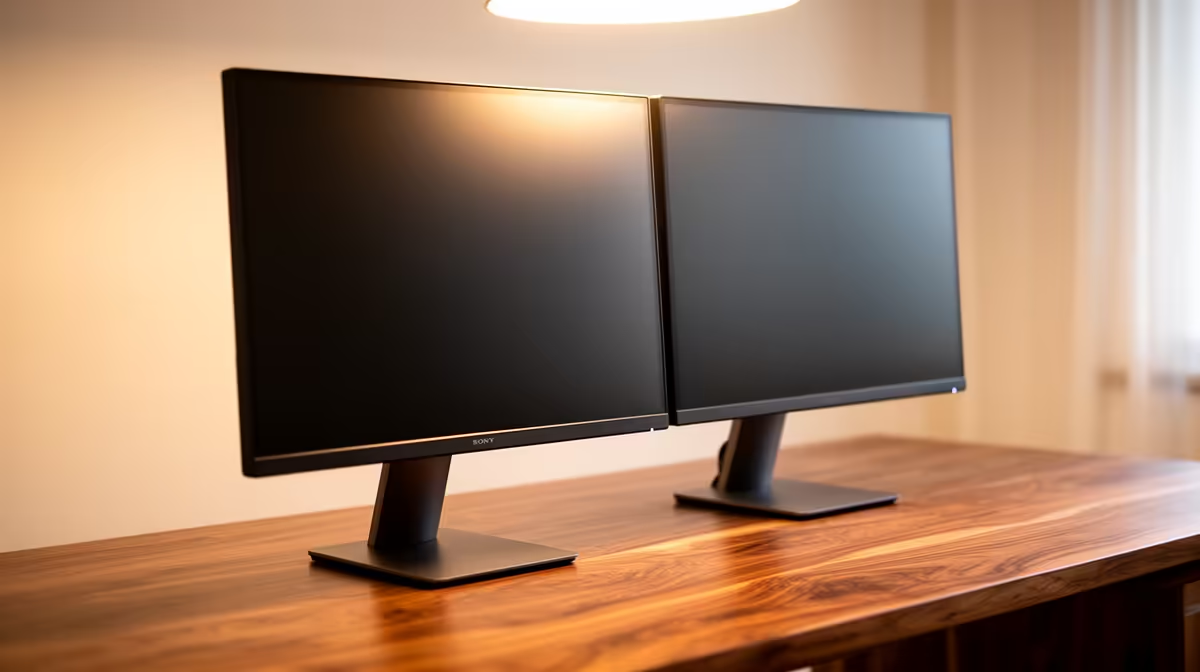
The Dell SE2426H 23.8in FHD at R1,532 suits a distance-learning student who wants a clear second screen for notes, browser research, and video lessons without pushing the desk budget too hard. Pairing two screens is often more useful than buying one flashy display, because one monitor can hold the lecture while the other keeps assignments, PDFs, or a learning portal visible.
Sensible screen pairings under the cap
A practical starting point is two Dell SE2426H 23.8in FHD screens at R1,532 each. That gives a matched FHD setup for study work, with enough space to keep class material on one side and typed notes on the other. The smaller 23.8in size also makes sense where a desk must still leave room for books, a keyboard, and a laptop.
If the student prefers one larger main screen, the Dell SE2726H 27in FHD 144Hz at R1,797 is the stronger anchor. Its 27in FHD panel gives more room for split windows, while the 144Hz spec keeps scrolling and cursor movement feeling smooth during long sessions.
The Dahua LM27 100Hz at R1,500 is the value pick when the budget needs to stretch to a second display later. For a cleaner-looking setup, the MSI PRO MP275W at R1,850 brings a 27in-class study screen option that can serve as the main display beside a laptop.
Student desk setup for online classes
Keep the lecture screen directly in front and place the second display slightly to the side for notes, chat, or reference tabs. The Dell SE2426H 23.8in FHD at R1,532 works well as the side screen because it gives enough reading space without taking over a compact student desk.
Pro Tip ⚡
Ready to choose the right monitor? Use Dell SE2726H 27in FHD 144Hz at R1,797 as the monitor shortlist benchmark, then check whether its listed spec matches the space, workload, and upgrade path.









