Ethernet link speed stuck at 100 Mbps. You moved to a faster fibre plan and your desktop still shows 100 Mbps in Ethernet status. Start with the connections inside your home before you change the plan again.
Quick Answer
Ethernet link speed stuck at 100 Mbps usually calls for a cable and port check. Check Ethernet status with a known-good cable connected to a Gigabit port. Evetech's 5 metre CAT-6 straight cable was R79 on 25 November as a price reference.
🔎 Read link speed at the desktop
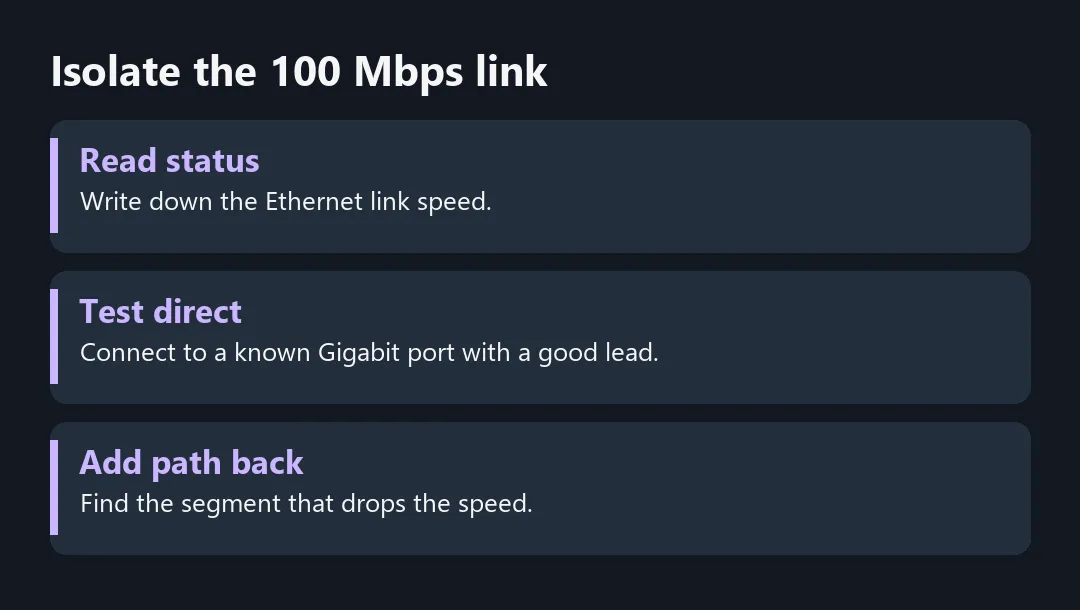
Open your Ethernet adapter status in Windows and read its speed. Check the wired adapter you are using, especially if a USB adapter is also connected. That number describes the local link to the next device. The browser speed test measures traffic across a longer path. Write both down, but use the adapter status when you change a cable or port. Confirm the router or switch port's listed speed. Fast Ethernet ports top out at 100 Mbps, even when the PC supports a faster link.
🔌 Bypass the longest cable run
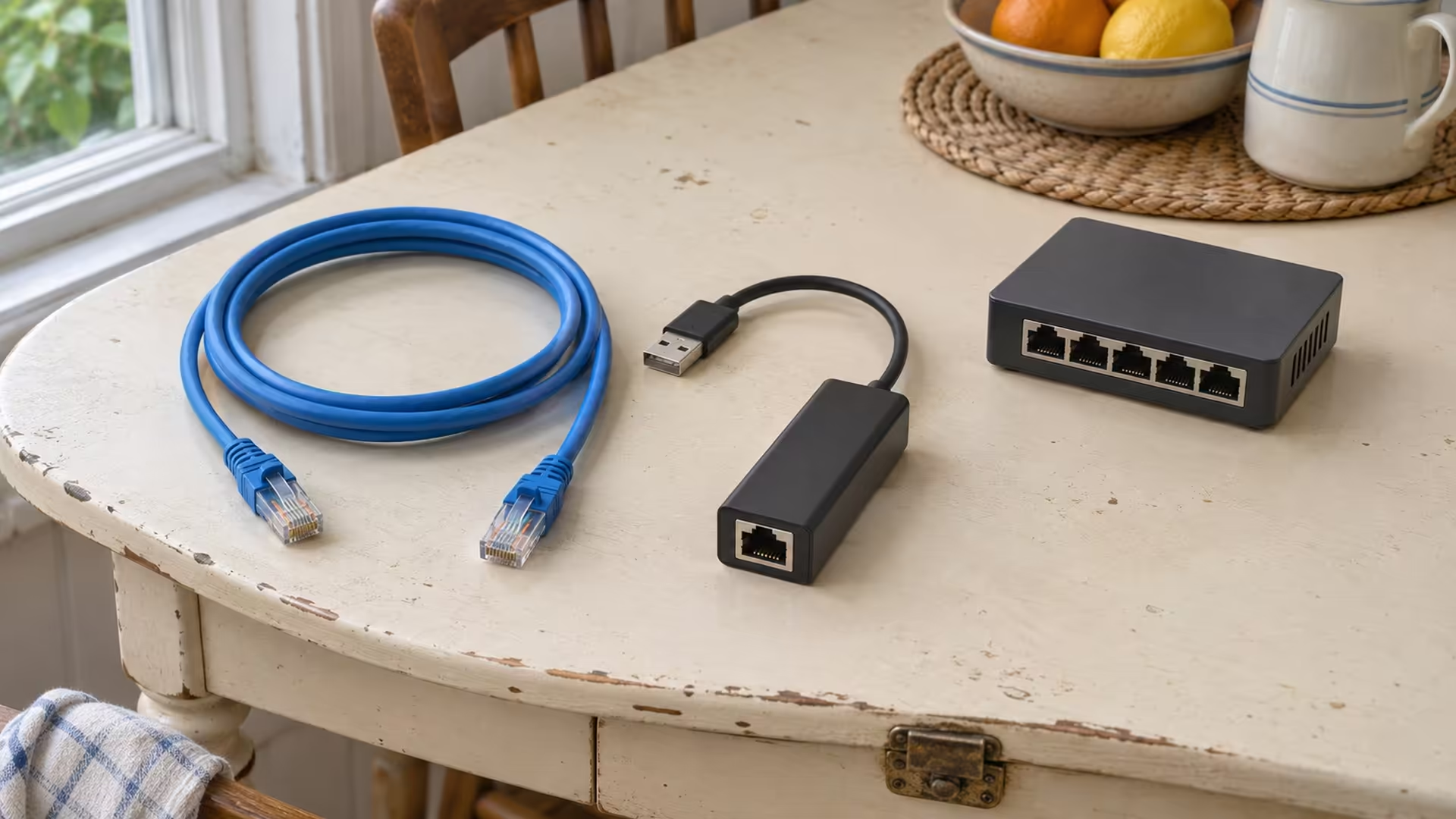
Test a known-good patch lead between the desktop and a Gigabit-capable port. Skip the wall socket, intermediate switch and any coupler for this test. Reopen Ethernet status and write down the result beside the port number you tested. If the speed rises, add the original links back one at a time to see which one brings the speed down. If it stays at 100 Mbps, try another compatible port and check that the adapter uses automatic negotiation. A damaged plug or cable can still carry some traffic, so a connected icon alone tells you little.
🇿🇦 Replace the smallest faulty part
Evetech had a CAT-6 5 metre straight network cable at R79 on 25 November. For the desktop-to-router test, first use a known-working straight-through patch lead you already have. Browse Network Cables if the bypass points to the lead you were using. If the only port available at your desk is capped at 100 Mbps, compare Network Switches and check that the port feeding the switch is also fast enough. A new switch connected through the same slow link keeps that upstream bottleneck.
Frequently Asked Questions
Is link speed the same as internet speed?
No. It is the negotiated speed of the local wired connection to the next device.
Can a cable still connect at a lower speed?
Yes. Intel documents cable damage as a reason a link can fall to 100 Mbps.
What should I bypass?
Start with the direct connection and temporarily bypass wall jacks, switches and couplers.
Should I force a Gigabit setting?
Start with automatic negotiation and verify both ends support Gigabit.
Will a new internet plan fix the local link?
No. Check your cable and ports first.
What did the example cable cost?
Evetech's CAT-6 5 metre straight cable was R79 on 25 November.
Isolate the 100 Mbps link
Test a direct Gigabit link before replacing a cable run. Compare compatible options at Evetech.