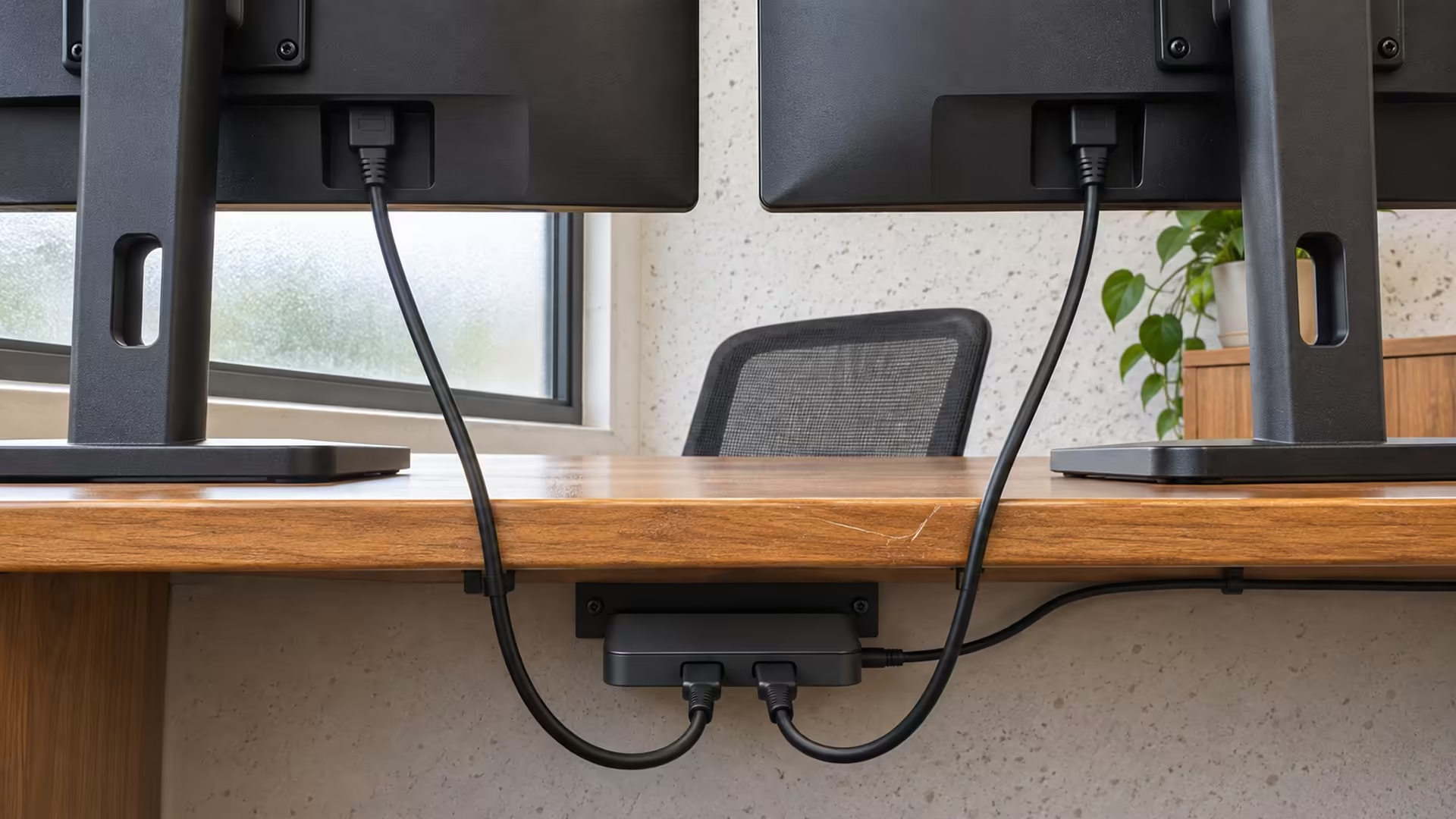
USB-C dock mirrors both monitors on Mac. The two monitors both show your inbox. Before returning the dock, find out whether the Mac sees two displays or the dock is feeding them the same picture.
Quick Answer
A USB-C dock that mirrors both monitors on Mac may be using DisplayPort MST. Check the Mac's external-display limit and the dock's Mac-specific wiring. Evetech's ORICO XCR-X11 was R349 on 25 November, a price reference rather than proof of Mac compatibility.
🖥️ Count the displays macOS can see
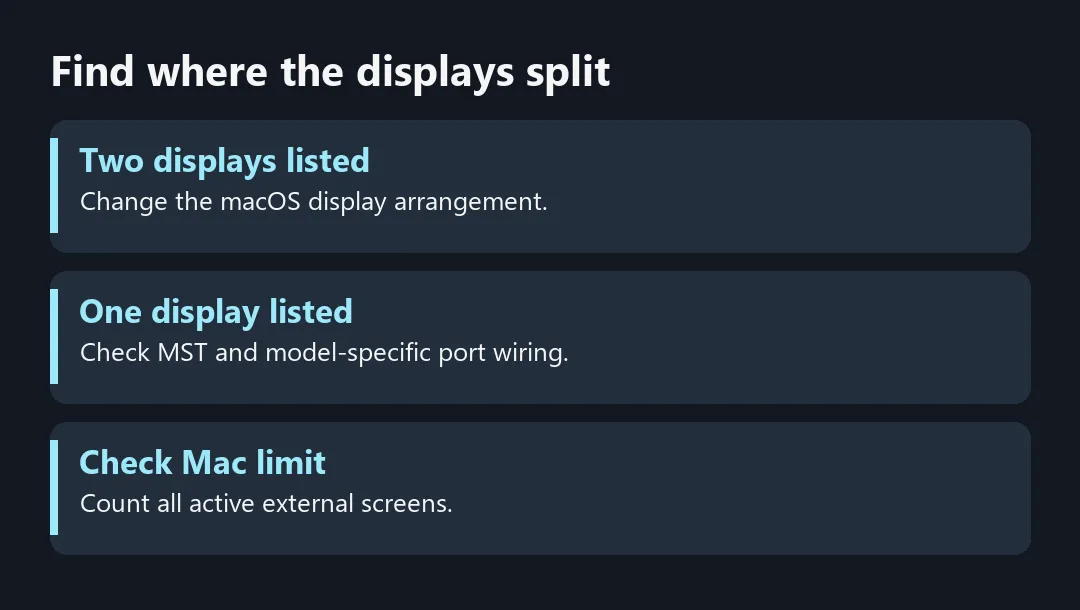
Open Displays in System Settings and look for two separate external displays. If you see both, check how each is configured and whether you can set one to extend the desktop. If the Mac sees just one external display, try the two monitors separately through the same cable and dock port. This checks whether each monitor can work before you diagnose the arrangement. Photograph or write down which ports you tested.
If both work one at a time and show the same image when connected together, identify the dock's method for dividing its incoming display signal.
🔌 Read the dock's wiring diagram
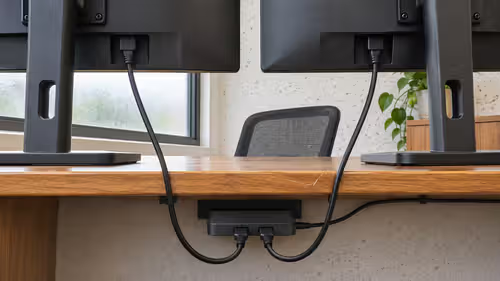
CalDigit's SOHO dock manual documents the MST limit on macOS. Dell shows different paths for supported Thunderbolt docks and Apple hosts. Read the diagram for the actual dock, because having two sockets does not tell you which host can use them independently. Check the exact Mac model's display limit too. A supported dock layout cannot add a native display above the host's limit.
Test one display direct to the Mac if it has a suitable port and the documented display count allows it. Use the dock for the other screen only if the manual supports that arrangement.
🇿🇦 Buy for the documented Mac setup
Browse Docking Station options with your Mac's full model and exact monitor resolutions to hand. Evetech had the ORICO XCR-X11 in stock at R349 on 25 November. That listing does not establish whether the two ports can extend a Mac desktop. Look for model-specific support before spending. If your Mac handles only the one external display you need, compare Office Monitors with enough workspace to hold both apps on the same panel. A layout change using your existing hardware is worth trying before you pay for a new dock.
Frequently Asked Questions
Why do the two displays show the same thing?
Check for a software mirror setting or a dock that uses MST for both display outputs.
Does macOS extend through all MST docks?
The CalDigit SOHO dock's documentation rules out dual extended MST displays on macOS.
Can each monitor still work on its own?
Test them separately. A working screen can still share a mirror signal with another one.
Can a direct cable help?
Yes, on a supported port if your Mac allows the total number of external displays.
Does a dual HDMI listing confirm Mac compatibility?
Look up the dock's Mac display support and how each port must be connected.
How much was the ORICO dock in the local sample?
The ORICO XCR-X11 was listed in stock at R349 on 25 November.
Find where the displays split
Check whether the Mac sees both displays before replacing hardware. Compare compatible options at Evetech.