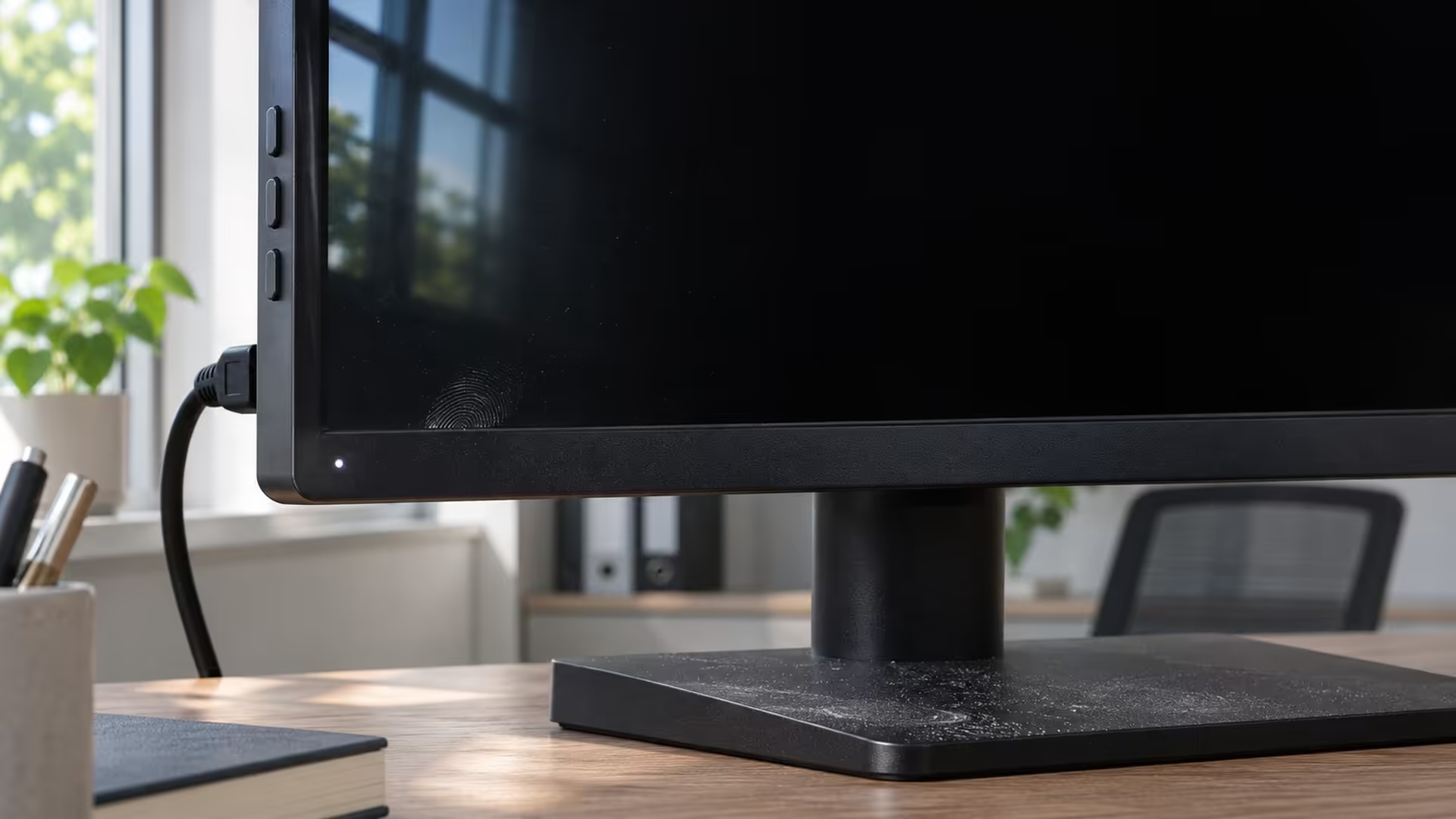
Monitor black screen when switching HDR. Your screen goes dark as a game hands control back to Windows. Watch when it recovers before you turn that short interruption into a new monitor purchase.
Quick Answer
A monitor black screen when switching HDR can be brief on some models. If the picture stays black, test a stable SDR baseline first. Evetech's Dell SE2426HG was R2,199 in the 25 November sample as a local monitor reference.
🌗 Separate a mode change from a signal loss
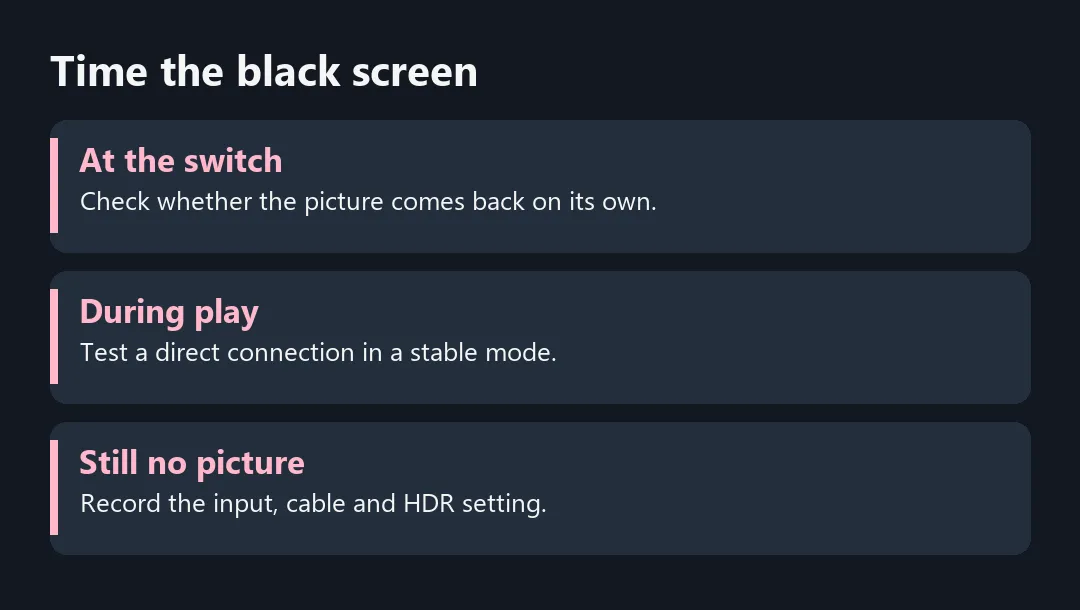
Record whether the picture goes out once at the moment you engage HDR or cuts in and out while you play. The Dell support note documents a temporary black screen on selected displays as they switch Smart HDR modes. Write down the monitor error message, if any, and whether the picture returns on its own. If the interruption repeats during the same scene with the same mode, investigate it separately from the first brief transition.
Check which display Windows selected before you toggle HDR again. Keep the game closed so you can see which action triggers the change.
🔌 Remove extra links for the baseline
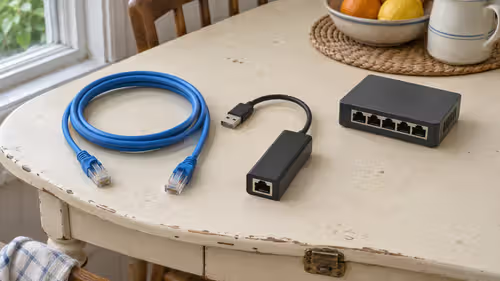
Use one display, a direct connection and the picture mode that you know worked. Leave HDR off for that first test. Then switch it on without changing resolution, refresh rate or input. If that loses the picture, return to the working settings and change one variable at a time. Try another supported cable or port when you can do so without adding an adapter.
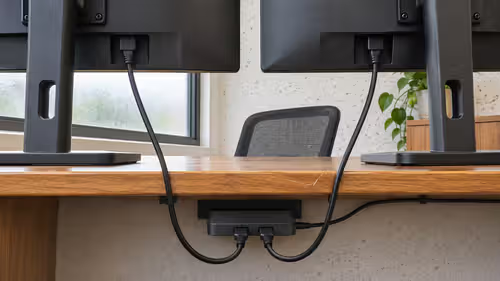
Browse Premium Cables only after comparing the port requirements of both devices. A monitor can appear to lose its signal through an intermediate dock even when a direct connection is stable. Test both paths before spending.
🇿🇦 Price a replacement after isolation
The Dell SE2426HG was in stock at R2,199 when Evetech sampled Gaming Monitors on 25 November. That is a local price reference. The Smart HDR behaviour in the Dell note applies to the displays described there. Look up the exact monitor before expecting that behaviour from another model.
Record which port, cable and mode still fail. If the same screen repeatedly goes dark on a second known-working input, share the result with the manufacturer or retailer before deciding on a replacement. Keep the setup that stays stable while you check the exact model.
Frequently Asked Questions
Is a brief blackout normal on every monitor?
Dell documents it on the models in its Smart HDR support article. Check your exact model.
What should I test first?
Try a stable mode with HDR off and a single direct display connection.
Should I change refresh rate and cable together?
Change one variable per test so you can identify what changed the result.
Can the dock matter?
Yes. Compare a direct input with the dock path.
Where are the Windows HDR controls?
Select the display in Windows display settings and open its HDR options.
What did the Dell 24-inch monitor cost?
The Dell SE2426HG appeared at R2,199 on 25 November.
Time the black screen
Separate a short switching blackout from repeat signal loss. Compare compatible options at Evetech.