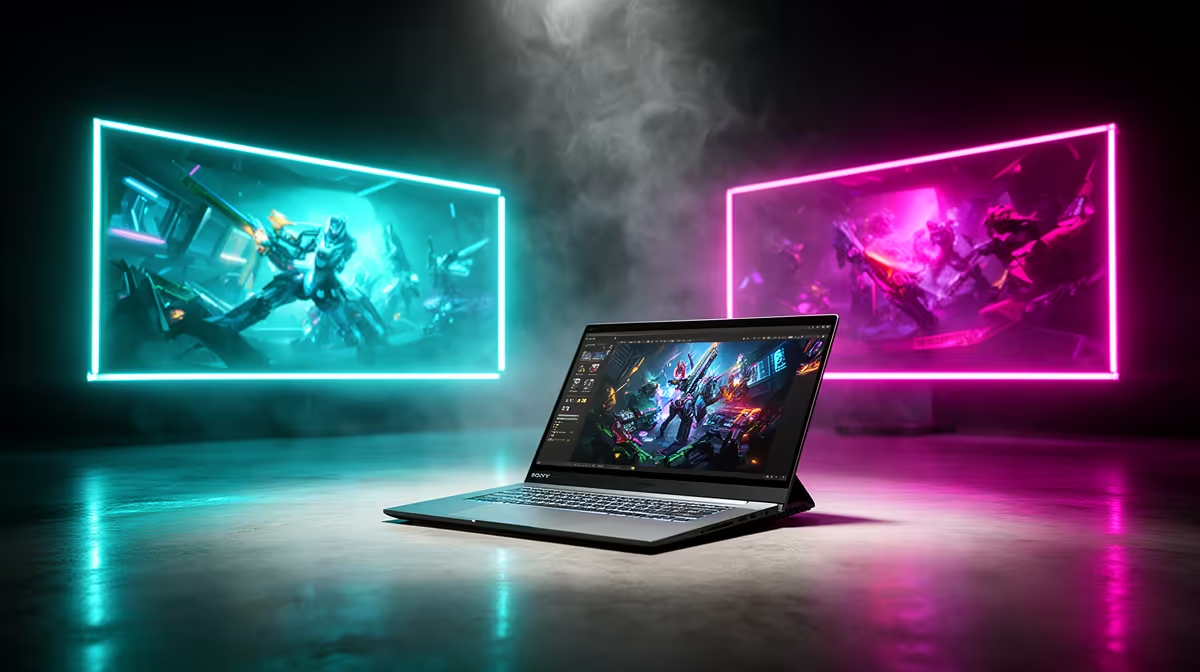
If your studio runs on a wall of monitors, the gap between the M5 Pro and M5 Max MacBook Pro is the whole decision. The Pro chip drives up to three external displays, the Max drives up to four, and that single extra screen is the only reason most multi-monitor users would step up to the more expensive chip. Both models hang their displays off Thunderbolt 5, so the difference is purely how many panels each can address.
Quick Answer
The M5 Pro MacBook Pro drives up to 3 external displays. The M5 Max drives up to 4. If a four-screen setup is non-negotiable, the Max is your only option, because no configuration of the Pro chip reaches that fourth panel.
The Display Count Difference
The number of displays a chip can drive is set by its display engine, not by how many ports the laptop has. The M5 Pro tops out at three external panels, which suits the common dual or triple-monitor desk perfectly well. The M5 Max adds a fourth, designed for the studio user who genuinely needs four separate workspaces in view at once.
That fourth screen is the entire upgrade reason for monitor-heavy users. If three displays cover your work, the Pro chip already does the job and the Max's extra capability sits unused.
Thunderbolt 5 on Both
Both chips use Thunderbolt 5 for display output, so bandwidth per port is not the differentiator here. Thunderbolt 5 carries high-resolution, high-refresh signals comfortably, which means each external panel gets plenty of headroom whether you are on the Pro or the Max.
This matters because it removes a common worry: you are not trading display quality for display count. The panels the Pro drives look exactly as good as the panels the Max drives. The Max simply addresses one more of them.
Who Actually Needs Four Screens
Be honest about your layout before paying for the Max. Video editors with a timeline, preview, scopes and a reference monitor genuinely fill four panels. Trading desks, broadcast operators and developers juggling several full-screen tools also benefit. For those workflows, the fourth display is not a luxury, it is the working surface.
For everyone else, a triple-monitor setup is plenty, and the Pro chip handles it without compromise. You can see the current configurations in the MacBook range at Evetech to match the chip to the number of screens you will realistically run. If you are still comparing portable workstations more broadly, the laptop best sellers give a sense of where these Macs sit against other high-end machines.
Frequently Asked Questions
How many external displays does the M5 Pro support?
The M5 Pro MacBook Pro drives up to three external displays. That covers single, dual and triple-monitor setups without any compromise on resolution or refresh.
How many does the M5 Max support?
The M5 Max drives up to four external displays. It is the only chip in this pair that reaches a four-monitor configuration.
Do both models use the same display connection?
Yes, both the M5 Pro and M5 Max use Thunderbolt 5 for external displays, so each panel gets the same high bandwidth regardless of which chip you choose.
Is the Max worth it just for one extra screen?
Only if you genuinely need four displays. For a three-monitor or smaller setup, the Pro chip does everything the Max would, and the Max's fourth-display capability would go unused.
Count the screens your work actually needs, then pick the matching chip from the MacBook range at Evetech (https://www.evetech.co.za/macbooks/l/3284). Choose the Max only if a fourth display is essential to your setup.