A mouse that double-clicks when you press once is one of the most irritating faults on a desk, and the cause is usually dull. Before you assume the switch has failed, work through the likely causes in order: the software setting, the surface, the cable or receiver and the battery. Most cases end in the first two steps, and each takes about 10 minutes.
Quick Answer
Double-clicks usually trace back to a worn switch, debounce timing or a dirty surface. The PRO X3 SUPERSTRIKE uses HITS instead of a microswitch, so start with its software click settings and a clean cable before you assume a fault. At R3,799 including VAT at Evetech, a 10-minute check is worth doing before anything else.
🧹 Clean the surface and the feet first
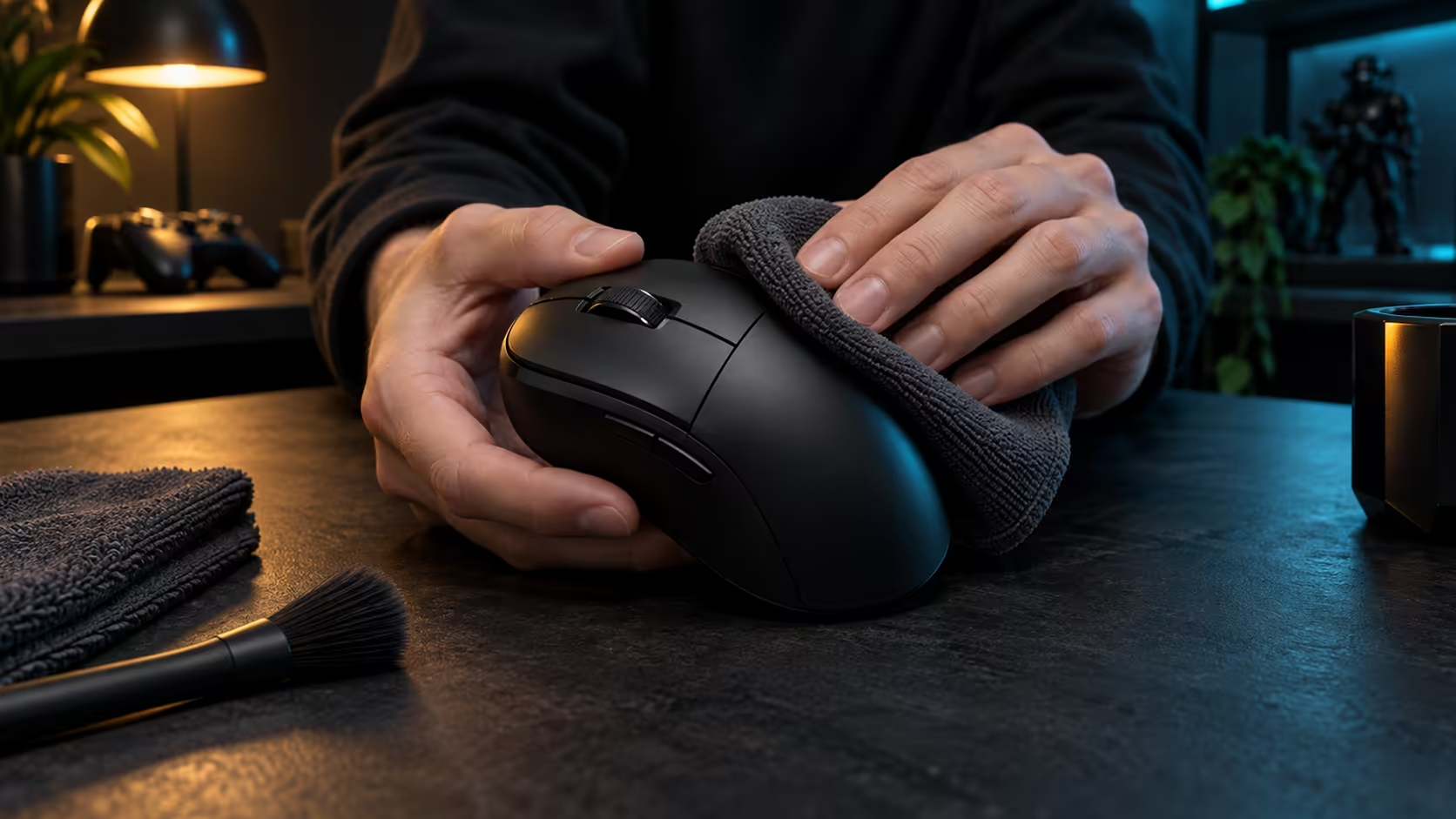
Start with the cheapest fix. Wipe the mousepad with a barely damp cloth, let it dry, then check the mouse feet for grit, hair or a crumb caught in the edge. A gritty feet area can make the sensor jump on the surface, and a jump can look like a double click in a fast drag.
Test the change in 2 minutes. Click 10 times slowly on a blank text document, watching for characters that appear twice. Then repeat the test on a different surface, such as a hard desk for a few seconds, to see whether the problem follows the pad or the mouse.
If the double clicks stop after cleaning, the surface was the cause. If they continue, move on to the software.
⚙️ Check the click settings in the software
Open the mouse software and look at the click settings. A click point that is too light lets the switch fire on a light touch or a resting finger, which can look like a second click. Raise it one step, and repeat the 10-click text test within 2 minutes. If the double clicks stop, the setting was the cause, and you can keep the new value.
A reset that is too short can fire a second click on the way back up, which is a common source of double presses in fast play. Test the reset with a 20-tap drill, counting the taps that double up. Set the reset one step longer if you see more than 1 double in 20 taps. The first two steps here are enough to rule the software in or out.
Turn the haptic feel down if the confirmation seems to fire on its own. A strong confirmation can feel like a second click, so test at a gentle level before you conclude the switch is faulty.
🔌 Cable, receiver and battery
Move to the link next. On a wired mouse, try a different USB port on the back of the PC, since a loose or failing port can drop and repeat signals. On a wireless mouse, check the battery level first. A low battery is a common cause of erratic clicks, so charge it to full before you test again.
Plug the receiver into a port close to the mouse, ideally behind a short USB extension placed about 30cm out. Test again. If the problem disappears, the receiver was the cause, and the fix is placement rather than a fault.
If you have a second PC, test the mouse there. A double click that follows the mouse to another machine points to the mouse itself. A double click that stays on your PC points to the port, the driver or the surface.
Browse the mouse accessories range for a spare cable to rule the cable out quickly. If you are still choosing a replacement, the gaming mice category is the place to start, and the best-selling gaming mice are a quick cross-check.
Frequently Asked Questions
Is a double-click always a sign of a faulty switch?
No. Most cases come from a light click point, a short reset, a dirty surface or a loose link. Work through the steps before you assume the switch has failed.
Can software fix a worn switch?
Software can change when a press registers, but it cannot repair worn hardware. If the double clicks persist after every setting and link check, the switch is the likely cause.
How do I test for a double-click quickly?
Click 10 times slowly in a blank text document and count the doubled characters. Repeat the test after each change so you can see which step made the difference.
Should I replace the mouse straight away?
Not yet. A 10-minute check of the surface, the software and the link will settle most cases, and it costs far less than a new mouse.
Still clicking twice?
Browse our gaming mice and accessories, and pick a replacement or a spare cable if the checks point that way.