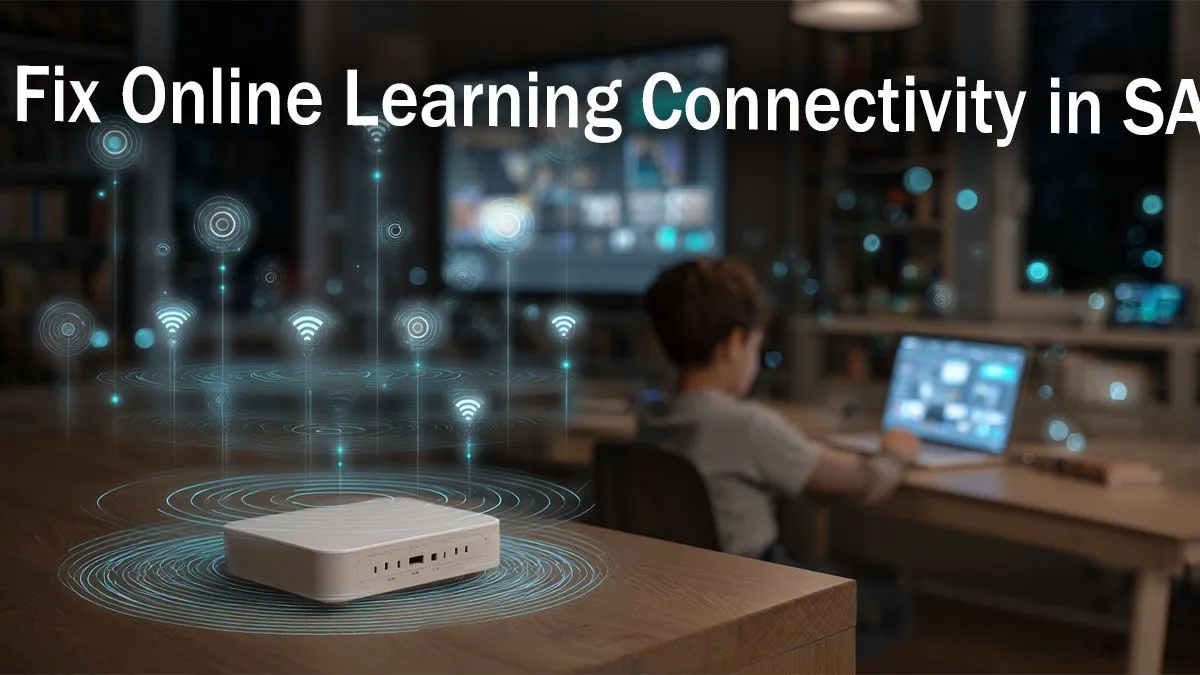
Staring at a frozen screen while your lecturer explains a crucial concept? We’ve all been there. The dreaded buffering wheel during a Teams call is a uniquely South African struggle. Online learning connectivity issues in SA can turn a productive study session into a nightmare. But don’t stress... fixing your unstable internet might be easier and more affordable than you think. Let's get your connection sorted for good. 🚀
Why Your Connection Drops During Online Classes
Before you can fix the problem, you need to know what’s causing it. In South Africa, poor online learning connectivity often boils down to a few key culprits. It could be your Fibre or LTE provider having a bad day, but more often than not, the bottleneck is inside your own home.
Things like thick walls, interference from your neighbour's Wi-Fi, or simply having too many devices connected at once can bring your network to its knees. Understanding your specific setup is the first step to a stable connection; familiarise yourself with the different types of wireless networking gear to see what makes a modern network tick.
Quick Fixes for Common Connectivity Issues
Sometimes, the best solutions are the simplest. Before spending a cent, try these proven strategies to stabilise your connection for online learning.
- Move Your Router: Is it stuck in a cabinet or at the far end of the house? Wi-Fi signals hate obstruction. Try moving your router to a more central, elevated position in your home for better coverage.
- Go Wired: If your laptop or PC is your main study device and it has an Ethernet port, use it! A wired connection is almost always faster and more stable than Wi-Fi.
- Minimise Interference: Microwave ovens, cordless phones, and even other Wi-Fi networks can interfere with your signal.
Wi-Fi Wizardry ⚡
Use a free app like 'WiFi Analyzer' on your phone to see which channels your neighbours' networks are using. Log into your router's settings and manually switch your Wi-Fi to a less congested channel (like 1, 6, or 11 for the 2.4GHz band). This simple tweak can dramatically reduce interference and solve many common connectivity issues.
Upgrading Your Gear: The Long-Term Solution 🔧
If the quick fixes don’t cut it, it might be time to look at your hardware. The free router your ISP gave you is often built to a budget and can struggle with the demands of multiple video streams, downloads, and online games. This is a common source of online learning connectivity issues in SA.
Upgrading to a powerful wireless router can make a world of difference. Modern routers offer better range, faster speeds, and superior technology like MU-MIMO, which helps manage traffic from multiple devices efficiently. No more fighting with your siblings for bandwidth.
Even with a great router, you might have "dead spots" in your home where the signal just won't reach. For a large or double-storey house, this is a frequent problem. Instead of moving your entire study setup, a simple wireless range extender can capture the existing signal and rebroadcast it, eliminating those frustrating dead zones.
Finally, consider your computer. If you have an older desktop or laptop, its internal Wi-Fi card might not support the latest, fastest standards. An affordable USB wireless adapter is a plug-and-play solution that can instantly boost your device’s connection speed and stability.