



Windows on Arm Apps: What 7,000 Verified Titles Mean for SA Buyers
Microsoft says Windows on Arm now has over 7,000 verified apps and games. SA buyers should still check each driver, game and work tool before switching.
Read morePermanent Freeze: Possible Hard Reboot Issue #3. Diagnosis steps, proven fixes & when to seek professional help. SA-specific support info included.
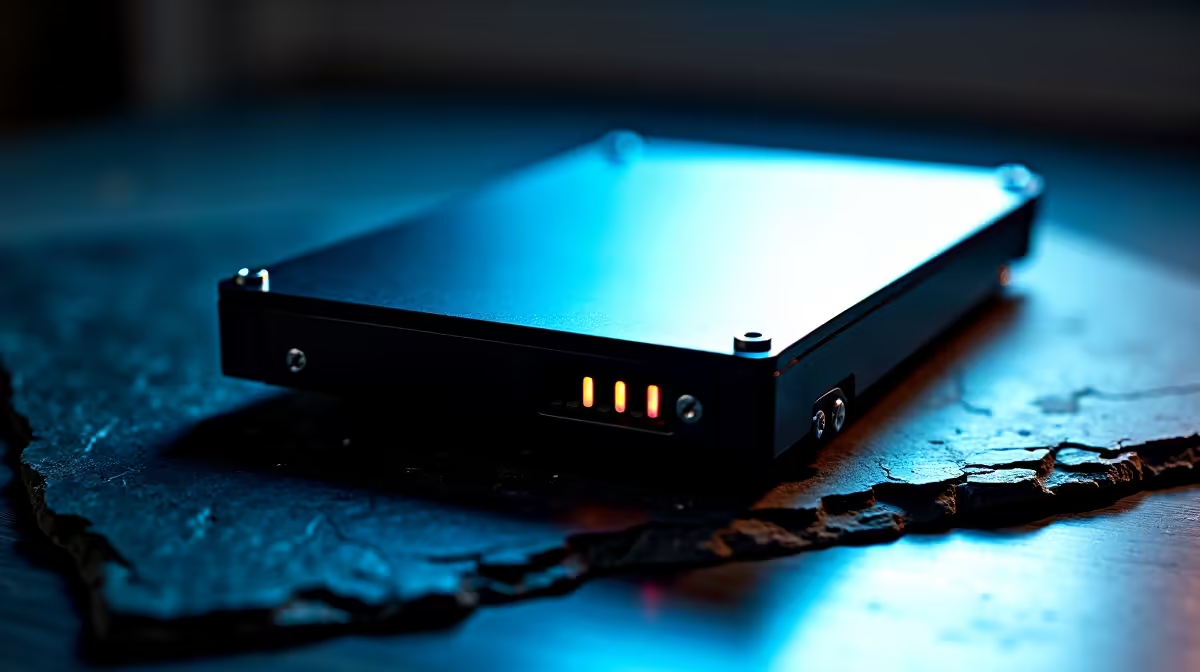
A permanent freeze that needs a hard reboot usually points to a thermal trip, a failing PSU, faulty RAM, or a corrupt GPU driver. Work through power, temps, memory, and drivers in that order to isolate the cause.
When the screen freezes solid and the only fix is holding the power button, your rig is hitting a fault Windows can't recover from. The usual suspects are a CPU or GPU thermal shutdown, an unstable overclock, dodgy RAM, or a tired PSU that can't hold rails steady under load. Loadshedding spikes can also damage capacitors over time, so a surge-protected line into a clean line-interactive UPS is non-negotiable for any SA gaming setup. Each unplanned shutdown also pushes the file system one step closer to corruption, so the underlying damage compounds quietly.
Pull HWiNFO64 and watch CPU and GPU temps during a freeze attempt. Anything above 95C on the CPU or 85C on the GPU means a cooling problem, fresh thermal paste or repositioning case fans usually fixes it. Run MemTest86 for at least two passes to rule out RAM, and if a single stick fails, swap slots before declaring it dead. Boot into Safe Mode and play a session: if it's stable there, you're dealing with a driver or background service issue. Use DDU in Safe Mode to wipe your GPU drivers cleanly and reinstall the latest WHQL build. Check Event Viewer for WHEA-Logger entries, those are the smoking gun for hardware faults.
If temps are fine, RAM passes, and drivers are clean, the freeze is almost certainly PSU sag or a failing SSD. A new 750W Gold PSU from Evetech runs around R1,899 with same-day Joburg dispatch and free delivery on orders over R1,000. CrystalDiskInfo will flag a tired SSD with reallocated sectors or rising read errors. A fresh build often costs less than chasing ghosts in an ageing rig, and Evetech's pre-tested gaming PCs come with a 12-month warranty plus stress-test certificates so you know the system is stable out the box.
Yes. Repeated unclean shutdowns corrupt drivers, stress your PSU caps, and wear out SSD wear-levelling tables. A line-interactive UPS rated 1000VA or higher protects you and lets you save work before switching off cleanly.
Absolutely. Clear CMOS, disable XMP, and run stock clocks for 24 hours. If the freeze stops, your memory profile or overclock was unstable.
Each forced power-off risks file system corruption and stresses the controller. Run chkdsk weekly and check SMART data with CrystalDiskInfo to catch a dying drive early.
Ready to Find Your Perfect Match? Stop wrestling with random freezes and grab a stable, pre-tested rig instead. Browse gaming PC deals
Permanent Freeze: Possible Hard Reboot I available at Evetech.co.za with local warranty and fast delivery.
Permanent Freeze: Possible Hard Reboot I - check Evetech for latest stock and SA pricing.
Depends on your use case. Permanent Freeze: Possible Har offers good value at current Rand pricing.
Microsoft says Windows on Arm now has over 7,000 verified apps and games. SA buyers should still check each driver, game and work tool before switching.
Read more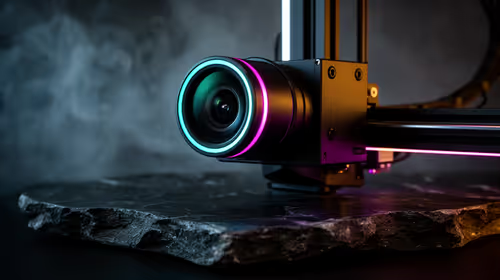
The Creality SPARKX i7 (CES 2026) includes an AI camera that detects filament tangling, air printing and bed-adhesion failures in real time. The system alerts users or pauses the printer before a failed print wastes a full spool of material.
Read more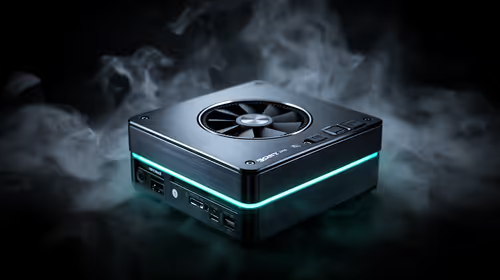
A Strix Halo mini-PC is a strong AI coding machine for large model capacity, with the Ryzen AI Max+ 395 allocating up to 96GB of its 128GB unified memory as VRAM at roughly 256 GB/s, enough to run 70B-class coding models at 4-bit on a single APU, though bandwidth caps.
Read more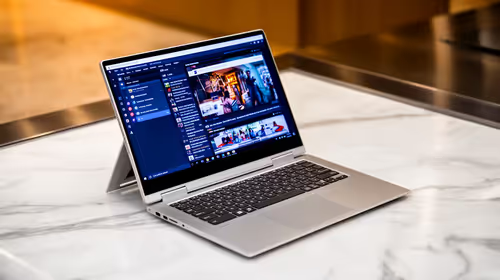
Starting the new tax year on a fresh 2-in-1 makes sense when it carries 16GB RAM, a 512GB SSD and Windows 11 for smooth Pastel, Excel and eFiling. Windows 10 support ended on 14 October 2025. The ExpertBook P1 at R12,999 suits a small setup.
Read more
Festive-season laptop prep in SA is about travel protection, saved files and reliable access for holiday downtime or light work. Back up the machine, update Windows 11 and pack it properly before leaving home, especially if it will be used on the move.
Read more
Minisforum's M2 Pro pairs Core Ultra X7, Arc B390 graphics and 32GB onboard memory in 1.8 litres. SA buyers should weigh its fixed memory and $1,439 launch offer against local mini PCs.

Lenovo says Legion Go failures linked to BIOS N3CN42WW are not user error. Affected SA owners should stop retrying the update, preserve proof and open a support case.

Smart monitors can add apps and convenience, but they also add privacy settings and unwanted-software risk. SA buyers should audit the operating system before paying for extras.

A fake 113GB GTA VI ISO reportedly used empty padding around a small malware payload. SA gamers should delete unofficial builds, keep Windows security active and wait for official channels.

Shokz OpenFit Air 2 earbuds weigh 7.2g each and use a redesigned dual-driver open-ear layout. SA buyers should choose them for comfort and awareness, not maximum isolation.

AMD's current driver now lists a Radeon RX 9050 4GB, while product coverage details a narrowed memory system. SA buyers should weigh the low VRAM ceiling against current local Radeon options.

Samsung Display has demonstrated a 16-inch 2.5K OLED laptop panel running at 300Hz. SA buyers should wait for a named notebook, full panel specifications and a local price before planning an upgrade.

Microsoft says some Windows 11 game crashes after recent updates are linked to RGB-related drivers. Affected SA gamers should confirm the update and driver before using the published registry workaround.

ASUS calls the ROG GT-BN98 the first Wi-Fi 8 gaming router. SA buyers should fix coverage and client limits before paying for a future wireless standard.
Microsoft says Windows on Arm now has over 7,000 verified apps and games. SA buyers should still check each driver, game and work tool before switching.

Apple's M6 Mac mini adds faster AI, graphics and networking in the same compact format. SA buyers should wait for a rand listing before comparing value.

The Vulcan II XP adds hot-swappable switches, sound damping and gaming controls to a full-size wired board. SA buyers should compare feel before features.