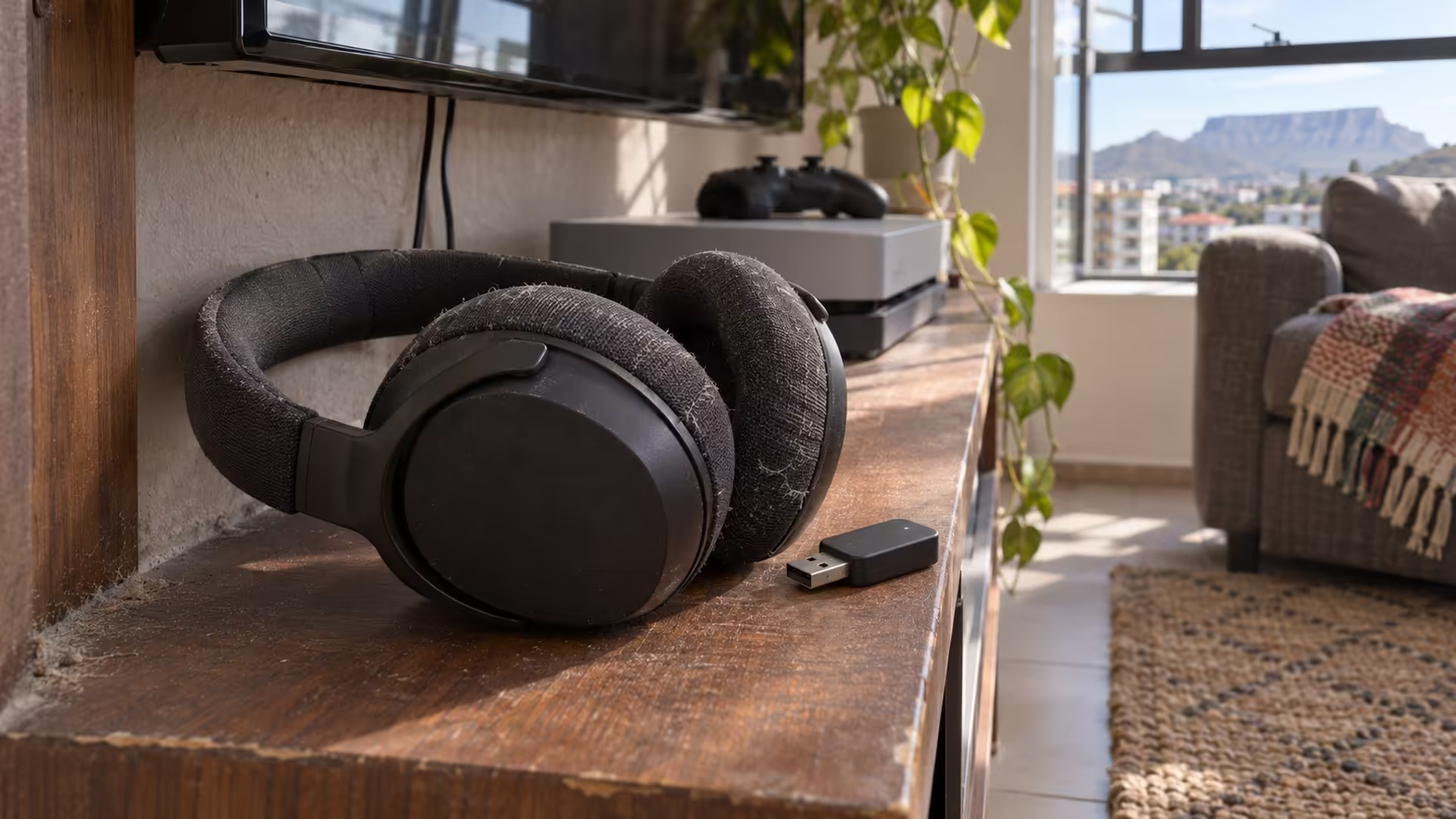
Your headphones already work with the phone, so a USB transmitter looks like an easy way to use them on the console. A PS5 Bluetooth adapter has to carry sound and handle a microphone if you use party chat. Check whether it carries game sound to the headphones and can send microphone audio back.
Quick Answer
Use a USB audio transmitter whose maker explicitly supports PS5 and your type of headphones. Pair the headphones to the transmitter, then select the USB device for output on the console. Check microphone support as a separate feature before you buy, particularly if you use earbuds for party chat.
🎧 Find out what pairs with what
A compatible transmitter handles wireless pairing with the headphones. The console sends its sound to the USB device. That arrangement differs from going into the PS5 accessories menu and trying to pair the headphones as if you were pairing a controller. Check the adapter's instructions for the console and the pairing steps for your specific earbuds. If the buds reconnect to a nearby phone first, disconnect them there while you test the console setup.
Sony's PULSE 3D instructions use a supplied USB adapter for its wireless connection. This is another route, with a headset and radio that belong together. Check the exact device and supported function before buying a generic PC Bluetooth dongle with the same connector.
🎙️ Test voice chat separately
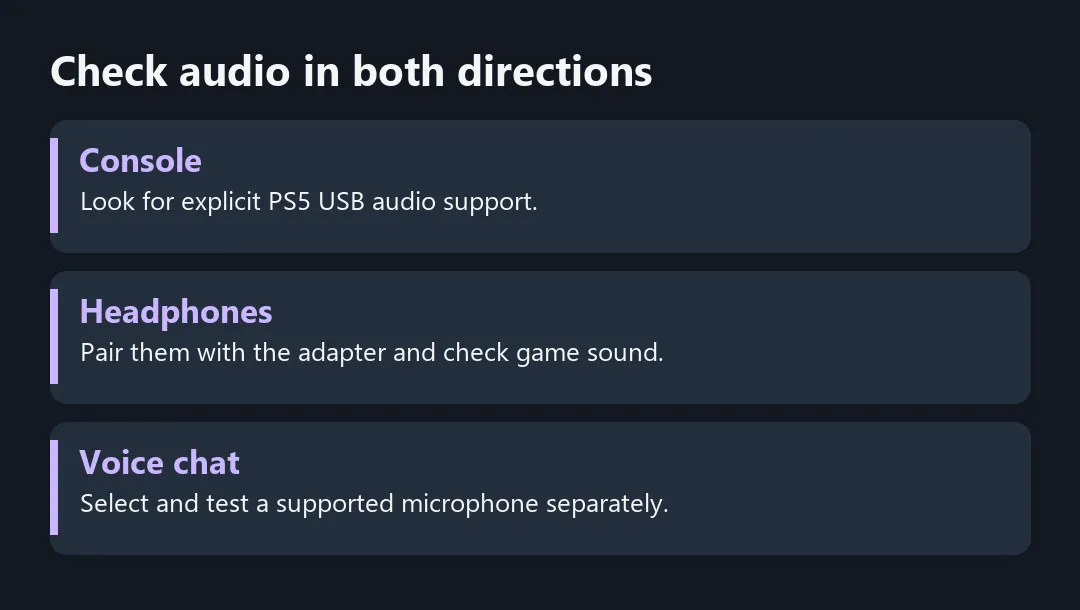
Select the device for output in the PS5 sound settings. Play a familiar clip or game and listen for a cue that matches what happens on the screen. Then open the microphone settings and check whether a supported input is available. The Creative BT-W6 instructions distinguish microphone activation on PlayStation from other hosts. Pairing the headphones successfully therefore does not prove that the microphone will behave as it does with a phone.
If you can hear the game but the party cannot hear you, check the console's selected mic and mute settings independently. Try a known compatible input for the chat test so you can isolate the adapter rather than troubleshooting the internet connection and the headset at the same time.
🔌 Choose how you want to connect
Compare Playstation Headsets if you need a complete console setup with documented chat support. If working wireless headphones already suit you, check whether a compatible controller cable gives you a simpler result. The Wired Headset category is also worth comparing if you prefer a dedicated connection. Confirm whether the cable carries the microphone as well as stereo sound.
If you only play single-player games or watch media, judge an adapter on output, delay and comfort. If party chat matters most, buy only after verifying which microphone the console will use.
Frequently Asked Questions
Can I use Bluetooth earbuds or AirPods with a PS5 adapter?
Check PS5 support for the transmitter and compatibility with your earbuds. Pair the earbuds to the transmitter.
Does the console see the adapter or my headphones?
With a supported transmitter, the console sends audio to the USB device and it handles headphone pairing.
Will my headset microphone work?
Check the exact transmitter and mode, then confirm a usable input in the console sound settings.
Could I use the controller headphone jack instead?
Yes, with a compatible wired headset or cable. Check microphone support if you need chat.
Can a generic PC Bluetooth dongle do the same job?
Choose a device whose maker documents PS5 USB audio support. A PC radio alone does not establish that.
How do I check delay before choosing it for games?
Test a familiar sound cue and then a voice chat session with the same headphones and adapter.
Check audio in both directions
Check game sound and microphone input separately before buying a USB audio transmitter. Compare compatible options at Evetech.