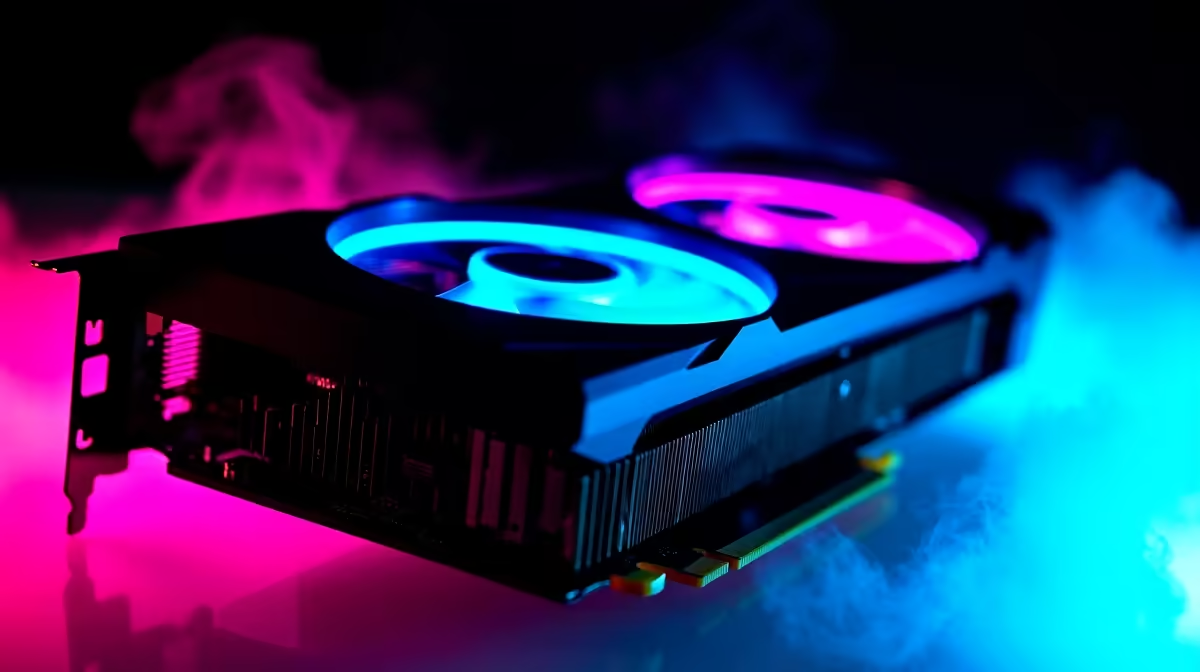
Why Does the RTX 4070 Underclock Automatically? Understanding the Basics ⚡
If you’ve recently grabbed an RTX 4070 here in South Africa, you might have noticed your graphics card sometimes underclocking itself. This can be puzzling, especially when you’re eager to squeeze every frame out of your new GPU. But what’s really going on beneath the surface? RTX 4070 underclocking automatically happens to balance performance and protect your hardware from overheating or power issues.
This behaviour is more common than you think, and it’s designed to keep your system stable while delivering smooth gameplay.
How RTX 4070 Underclocking Protects Your Gaming Experience
When your RTX 4070 reduces its clock speeds, it’s not a malfunction. Instead, it’s a built-in safety feature. GPUs dynamically adjust speeds based on temperature, power delivery, and workload. Especially under heavy gaming sessions or with less-than-ideal cooling setups, your card might downclock to avoid damage or sudden shutdowns.
South African gamers often experience this due to ambient room temperatures or local power fluctuations. Managing these factors helps your RTX 4070 maintain its boost speeds for longer.
For an optimised setup, pairing your RTX 4070 with quality PC components is key 👉 check out the latest graphics cards that complement your build perfectly.
Tips to Prevent Excessive Underclocking on Your RTX 4070
- Ensure your PC case has adequate airflow — a dusty or cramped case raises temps quickly.
- Update your graphics drivers regularly; NVIDIA often refines power management.
- Use monitoring software to track GPU temps and clock speeds during play.
- South African gamers can sometimes benefit from undervolting to reduce heat and power draw.
Keep Your RTX 4070 Running Cooler
Try lowering your fan curve by 5% to shave off a few degrees — quieter rig, same FPS. Regularly clean dust filters to maintain fresh airflow.
For affordable and reliable gaming setups that handle GPU demands with ease, browse our best gaming PC deals.
When to Worry About RTX 4070 Underclocking?
Automatic underclocking isn’t usually a problem, but if it happens during light loads or frequent freezes, then it’s worth troubleshooting. Check power supply stability, GPU seating, and temperature sensors. South Africans should also consider voltage irregularities common in some areas.
Pre-built rigs tuned for optimal thermal and power handling minimise these issues. Explore our trusted pre-built PC deals made for sustained gaming sessions.
Mobility and RTX 4070: What About Laptops?
RTX 4070 laptops also experience underclocking for thermal control, which affects frame rates during intensive gaming. Good cooling and power settings improve performance, but expect some throttling due to design constraints.
For South Africans who game on the go, browsing notebooks for sale with proper cooling systems can make all the difference.
Stay Updated on RTX 4070 Performance & Local Deals 🚀
Technology evolves fast, so staying on top of price drops and specials here is crucial. Save while upgrading your rig by checking out the latest Evetech specials.
Ready to upgrade your rig with confidence?
Don’t let underclocking slow you down — Shop now at Evetech for GPUs and gear that keep your FPS steady and your gameplay smooth.