



YouTube View Counts Change on 24 August: Creator Guide
YouTube will count public views from the first frame across video formats from 24 August, while earnings and eligibility remain tied to engaged viewing.
Read moreThe newest open coding model on a 16GB card that runs well is Gemma 3 27B at Q4, which fills the RTX 5080's 16GB VRAM, while a 32B model like Qwen 2.5 Coder 32B at -20-22GB overflows and forces heavier quantisation or an upgrade to a 32GB GPU. The RTX 5080 is stocked.
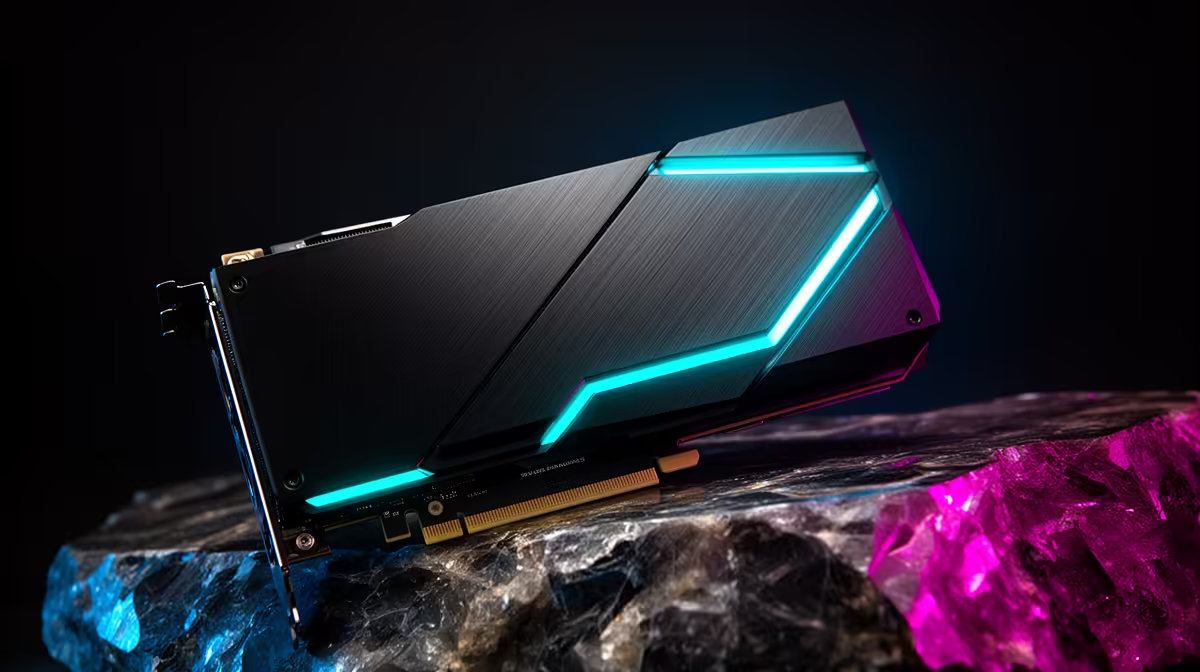
Run a coding assistant entirely on your own machine and the single number that decides everything is VRAM. On a 16GB card like the RTX 5080, you get a hard ceiling: a 27B-class open model at Q4 quantisation fits with a little room to spare, while a 32B coder model needs roughly 20GB and spills past the edge, forcing crushing quantisation or a jump to a 32GB GPU. Knowing where that line sits saves you a lot of trial and error.
On a 16GB RTX 5080, the largest open coding model that runs cleanly is a 27B model at Q4, which fills the VRAM with a usable context window. A 32B coder at Q4 needs around 20GB and overflows, so it either offloads to system RAM and slows to a crawl or demands heavier quantisation that dulls its code quality. The RTX 5080 is stocked at Evetech for an in-Rand buy.
A local model has to load its weights into VRAM, and quantisation sets how much space those weights take. Q4 packs each parameter into roughly half a byte, so a 27B model lands near 14 to 15GB, leaving the rest for your prompt and the model's working context. Push to a 32B model at the same Q4 and you are asking for around 20GB before context, which a 16GB card simply cannot hold. The overflow gets shunted to system memory, and generation speed drops from comfortably interactive to painfully slow. The honest answer is that 27B-at-Q4 is the practical ceiling on this card, not 32B.
For pure coding, you have two sensible routes on a 5080. The first is a smaller, denser coder model at higher precision, a 14B coder at Q8 fits inside roughly 15GB and punches well above its size on real code tasks, often beating a larger model that has been quantised too hard. The second is a mixture-of-experts coder that carries a large total parameter count but only activates a few billion at a time, so it sits inside 16GB while reasoning like something far bigger. Both deliver fast, snappy responses on the 5080's GDDR7 memory rather than the stutter you get from overflow.
If you want the most capable single model that still fits, a 27B at Q4 is the top of the range. Go beyond it and you are paying in speed, not gaining in quality.
Running models locally means your code never leaves your machine, no subscription, no upload, no rate limits, and no rand-to-dollar billing surprise each month. For South African developers that last point matters: a once-off hardware buy in Rand beats an open-ended foreign-currency API bill. The 5080 sits in the sweet spot for this, capable enough for serious 27B-class work yet far cheaper than the 32GB cards. You can see the full local-AI machine lineup in the AI PC range, and the PC best sellers list is a fast read on which builds South African buyers are pairing these cards with right now.
Not comfortably. A 32B model at Q4 needs around 20GB, which exceeds the 5080's 16GB. It will run by offloading to system RAM, but speed collapses. For 32B-class work without compromise you want a 32GB GPU.
For most everyday coding it is. Q4 trims memory hard while keeping a 27B model genuinely useful. If you need maximum accuracy on tricky logic, a smaller model at Q8 can be the better trade because it keeps more precision per parameter.
Privacy and cost. Your code stays on your machine, you avoid monthly foreign-currency API charges, and there are no usage caps. The trade is the upfront hardware spend, which a 5080 covers for 27B-class models.
On a 16GB card a 27B Q4 model leaves modest room for context. Smaller or mixture-of-experts models free up more VRAM for longer prompts, which helps when you feed in larger files or multi-step tasks.
Want a local coding assistant that runs in Rand, not on a foreign subscription? See the AI PC range at Evetech and build around an RTX 5080 for 27B-class models with room to work.
Not comfortably. A 32B model at Q4 needs around 20GB, which exceeds the 5080's 16GB. It will run by offloading to system RAM, but speed collapses. For 32B-class work without compromise you want a 32GB GPU.
For most everyday coding it is. Q4 trims memory hard while keeping a 27B model genuinely useful. If you need maximum accuracy on tricky logic, a smaller model at Q8 can be the better trade because it keeps more precision per parameter.
Privacy and cost. Your code stays on your machine, you avoid monthly foreign-currency API charges, and there are no usage caps. The trade is the upfront hardware spend, which a 5080 covers for 27B-class models.
On a 16GB card a 27B Q4 model leaves modest room for context. Smaller or mixture-of-experts models free up more VRAM for longer prompts, which helps when you feed in larger files or multi-step tasks.
YouTube will count public views from the first frame across video formats from 24 August, while earnings and eligibility remain tied to engaged viewing.
Read more
Microsoft is testing a simpler File Explorer context menu with controls for built-in commands, app extensions, icon labels and the position of Properties.
Read more
O-Week throws a packed schedule at new students, so a durable laptop for O-Week has to handle the chaos. Match the university floors of 16GB RAM, 512GB storage and Windows 11 before lectures start. The IdeaPad Slim 3 at R10,499 keeps orientation costs sensibly down.
Read more
Before the November Black Friday rush in SA, lock in your specs and budget so deals are easy to judge. Set the 16GB and 512GB university floor as your minimum. Shortlist the ExpertBook P1 at R12,999 and ThinkBook 15 G4 at R17,599 so you know each model's real price going in.
Read more
Matric studies rarely require 165Hz, but the monitor can be a good buy if it combines smooth use with clear reading for notes, videos and research. South African students should focus on comfort, panel quality and desk fit before treating refresh rate as the deciding feature.
Read more
DDR5 build FPS drops needs a methodical troubleshooting pass. Review drivers, thermals, power settings, background apps, cables and game settings before replacing parts in an SA gaming setup.

Fps drops on ddr5 build in south africa usually needs a settings, driver, thermal, or power check first. Work through safe SA troubleshooting steps before replacing parts or assuming a full upgrade.

Wi-Fi 6E vs Wi-Fi 6 depends on AAA single-player gaming needs, platform limits, and budget fit. Compare compatibility, latency, upgrade path, and real setup constraints before choosing for an SA build.

Ryzen 9 9950X3D dead pixel checks should isolate the panel first. Run colour fills, inspect the monitor menu, test another cable or input, and capture proof before linking it to the SA CPU upgrade.
YouTube will count public views from the first frame across video formats from 24 August, while earnings and eligibility remain tied to engaged viewing.

Canonical expects Ubuntu on WSL users to outnumber native Ubuntu desktop users before the end of 2026. The software is open source and runs inside supported Windows PCs.

Telkom's daily bundles pair WhatsApp access with 10 all-network voice minutes. The R15 option includes 300MB, while the R17 option uses a fair-use threshold.

A 10,000-hour test found similar image retention across older and newer OLED TVs, while newer panels were brighter and more efficient. Local OLED monitors started at R9,999.
YouTube will count public views from the first frame across video formats from 24 August, while earnings and eligibility remain tied to engaged viewing.

CXMT memory has been demonstrated at DDR5-9000 and DDR5-6000 CL28, but the results depend on tuned hardware and do not represent a broad retail specification.
Microsoft is testing a simpler File Explorer context menu with controls for built-in commands, app extensions, icon labels and the position of Properties.

Lexar's THOR ULTRA is a DRAMless PCIe 5.0 SSD rated up to 11,000MB/s reads and 10,000MB/s writes, with capacities from 512GB to 4TB.