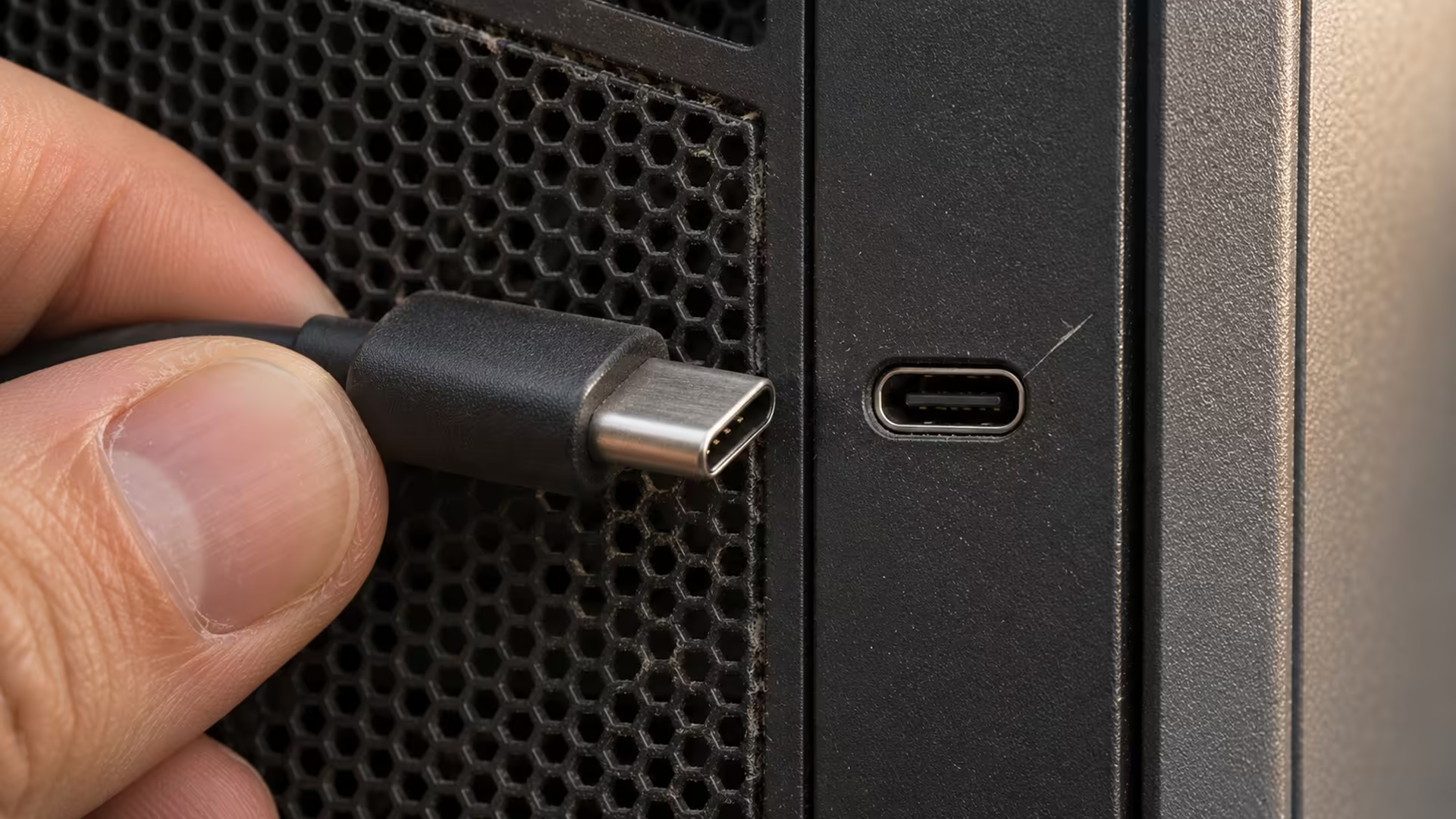
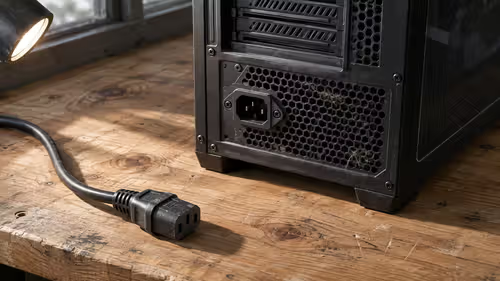
Your USB-C cable charges a gamepad facing one way. Turn the plug over and the charging indicator stays dark. Mark which end and orientation worked before unplugging anything else. Use a second cable to see whether the failure follows the lead.
Quick Answer
If a USB C cable only works one way, test a second known-good cable in both orientations on the same port. Keep the device and task unchanged. A compliant USB-C connection is designed for either plug orientation. Borrow a compatible spare for the R0 test.
🔌 Test the same connection twice
Pick one job to repeat. If the symptom is charging, keep the same charger and watch the charging indicator after each connection. If a drive only mounts when the plug faces one way, use the same drive and port. Wait for recognition before marking the result. With a drive, eject it and let active transfers finish before disconnecting it.
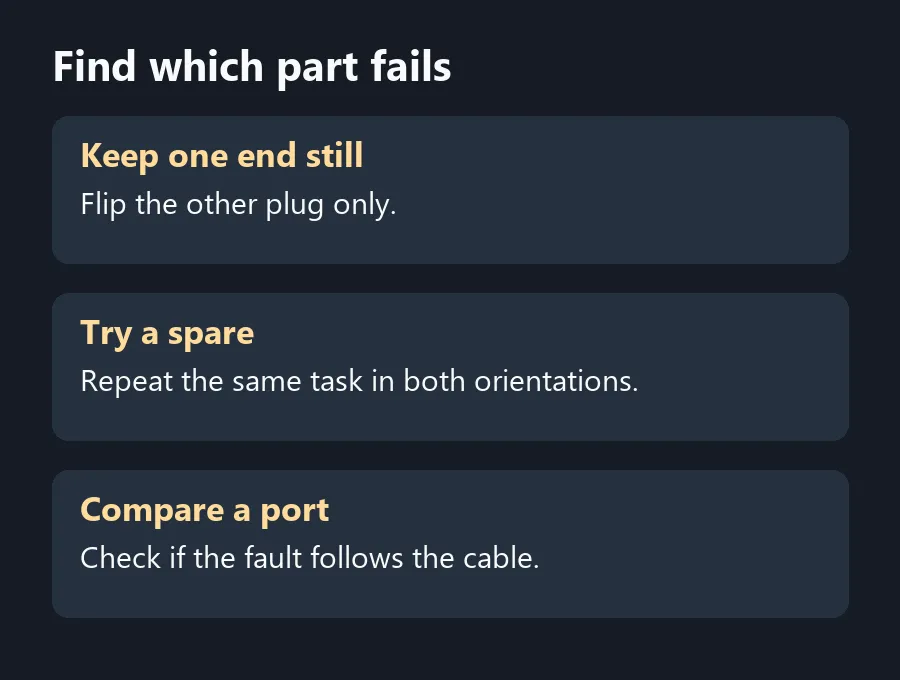
For a cable with USB-C at both ends, keep one end fixed while you flip the other. Switch ends only after the first comparison, and record what you did. Otherwise you can see the fault disappear without knowing which connection changed. USB-C interoperability tests use both plug orientations because a device should work from either.
🧪 See where the failure follows
Try a second cable that already works for the same task. If it works both ways on the same connection, test the original cable on another compatible port. A fault that follows one cable gives you a better reason to swap that cable. If several known-good cables fail in one orientation on the same port, stop relying on that port and get it checked.
Use a light to inspect the plug and port for damage or an obstruction. Removing a bulky device case can show whether the plug was stopping short. Avoid forcing it. If a cable or port looks distorted or damaged, take it out of use and get advice for that device. Skip live probing and improvised cleaning tools.
💻 Buy for what you do with the cable
Matching plug shapes do not tell you what a cable can carry. If you need charging and data, check both in the product description. If you are trying to connect a display, verify video support at the host and display as well. Your tests can show an orientation issue without proving that a cable supports an unrelated use.
Find suitable leads in Cable Solutions once you know which part failed. If a hub is in the signal path, test the laptop port directly before comparing replacement USB Hubs. Evetech listed the UPERFECT UCable at R59 on 22 November. Check the connection and the functions you need before buying it.
Frequently Asked Questions
Should a USB-C plug work both ways?
Yes. The connector is designed to work in either orientation on a compatible connection.
Which end should I flip first?
Choose one end and leave the other end fixed so you can isolate the change.
How do I check if the port is at fault?
Try a second cable known to work for that task, then compare with a compatible second port.
Should I test charging and data together?
Test the failing job first. A working charge connection does not establish data or display support.
Can my case affect the test?
A bulky case can prevent a plug from seating. Try the same connection without the obstructing case.
What if either connector looks damaged?
Take that cable or port out of use and have the device checked if the damage is at the port.
Find which part fails
Borrow a compatible spare to isolate an orientation fault before replacing a lead or paying for a connector repair.