


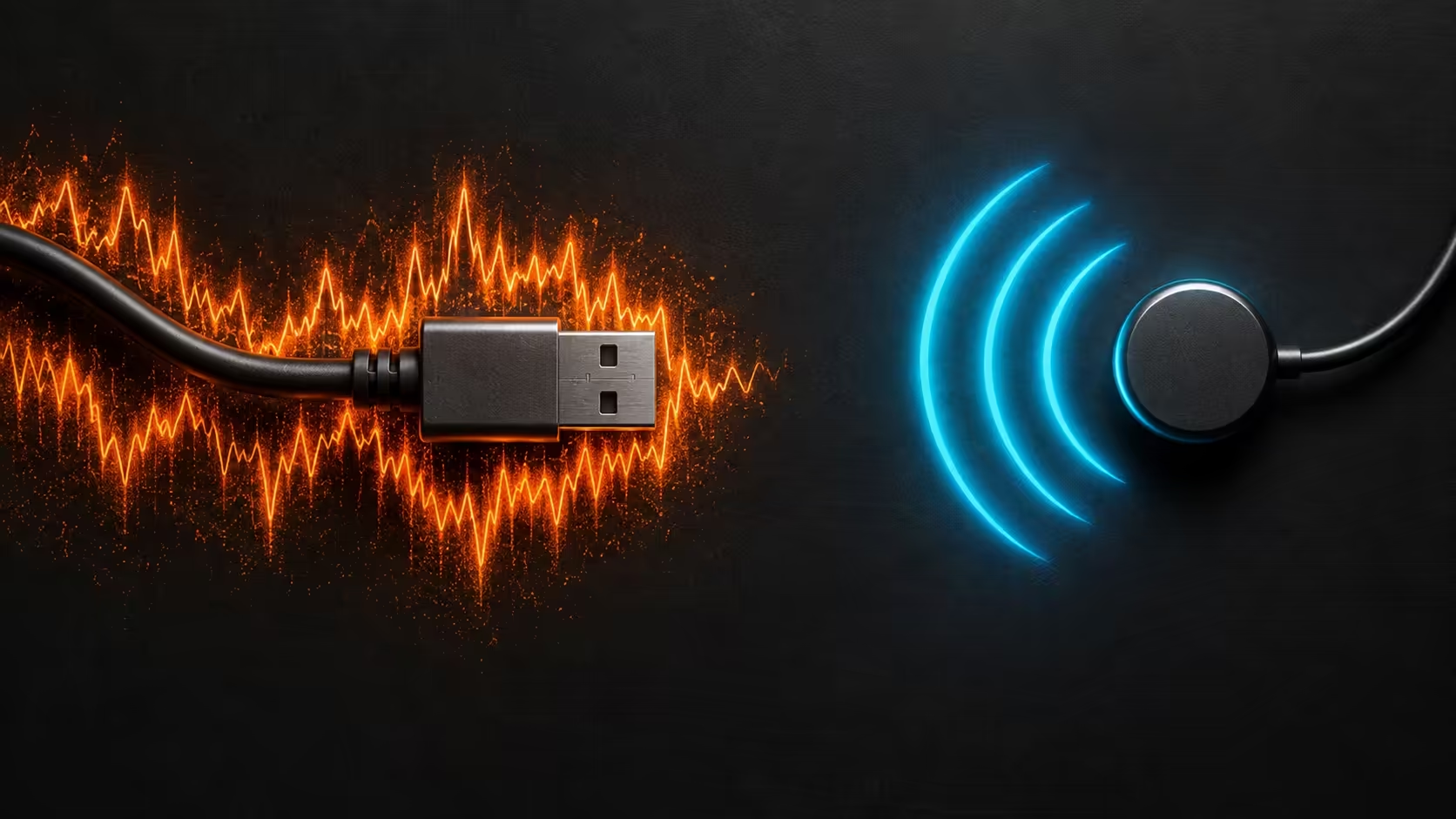
Your connection was stable until an external drive started copying files. That timing is a useful clue, especially when only the nearby 2.4GHz link suffers. USB 3 WiFi interference is a documented possibility, and a controlled test can tell you more than restarting everything or immediately replacing the router.
Quick Answer
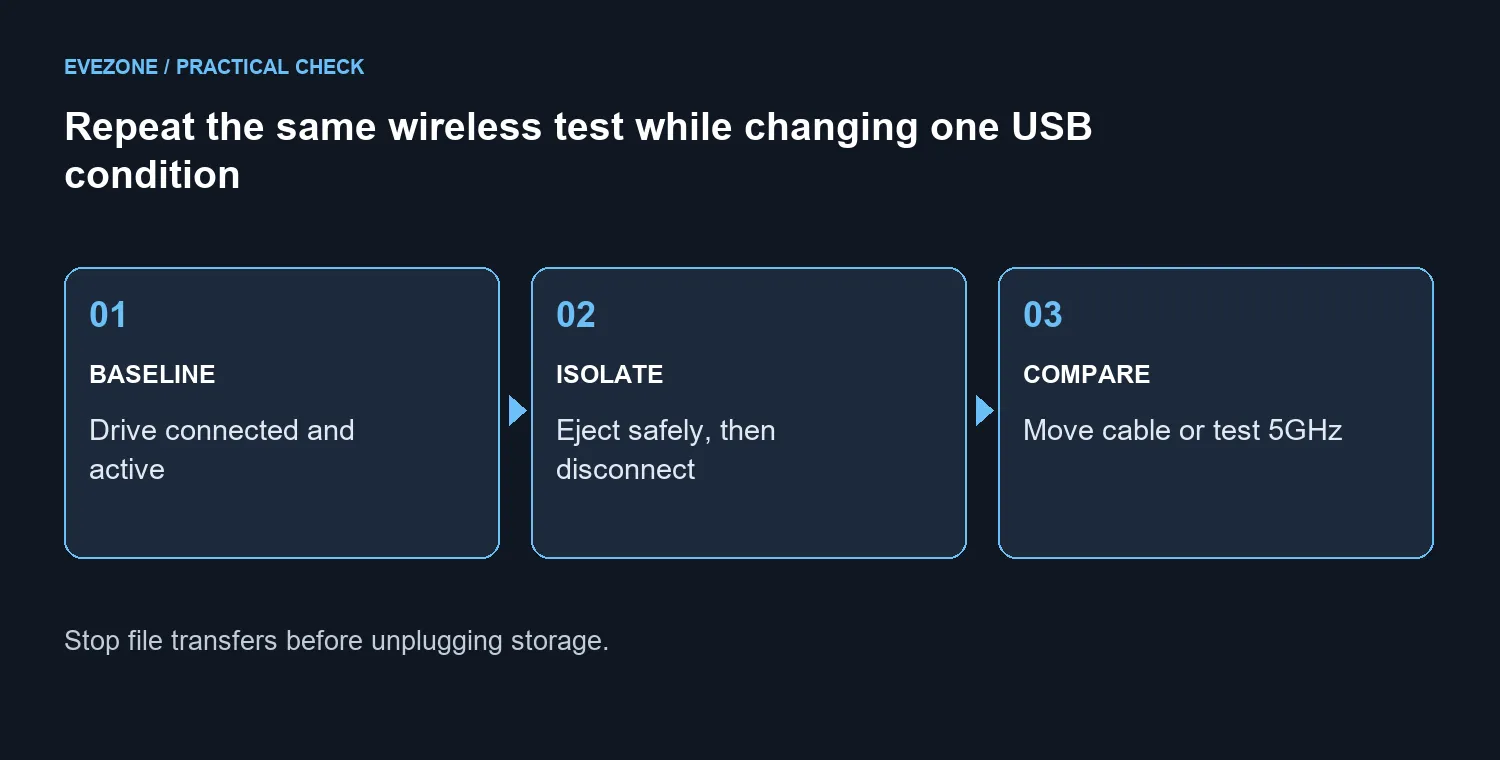
Start with a R0 comparison using your existing equipment: finish the transfer, safely eject the USB drive and repeat the same wireless task with it disconnected. If the problem follows the drive, separate the storage device and cable from the antenna or receiver, then compare a supported 5GHz connection. Do not treat every Wi-Fi dropout as USB interference.
🔎 Establish whether storage activity is the trigger
Write down the symptom first. Is the network disappearing, is a game pausing, or does only the download speed fall? Check which wireless band the affected device uses. Keep the PC in the same place and use the same task so the comparison means something.
Run the task with the external drive connected, then repeat after safely disconnecting it. Stop applications using the drive and wait for transfers to finish before ejecting. Do not interrupt a write simply to make the test quicker. Repeat the comparison to see whether the result follows the USB condition rather than a one-off change elsewhere.
If wired Ethernet and several other devices fail at the same time, investigate the wider network as well. A local receiver problem should not become the default explanation for every device in the house losing internet access. Preserve the result of the test even when it rules out your first suspicion.
📡 Create distance before changing the network
Certain USB 3 equipment can create radio noise near the 2.4GHz band. A drive or cable close to a wireless antenna is therefore worth investigating. Move the storage equipment away from the receiver while keeping the connections secure and within the cable's intended use.
A suitable shielded extension cable can make separation practical. Avoid balancing a drive where it can fall or putting strain on its connector. If the device supports a USB 2 connection and the lower speed is acceptable, that can be a useful comparison too. It changes the storage performance, so record that compromise rather than calling it a free speed upgrade.
Try 5GHz when both your router and client support it. The aim is to compare behaviour on a different band in the same location. Do not change the band, location, driver and router settings all at once, because a good result would then leave you guessing which change mattered.
🛠️ Spend only after the test identifies a limitation
The 18 September 2026 Evetech catalogue listed the CUDY AC1200 travel router at R699. That is a real local networking price reference, not a prescription for this problem. Moving an existing cable may address the trigger without buying a router at all.
If replacement networking equipment is still needed, compare wireless routers by the features your connection requires. A label such as dual band is relevant only when the client can use the other band and receives a usable signal at the desk.
Compact setups deserve particular attention because storage, antennas and adapters often sit close together. When planning a mini PC desk, leave room to separate cables and access ports. A tidy-looking bundle is less useful if it makes diagnosis difficult or presses connectors against a wall.
Frequently Asked Questions
Does every USB 3 cable cause this?
No. The documented effect concerns particular devices, cables and arrangements. Your before-and-after test is needed to establish whether it explains your symptom.
Can I unplug the drive during a copy?
Wait for the copy to finish, close anything using the drive and eject it safely first. The diagnosis is not worth risking the files being written.
Why can USB 2 appear to help?
It changes the operating mode and may avoid the interference, at a lower storage transfer rate. Use it only if that trade-off suits the job.
What if moving the drive changes nothing?
Keep investigating the connection, drivers and other devices. A failed hypothesis is a useful result and should stop you spending on the wrong explanation.
Found the weak part of your wireless setup? Use that result to compare Evetech networking options. Keep a working router when cable placement or an existing connection can solve the problem.










