A Windows Caps Lock beep can be useful feedback rather than a failing keyboard. Toggle Keys provides sound for lock-key state changes, so a new beep may have a straightforward setting behind it. Check that before replacing the board, and keep the feedback when it helps the person using the PC.
Quick Answer
A Windows Caps Lock beep may come from Toggle Keys, which gives sound when Caps Lock, Num Lock or Scroll Lock changes state. Inspect Keyboard accessibility in Windows 11 and compare the sound with the feature changed deliberately. This costs R0; MARVO WS005 combos were R179 on 8 October as a separate replacement reference.
🔔 Listen to the event, not just the sound
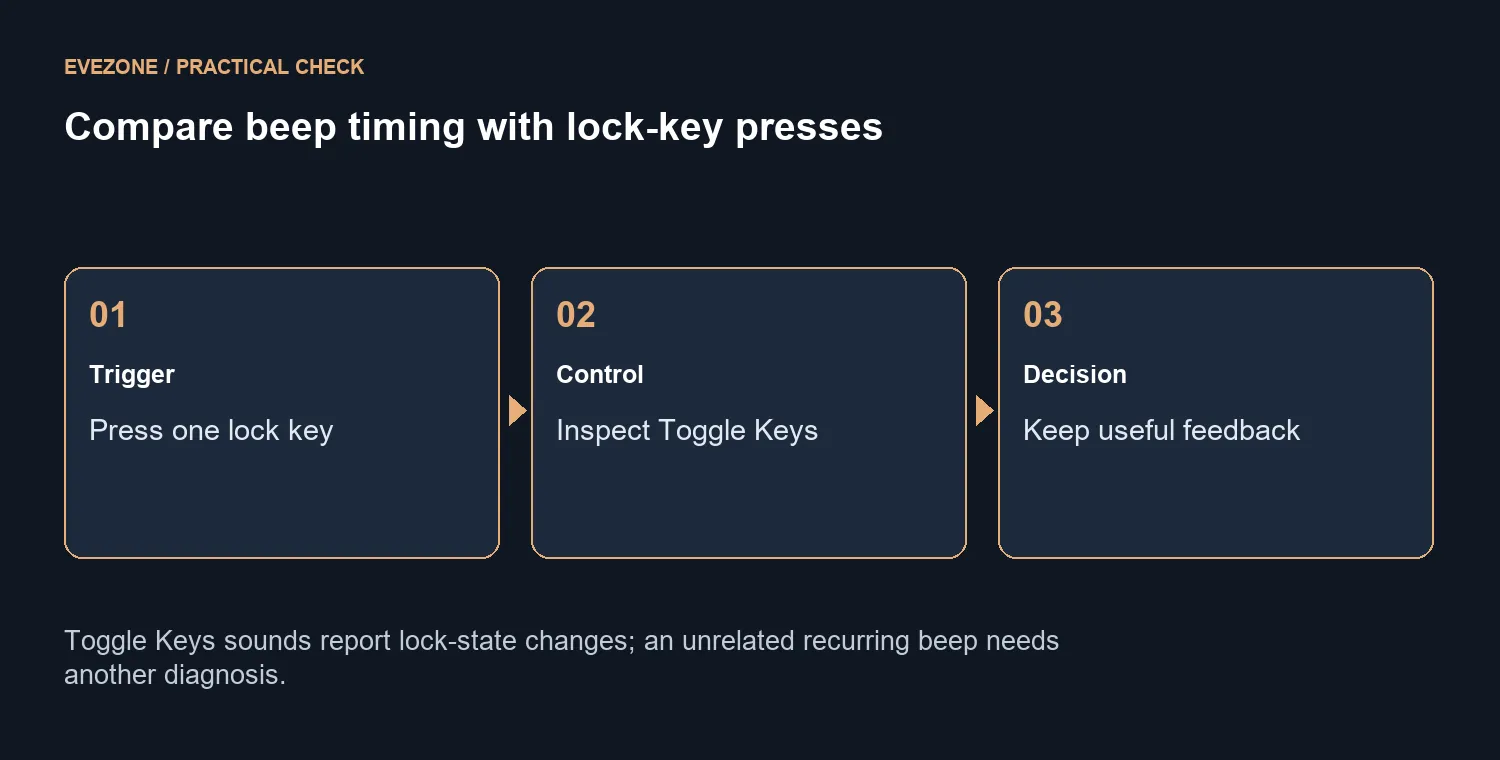
Press Caps Lock while looking at a short piece of test text, then compare Num Lock or Scroll Lock if the keyboard has those keys. Note whether the sound follows a lock change consistently. A tone tied to that event is a more useful observation than a general report that the PC keeps beeping.
Toggle Keys uses different tones for on and off states. That can help someone avoid writing with the wrong lock state, especially if a small indicator is hard to see. Ask whether the feedback is needed before deciding that silence is the desired result.
⚙️ Inspect the accessibility preference
In Windows 11, open Settings, Accessibility and Keyboard, then find Toggle Keys. Record its current state and compare one intentional change. Repeat the same key sequence so the result relates to the option you tested.
If the sound changes with Toggle Keys, choose the preference that suits the user. If another sound remains, describe when it occurs and investigate that separately. This check should not turn every alert, application sound or start-up tone into a Toggle Keys diagnosis.
⌨️ Keep useful feedback and avoid needless spending
For a shared household or office PC, a lock-state cue may prevent small typing mistakes. Keep it if it helps, or agree on a setting together when several people use the same session. The aim is predictable input, not a silent desk at any cost.
Browse keyboards when the physical board has a separate confirmed problem. Keyboard and mouse combos offer a simple replacement path, with the dated R179 MARVO listing as a budget marker. A working lock key accompanied by intentional Windows feedback is not, by itself, a reason to buy another keyboard.
Frequently Asked Questions
Why does Caps Lock make a tone?
Toggle Keys can sound when the key changes its lock state. Check that feature when the beep follows the press exactly.
Can Num Lock do the same thing?
Yes. Toggle Keys covers Caps Lock, Num Lock and Scroll Lock. Compare the sound with a deliberate press of each available key.
Where do I inspect the option?
Open Settings, Accessibility and Keyboard in Windows 11. Find Toggle Keys and choose whether its feedback is useful.
Do different tones mean different states?
The feature uses a higher tone for a lock switched on and a lower tone for a lock switched off.
Should I always disable the sound?
No. It can prevent typing with an unintended lock state. Keep it when the user relies on that feedback.
Is replacement the first step?
No. A software tone can come from a working keyboard. A MARVO WS005 combo was R179 on 8 October, but this setting check is free.
Keep helpful lock feedback and choose a comfortable keyboard.