The Windows mono audio setting can change the way stereo content reaches your headphones or speakers. It is worth checking when left and right placement seems absent, but it can also be an intentional accessibility choice. Decide what listening arrangement helps you before treating the setting as a fault or buying another headset.
Quick Answer
The Windows mono audio setting combines left and right audio channels. In Windows 11, inspect Settings, Accessibility and Audio, then choose Mono audio according to your listening needs. Changing it costs R0. Use a known stereo source to compare channel separation before spending on replacement headphones or speakers.
🎧 Separate listening needs from a fault
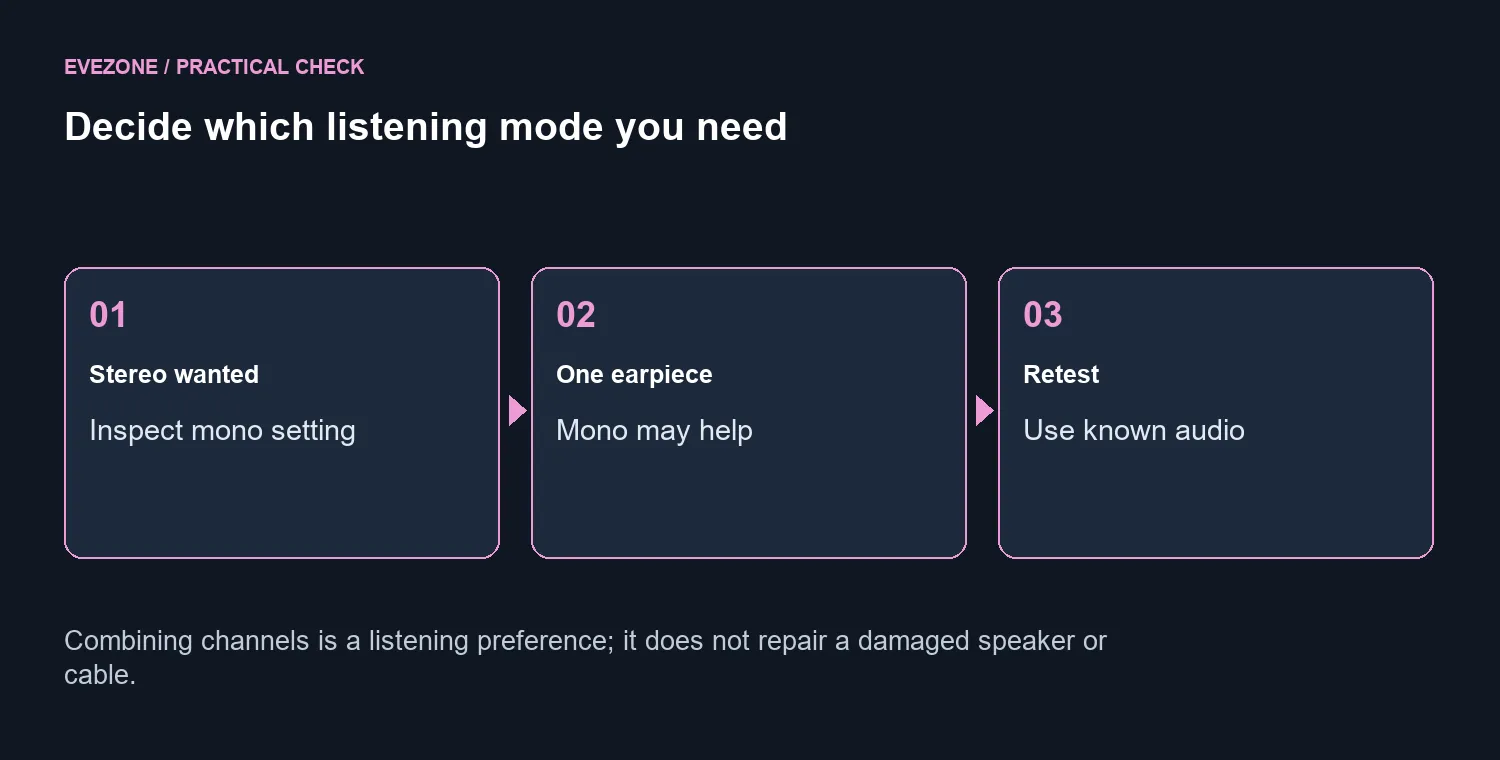
Mono can be useful when listening through one ear or when combining the channels makes content easier to hear. That is a valid reason to keep it enabled. Stereo separation is useful for other listening tasks, so the right choice depends on the person and the content.
Describe the actual symptom: missing left-right placement, one side completely silent or a problem in only one application. Combining channels and losing physical output on one side are not the same observation. Start with a known source and the intended output device, then note what each ear or speaker is doing.
⚙️ Make a controlled audio comparison
Find Mono audio in Windows Audio accessibility and note its current position. Compare the same stereo sample with the setting changed only if that suits the user. Keep the volume comfortable and use the same output device throughout the test.
Check the result rather than assuming the toggle resolves every audio complaint. Application settings and the physical listening arrangement may still matter. If the system setting explains the lost separation, choose the preferred mode and leave the rest of the setup alone. If it does not, return to the starting point and investigate one further variable.
🔊 Choose equipment for the remaining need
Browse gaming headsets when you need a different fit, microphone arrangement or supported connection. Compare speakers when the intended listening setup is a desk rather than headphones. Those are purchase decisions about the equipment, while the mono control is a free system setting.
Before ordering, test the existing device on the same source and record the symptom that remains. Avoid using a game or video with unclear channel placement as the only test. A repeatable comparison gives you a useful description to take into a hardware support request and prevents a preference setting from becoming an unnecessary replacement bill.
Frequently Asked Questions
What does mono audio do?
It combines stereo material into a single channel, so content from either side can be heard without relying on stereo separation.
Where is the Windows 11 control?
Open Settings, Accessibility and Audio. Inspect Mono audio and choose the mode that suits the listener.
Will it repair a damaged headphone?
No. Combining channels changes the audio mix. It does not mend a broken driver, worn connector or cable.
Why might someone keep it on?
A listener using one earpiece may need content from both channels. Mono can be a useful accessibility choice.
How can I compare the result?
Use familiar stereo material at a comfortable volume and change only the mono setting. Avoid changing several processing options together.
Does this software check cost money?
The built-in setting costs R0. Buying new audio hardware makes sense only after the fault or desired upgrade is identified.
Choose audio equipment after the channel comparison.