The layout selector can disappear while the physical keyboard continues working normally. Windows input language icon missing is therefore a display-and-configuration question before it is a replacement-keyboard problem. Find out whether Windows still has multiple input choices, and whether another language-bar mode is showing them somewhere else.
Quick Answer
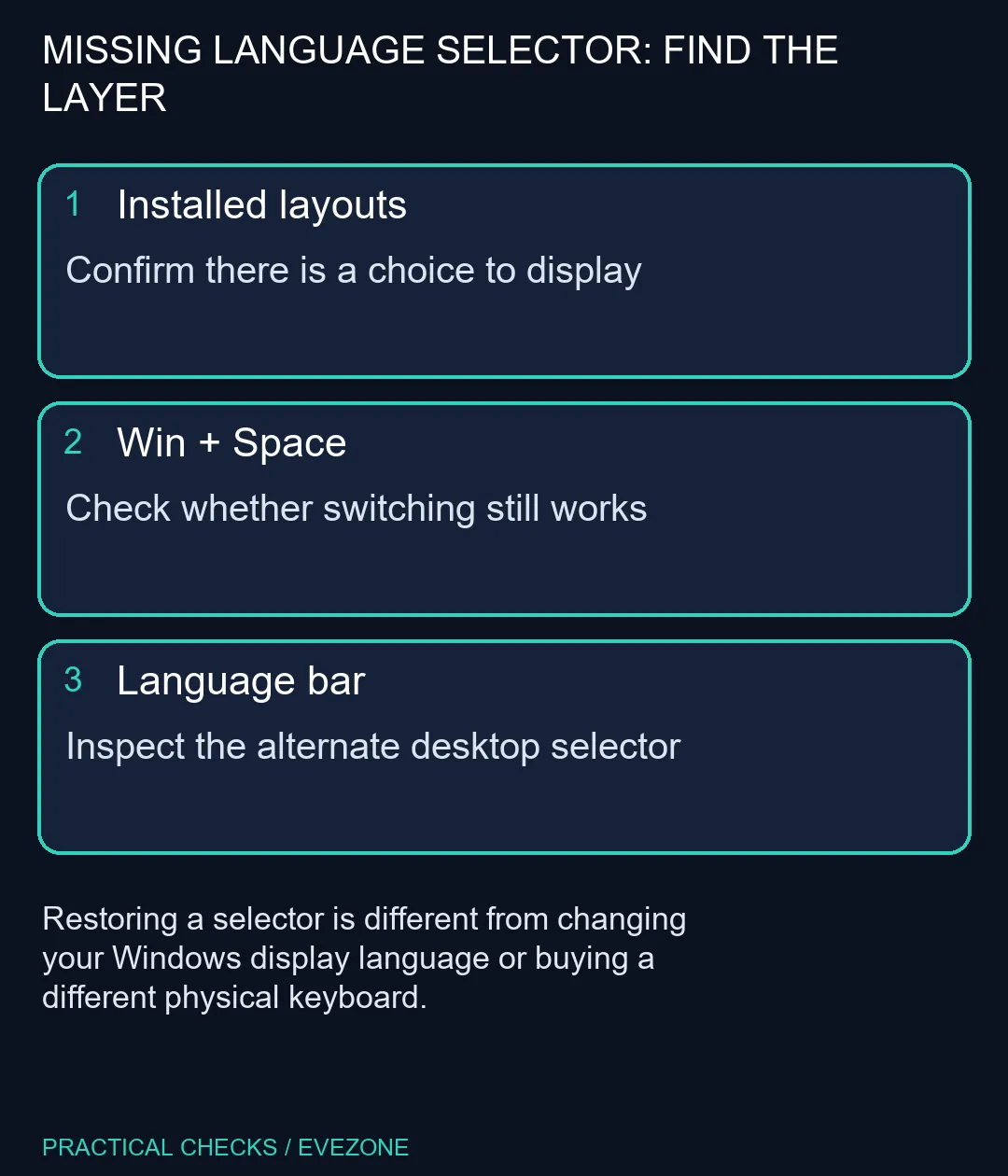
Press Windows+Space and check the installed layouts before changing hardware. If switching works, inspect Advanced keyboard settings and the option to use the desktop language bar when available; that legacy bar can replace the taskbar icon. These checks cost R0 in extra equipment and do not require changing the language of all Windows menus.
⌨️ Confirm what Windows can switch
Open Time & language in Settings and inspect Language & region and the keyboard options for the installed language. A display language and an input layout are not interchangeable. One controls Windows text; the other helps decide what characters appear when you press physical keys. Installing an entire language pack is not the first response to a missing selector.
Use Windows+Space to see the available choices. If there is only one relevant layout, note that before treating the lack of a switching menu as a failure. If there are several, select the intended one and type harmless sample text in a blank document. Confirm the resulting symbols as well as the selector's visibility.
🗂️ Look for the alternate language bar
Search Settings for Advanced keyboard settings. Where Use the desktop language bar when it is available is enabled, the older language bar may be taking the place of the input icon in the taskbar. Review that option and any language-bar visibility controls before assuming the selector has been removed entirely. Change one preference and observe where the available layouts appear.
Published instructions can contain separate Windows10 and Windows11 paths. If a Notification area link shown in an old guide is absent from your Windows11 screen, use Settings search rather than forcing an unrelated menu. Record the version and the exact control you can see. That is more useful than repeatedly toggling every tray-icon preference.
🛒 Keep a software preference out of the hardware budget
An external board does not create the right layout setting on its own. Compare gaming keyboards only if the physical arrangement or the condition of the keyboard needs changing. Even a new board should be paired with an input layout that matches its markings. Check a few punctuation keys after switching so an unexpected symbol does not become a second problem.
For a computer you are considering, asus laptops can help compare the hardware, but the software choices still need checking on the actual machine. If a managed PC prevents layout or language-bar changes, ask its administrator rather than bypassing policy. A selector that is hidden and a keyboard that fails to register input require different evidence and different next steps.
Frequently Asked Questions
What shortcut tests layout switching?
Press Windows+Space to inspect and switch available keyboard layouts. It needs more than one installed choice to offer a useful comparison.
Does a new keyboard add the missing icon?
Not necessarily. The selector concerns installed input layouts and display settings, not the brand of physical keyboard.
Can the desktop language bar hide the taskbar icon?
Yes. The legacy desktop language bar can be used instead of the input-language icon.
Must I change the Windows display language?
No. Keyboard layout and the language used for Windows menus are separate choices.
What if my settings look different?
Search Settings for Advanced keyboard settings. Windows versions expose controls differently; avoid applying a Windows10-only taskbar path blindly.
What should the first checks cost?
R0 in additional hardware. Confirm layouts, the switching shortcut and the selected display method before shopping.
Restore the selector you need.
Check installed layouts and the language-bar preference before deciding whether the physical keyboard needs any change.