


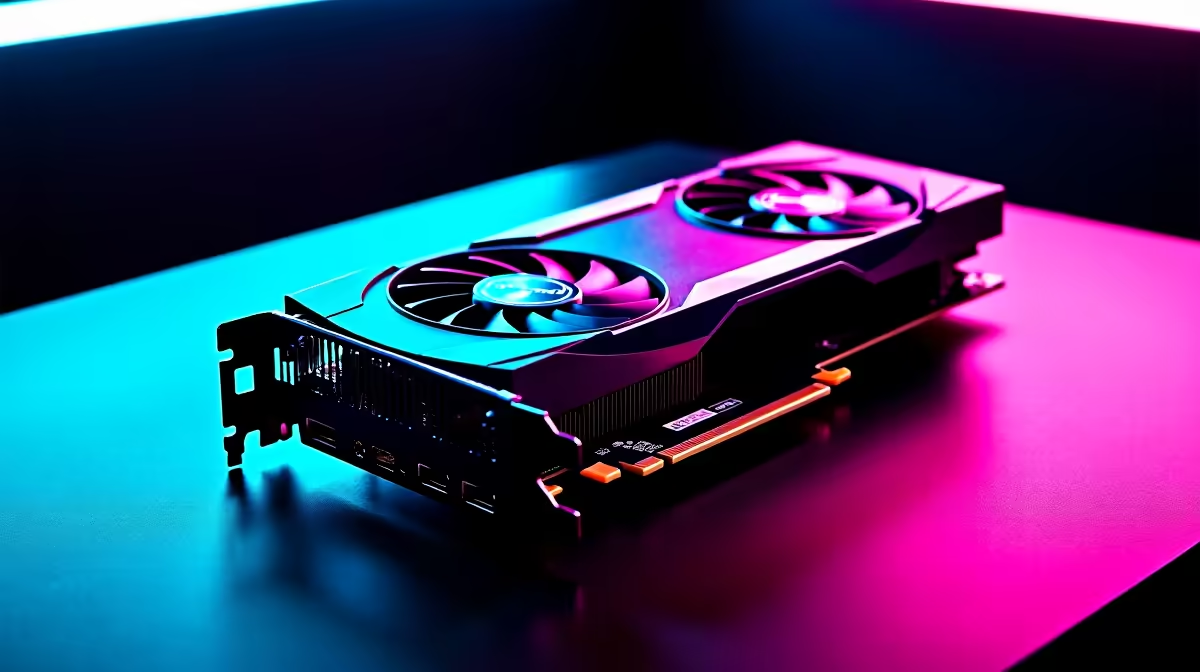
Staring at spec sheets and fluctuating prices, trying to buy GPUs in South Africa can feel like a boss battle. You want maximum frames per second without emptying your wallet, but where do you even start? Whether you're building a new rig from scratch or giving your trusted PC a much-needed boost, this guide is your ultimate cheat sheet for navigating the local market and finding the perfect graphics card for your setup and budget.
Finding the Best Shops to Buy GPUs in South Africa
When you’re ready to invest in the heart of your gaming rig, you need a retailer you can trust. The best shops offer a wide selection, competitive pricing, and solid warranties. This is where knowing the landscape helps you find the right GPU for you without the hassle.
The market is dominated by three major players, each with its own strengths:
- Team Green (NVIDIA): For years, NVIDIA has been the top choice for gamers seeking raw performance and cutting-edge features like DLSS and advanced ray tracing. From the mid-range RTX 4060 to the beastly RTX 4090, NVIDIA's GeForce lineup offers an option for nearly every price point.
- Team Red (AMD): Known for offering incredible value and fierce competition, AMD's powerful Radeon cards are a fantastic choice, especially for those pairing them with a Ryzen CPU. Their FSR technology provides a great open-source alternative to DLSS.
- Team Blue (Intel): The newest contender in the ring, Intel's Arc series is making waves by providing excellent performance for its price, particularly in the entry-level and mid-range segments. Keep an eye on them as their drivers continue to mature. ✨
How to Get the Best GPU Prices in 2026 and Beyond
Let's talk rands. GPU prices can be volatile, but with a smart approach, you can secure a great deal. The key is to set a budget and understand what you can get for your money. For many South African gamers, the sweet spot sits between R6,000 and R14,000.
However, if you're chasing the highest resolutions and ultra settings, you'll be looking at the premium tier. This is where you'll find the most powerful silicon on the market. Exploring the range of premium gaming GPUs can give you a clear picture of what top-tier performance costs. For those loyal to Team Green, you can filter specifically for high-performance NVIDIA cards over R15,000 to see the best of the best.
PSU Power Check ⚡
Before you buy a new GPU, check your Power Supply Unit (PSU). High-end cards are power-hungry! Use an online PSU calculator to see if your current unit can handle the load. A good rule ofthumb is to have about 100-150W of headroom above the recommended wattage for your new card and CPU combo. It prevents crashes during intense gaming sessions.
Pro Tips for Your Next Graphics Card Upgrade 🔧
Buying a new GPU isn't just about the card itself. Your entire system needs to be ready for the upgrade. Here are a few expert tips to ensure a smooth transition.
Don't Forget Your Power Supply!
A common mistake is buying a powerful new graphics card without considering the Power Supply Unit (PSU). Your GPU needs stable, sufficient power to perform at its peak. Skimping on the PSU can lead to system instability, crashes, or even damage to your components.
Always check the recommended PSU wattage for your chosen GPU. Investing in a reliable power supply is non-negotiable. For easier cable management and better airflow, consider models like fully modular PSUs, which let you use only the cables you need.
Gaming vs. Workstation: Know the Difference
Are you a gamer or a creative professional who edits 4K video or works with 3D models? While gaming cards can handle creative workloads, they aren't optimised for them. If your PC is primarily for work, you might benefit more from specialised workstation graphics cards. These cards have certified drivers for professional applications, ensuring stability and accuracy for tasks where precision is everything.
Ready to Find Your Perfect Match? Choosing the right GPU can feel complex... but getting it right is the key to unlocking epic performance. Explore our massive range of graphics card deals and find the perfect engine for your rig.










