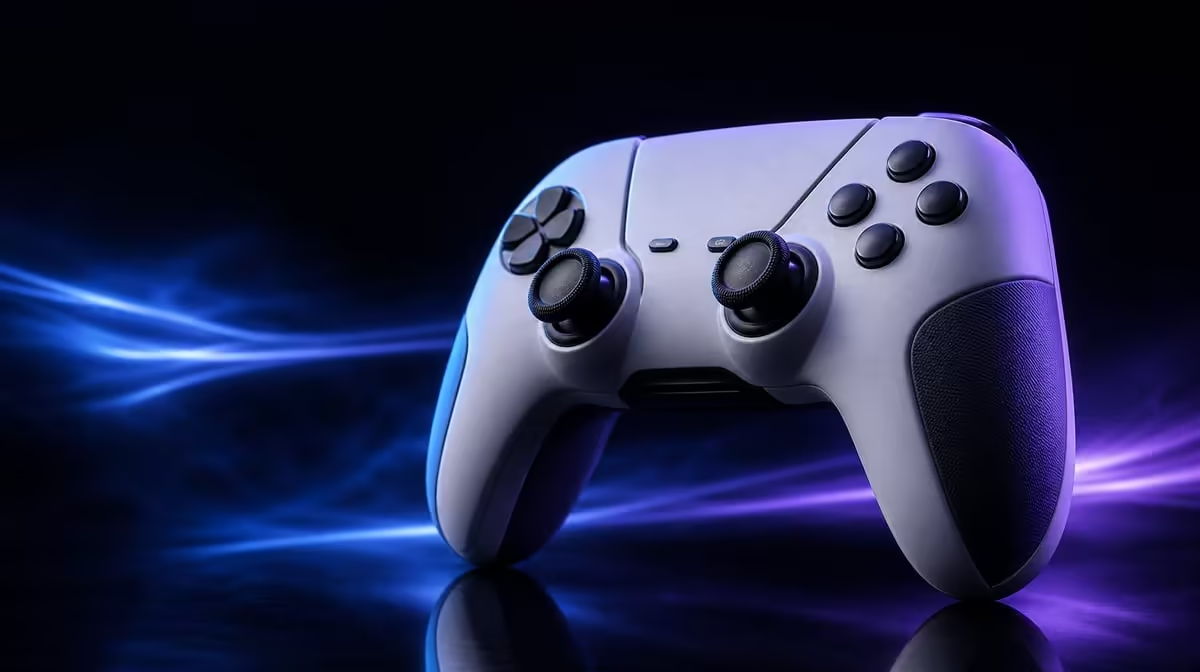
A four-digit polling figure looks decisive, yet it measures only one interval inside a much longer input journey. A 1000Hz polling rate for PC controllers is worthwhile when the player values shorter report timing and can test it without mistaking it for total system latency.
Quick Answer
On PC, the R1,499 GameSir G7 Pro can poll at 1000Hz, placing nominal report opportunities one millisecond apart. Competitive players may value that timing, but processing, frame pacing, display response and connection conditions still shape what is felt.
⏱️ Translate 1000Hz into time
Polling rate describes how often a controller can report input to its host. At 1000Hz, the interval between report opportunities is one millisecond. A lower rate spaces those opportunities farther apart.
That number is not a promise of one-millisecond button-to-screen latency. After the controller reports, the game must process the input, render a frame and send it to a display. Each stage contributes its own timing.
The benefit is therefore precise but limited: 1000Hz reduces the controller report interval within a PC input chain. It does not remove every delay before a visible response.
Start with platform scope. The G7 Pro's 1000Hz specification applies to PC. Do not extend that figure to Xbox or Android without evidence. Xbox uses the controller by cable, while Android uses Bluetooth for its supported connection.
Evetech's gaming controller section gives PC players a place to compare controllers after defining the polling requirement.
🧪 Compare the rate without changing everything else
Use the same PC, game, display, graphics settings and controller connection throughout the test. Choose a repeatable action such as a rhythm input, quick direction change or reaction drill.
Establish a lower-rate baseline where an alternative setting is available, then select 1000Hz and repeat the same sequence. Avoid changing sensitivity, frame cap or display mode at the same time.
Run several short sets rather than one dramatic attempt. Record consistency, missed inputs and subjective control, but do not claim a universal result from a small personal trial.
Use enough repetitions to reduce the effect of learning the drill. Alternate the tested rate order between sets so the later attempt does not win simply because the player has warmed up. Rest briefly if hand tension starts changing the input.
If measurement software is used, treat it as one view of report timing rather than the game result itself. A clean frequency reading confirms part of the path; it does not measure rendering, display scan-out or the player's reaction.
Check that the intended rate is active through the correct PC setup. The G7 Pro can be wired or use 2.4GHz on PC, but the summary does not promise identical report behaviour over every route. Test the mode actually used.
The controller's Mag-Res TMR sticks and Hall Effect triggers shape sensing. They do not create the polling interval, and 1000Hz does not make stick position inherently more accurate. Keep timing and precision in separate score rows.
Browse Evetech's gaming accessory range when the wider PC input setup needs attention.
🖥️ Check the rest of the response chain
A slow or uneven frame rate can hide a smaller controller-report interval. Stabilise the game scene and watch frame pacing before assigning every delayed response to the pad.
Display refresh and response also matter after rendering. A controller can report frequently while a low or inconsistent visual update still limits what the player sees.
Frame pacing deserves attention beyond average frame rate. Uneven frames can make response feel inconsistent even when the controller reports at one-millisecond intervals. Use a stable repeatable scene before judging the rate.
Background load can alter a PC comparison. Close unnecessary tasks that change system behaviour, then keep the same necessary applications open for both runs. The test should resemble the intended gaming environment without letting one attempt carry extra work.
Connection conditions influence a practical comparison. Keep wireless distance and nearby radio conditions steady if testing 2.4GHz. If using a cable, route it so it does not restrict hand movement.
Use a game that benefits from rapid decisions. A turn-based title may work perfectly while revealing little about shorter report intervals. Faster action, rhythm and competitive movement provide a more relevant test.
Four programmable macro buttons can improve access to selected commands, but they do not shorten the full pipeline automatically. The same is true of trigger stops: a shorter physical movement can change actuation feel without rewriting the polling specification.
⚖️ Decide whether the feature earns priority
1000Hz deserves high priority for a PC competitor who already has stable frame delivery, a suitable display and a game where small timing differences matter. It deserves less budget weight for someone playing mostly slow-paced titles or using Xbox and Android.
Separate measurable and felt benefits on the scorecard. The one-millisecond report interval is a technical property of 1000Hz. Whether the player performs more consistently is an individual result that must be observed rather than inferred from the number.
At R1,499, the G7 Pro combines the rate with TMR sticks, stop-equipped Hall Effect triggers, four macros, swappable controls and a charging dock. A buyer can choose it for several reasons even if polling is not the decisive one.
Consider the cost of complexity. A player who constantly changes settings without documenting them may lose more consistency than the faster report interval provides. Save the working PC mode, connection, game settings and trigger profile after the test.
For a mixed-platform household, allocate the feature only to PC sessions. The controller remains useful on wired Xbox and Bluetooth Android, but the purchase case on those devices must come from compatibility and controls rather than extending the 1000Hz claim.
End with a plain finding that names the tested PC connection, game scene and visible or measured result. This makes the polling decision reproducible and gives later settings changes a trustworthy point of comparison.
Retest that finding after a normal restart. A rate that cannot be restored confidently is not yet a finished competitive profile.
Create a hierarchy: platform compatibility first, comfortable controls second, then timing and convenience. A controller that cannot connect in the desired way does not become suitable because its PC number is impressive.
Check Evetech's accessory best-seller list after completing a rate comparison and confirm current availability.
Frequently Asked Questions
What does 1000Hz polling mean for a controller?
It means the controller can provide up to one thousand input reports per second, corresponding to one-millisecond intervals.
Which platform gets 1000Hz on the G7 Pro?
The stated 1000Hz polling feature applies to PC.
Will every player feel a 1000Hz polling rate?
No. Perception depends on the game, player and the rest of the hardware and software chain.
Does a high polling rate remove all input lag?
No. Game processing, rendering, display behaviour and connection conditions still contribute.
Is 1000Hz useful outside competitive games?
It can still provide frequent reporting, but slower or turn-based games may not expose a meaningful practical difference.
Should polling rate outrank stick and trigger quality?
Only if the player's PC use and games make timing the leading need. Platform fit and control quality remain fundamental.
How should PC users confirm the active rate?
They should use the correct PC mode and compare the intended setting through a stable, repeatable test.
Does wireless use guarantee the same report behaviour?
No universal guarantee follows from using wireless. Evaluate the actual supported PC mode and conditions.
Ready to test one millisecond in its proper context?
Compare Evetech's PC-ready gaming controllers with a stable game, display and connection before giving 1000Hz the deciding vote.