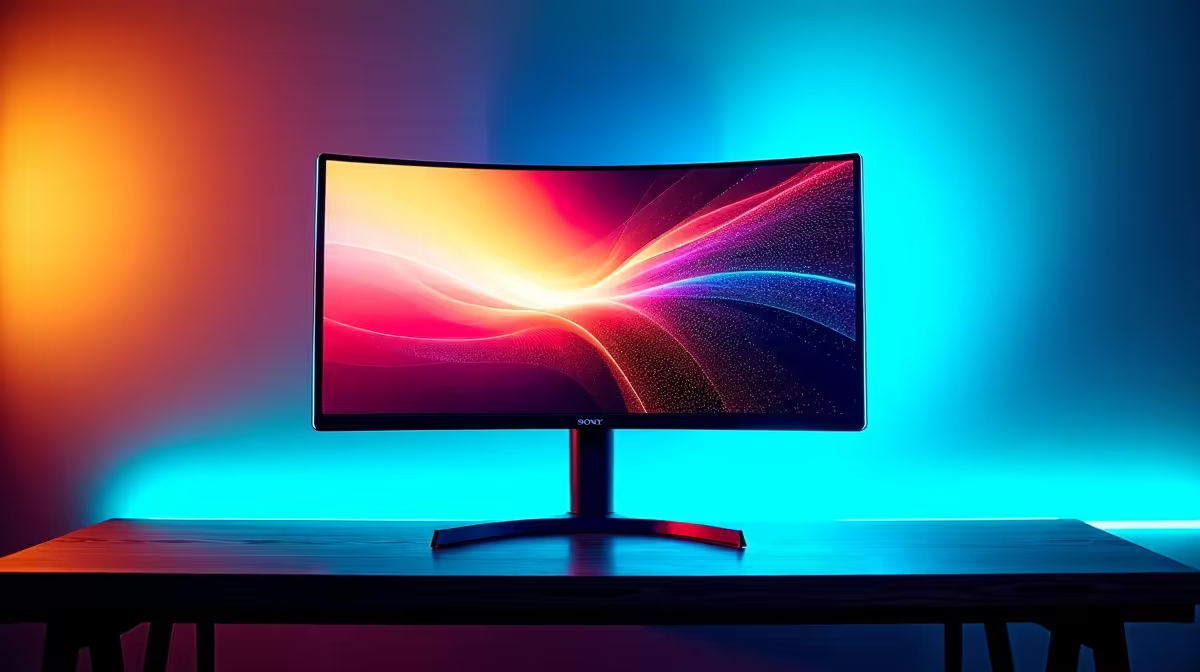
So, you’re ready to upgrade your battle station, and you’ve landed on a curved monitor for that sweet, immersive gameplay. Good choice. But now you face the big question that stumps many South African gamers: 1000R vs 1500R? These aren't just random numbers; they represent a fundamental difference in your viewing experience. Choosing the best curve for your setup can be the difference between total immersion and a slight headache. Let’s decode the jargon and find your perfect match.
What Do "1000R" and "1500R" Actually Mean?
Before we dive into the 1000R vs 1500R monitor debate, let's get the technical bit out of the way. It’s simpler than you think.
The 'R' stands for radius, and the number is that radius in millimetres.
- 1000R Monitor: Imagine a circle with a radius of 1000mm (or 1 metre). A 1000R monitor screen follows the curve of that circle. This is a very pronounced, aggressive curve designed to match the curvature of the human eye.
- 1500R Monitor: This screen follows the curve of a larger circle with a 1.5-metre radius. The result is a gentler, more subtle curve.
Basically, the lower the number, the more intense the curve. A 1000R monitor will wrap around your vision more tightly than a 1500R model.
The Case for 1000R: Maximum Immersion 🚀
A 1000R monitor is all about pulling you directly into the action. This deep curve is engineered to fill your peripheral vision, making game worlds feel vast and incredibly engaging. When you're dogfighting in Star Citizen or lining up a shot in Valorant, the world bends around you, minimising distractions and enhancing focus.
Who is it for?
This curve is a dream for simulation enthusiasts and competitive FPS players. The wrap-around effect provides a tangible advantage, allowing you to spot enemies at the edges of your screen more naturally. Because the entire screen is at a more consistent distance from your eyes, many users also report less eye strain during long gaming sessions. However, the aggressive curve can slightly distort straight lines, which might be a deal-breaker for graphic designers or video editors.
Many top-tier gaming brands like AOC produce fantastic 1000R monitors built for this exact purpose.
The Case for 1500R: The All-Rounder's Choice ✨
If a 1000R monitor is a specialised tool, the 1500R is the versatile Swiss Army knife. It offers a noticeable and pleasant curve that still provides a great sense of depth and immersion without being as extreme. This makes it an outstanding choice for gamers who also use their PC for work, study, and watching media.
Who is it for?
The 1500R curve is the perfect middle ground. It enhances gameplay in RPGs like Baldur's Gate 3 and strategy titles without making your spreadsheets look warped. It’s the safe, reliable, and overwhelmingly popular choice for most users building a multi-purpose setup. It’s the best of both worlds: immersive enough for gaming, but subtle enough for everyday productivity. You'll find excellent 1500R options from trusted brands like HP and value-packed models from companies like Dahua.
Ultrawide Productivity Pro Tip ⚡
On Windows, use the PowerToys FancyZones utility to create custom snap layouts. It's a lifesaver for managing multiple apps on a curved ultrawide monitor. You can perfectly organise your Discord, game client, and browser on a 1500R screen, making it a multitasking powerhouse when you're not gaming.
1000R vs 1500R Monitor: A Head-to-Head Breakdown
| Feature |
1000R Monitor |
1500R Monitor |
| Immersion |
Maximum. Fills peripheral vision completely. |
High. Noticeable curve, great for engagement. |
| Best For Gaming |
Simulators (racing, flight), competitive FPS. |
RPGs, strategy, action-adventure, general gaming. |
| Best For Work |
Not ideal; can distort straight lines in design/CAD. |
Excellent. Great for multitasking and productivity. |
| Desk Space |
Can feel larger and requires more direct positioning. |
More flexible with positioning and viewing angles. |
| The Vibe |
"I live inside the game." |
"I work hard and play harder." |
Beyond the Curve: What Else Matters in 2025?
Choosing the best curve is critical, but it's only one piece of the puzzle. To build the ultimate setup for 2025, you need to consider these factors too:
- Resolution: 1440p (QHD) is the sweet spot for most gamers, offering a sharp image without requiring a monster graphics card.
- Refresh Rate: 144Hz is the standard, but 165Hz+ offers even smoother motion.
- Sync Technology: To prevent screen tearing, you need a monitor that syncs with your GPU. Whether it's FreeSync for AMD cards, G-Sync for NVIDIA cards, or a monitor with general Adaptive Sync, this is a non-negotiable feature for serious gaming.
Ultimately, the perfect display combines the right curve with the specs that match your rig and your games.
So, Which Curve is Right for Your Setup?
The 1000R vs 1500R monitor decision comes down to your primary use case.
- Go for 1000R if: You are a dedicated gamer, especially a sim racer or competitive FPS player, who craves the deepest level of immersion possible and has a setup dedicated purely to gaming.
- Go for 1500R if: You are a versatile user who enjoys a wide variety of games but also needs a reliable, comfortable display for work, browsing, and watching movies. It’s the superior all-rounder.
There’s no single "best" curve... only the one that’s best for you.
Ready to Find Your Perfect Match?
The 1000R vs 1500R debate is all about personal preference, but the perfect curve for your setup is out there. Explore our massive range of PC monitors and find the perfect display to conquer your digital world.