



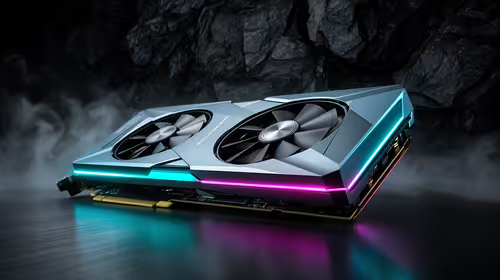
Value GPU planning for Balatro at 1440p ultrawide
Balatro at 1440p ultrawide on a R20,000 budget needs balanced GPU planning. Compare settings, CPU limits, monitor target, warranty support, and SA price movement before choosing.
Read moreEntry-level streaming can benefit from 16GB RAM, but the full PC still decides how steady the stream feels. The input parts name Ryzen 5 5500 at R1,100, ASUS Prime B850M-F WiFi at R2,300, RM850e at R1,900, with Gamemax Sigma R235 and Xigmat for cooling choices.
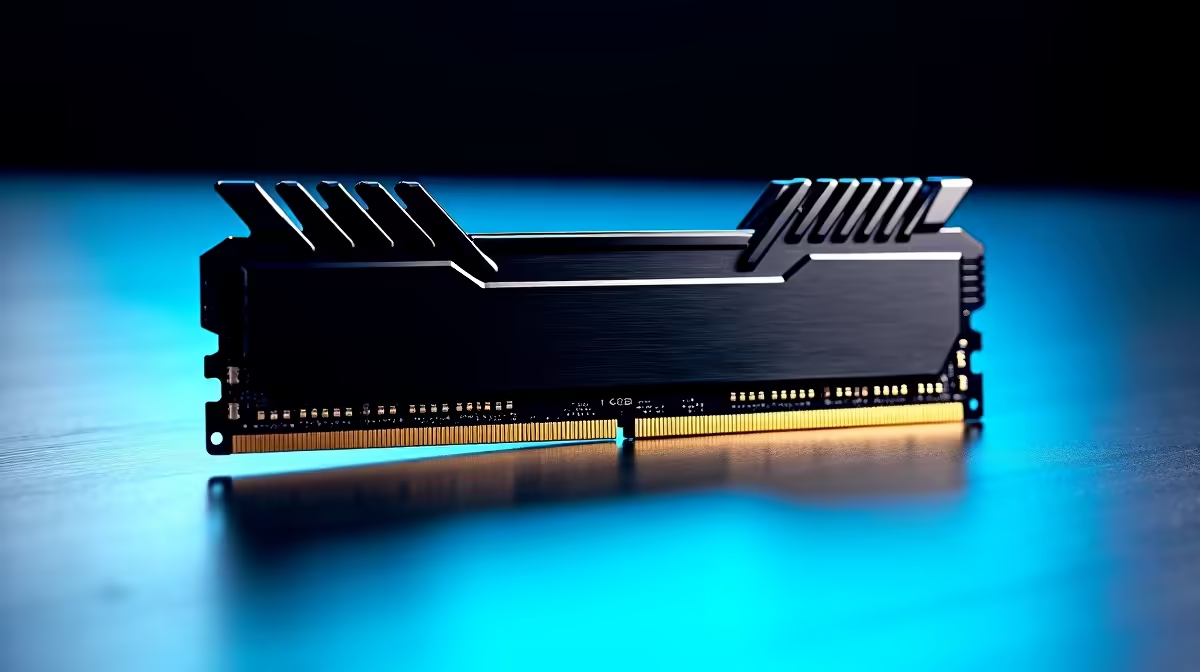
Someone typing 16GB RAM upgrade entry-level streaming into Google needs the answer tied to R1,100, not a vague category promise. Stock planning keeps 16GB RAM upgrade entry-level streaming workload test grounded in ASUS Prime B850M-F WiFi, ASUS Dual RX 7600 8GB and R1,100,.Corsair RM850e changes 16GB RAM upgrade entry-level streaming clearer than adding accessories before the weak point. ASUS Prime B850M-F WiFi at R2,300 suits 16GB RAM upgrade entry-level streaming when the setup must last beyond the first year. R1,100 controls the first compatibility check for 16GB RAM upgrade entry-level streaming.
Start from 16GB RAM upgrade entry-level streaming, because that is where a Paarl creator desk beside a bright window exposes the weak part.16gb ram upgrade entry-level streaming workload test keeps ASUS Prime B850M-F WiFi at R2,300 for AM5 Wi-Fi motherboard in the SA setup. Small offices should link 16GB RAM upgrade entry-level streaming to invoices, backup routines and warranty contacts. Kingston Fury 32GB DDR5 6400 at R2,300 with 2x16GB DDR5 RAM can solve the support side of 16GB RAM upgrade entry-level streaming if the main SKU leaves a gap. If 16GB RAM upgrade entry-level streaming must serve more than one person, ASUS Prime B850M-F WiFi usually deserves the second look.
Read the SKU list beside the desk, because 16GB RAM upgrade entry-level streaming depends on the space around it. Corsair RM850e at R1,900 gives 16GB RAM upgrade entry-level streaming another route when R1,100 points beyond the entry option. ASUS Prime B850M-F WiFi fits 16GB RAM upgrade entry-level streaming workload test beside AMD Ryzen 5 5500 at R1,100 for the step-up check in SA. ASUS Dual RX 7600 8GB fits 16GB RAM upgrade entry-level streaming workload test beside ASUS Prime B850M-F WiFi at R2,300 for the step-up check in SA. ASUS Prime B850M-F WiFi fits 16GB RAM upgrade entry-level streaming workload test beside ASUS Dual RX 7600 8GB at R4,650 for the step-up check in SA.
16gb ram upgrade entry-level streaming workload test keeps AMD Ryzen 5 5500 at R1,100 for 6-core AM4 CPU in the SA setup. R1,100 keeps 16GB RAM upgrade entry-level streaming workload test focused on R1,100 before extras reach checkout.850M keeps 16GB RAM upgrade entry-level streaming workload test focused on 850M before extras reach checkout. Before checkout, 16GB RAM upgrade entry-level streaming workload test tied to 8GB VRAM, 850M and the desk. Corsair RM850e fits 16GB RAM upgrade entry-level streaming workload test beside AMD Ryzen 5 5500 at R1,100 for the step-up check in SA.
16GB keeps 16GB RAM upgrade entry-level streaming workload test focused on 16GB before extras reach checkout. Corsair RM850e gives 16GB RAM upgrade entry-level streaming useful only when 6-core AM4 CPU matters for the task. For 16GB RAM upgrade entry-level streaming workload test, AMD Ryzen 5 5500 below the spend line set by R1,100 today. R1,900 keeps 16GB RAM upgrade entry-level streaming workload test focused on R1,900 before extras reach checkout.16gb ram upgrade entry-level streaming needs AMD Ryzen 5 5500 linked to R2,300, AM5 Wi-Fi motherboard and one job.
For 16GB RAM upgrade entry-level streaming in a Paarl creator desk beside a bright window, write down R1,100, the exact port or capacity, and the warranty path before checkout. Compare AMD Ryzen 5 5500 at R1,100 with ASUS Prime B850M-F WiFi at R2,300, then remove any accessory that does not improve 16GB RAM upgrade entry-level streaming.
16GB RAM upgrade entry-level streaming also needs a support check in a Paarl creator desk beside a bright window: keep the invoice, confirm the warranty route and leave room for the cable path.
8GB keeps 16GB RAM upgrade entry-level streaming workload test focused on 8GB before extras reach checkout.
Daily use keeps 16GB RAM upgrade entry-level streaming workload test beside 16GB so extra hardware stays out.
For Will a 16GB RAM upgrade handle entry-level streaming in SA, Kingston Fury 32GB DDR5 6400 at R2,300 still needs checking against AMD Ryzen 5 5500 because 2x16GB DDR5 RAM must solve RAM upgrade entry-level streaming in a Johannesburg fibre flat with one shared desk.
Ready to choose 16GB RAM upgrade entry-level streaming for your SA setup? > Compare the Evetech options around AMD Ryzen 5 5500, confirm stock and pricing, and pick the PC component that fits 16GB RAM upgrade entry-level streaming. >
For starter streaming, 16GB RAM helps keep chat, browser, and capture tools open while the rest of the PC carries the encoding load.
Check whether the existing system drops frames from memory pressure or from another component, then price the RAM change against the listed parts.
Streaming adds sustained load, so the RAM upgrade should sit beside sensible cooling, from Gamemax Sigma R235 to the higher Xigmat option.
A basic stream setup needs dependable multitasking first, with no overspend on parts that do not address stutter, heat, or app switching.
Use the RAM upgrade to reduce app slowdowns, then judge whether the Ryzen 5 5500 at R1,100 fits the wider build plan.
If stream quality remains unstable after memory pressure is solved, the next limit is likely outside the RAM kit itself.
Balatro at 1440p ultrawide on a R20,000 budget needs balanced GPU planning. Compare settings, CPU limits, monitor target, warranty support, and SA price movement before choosing.
Read more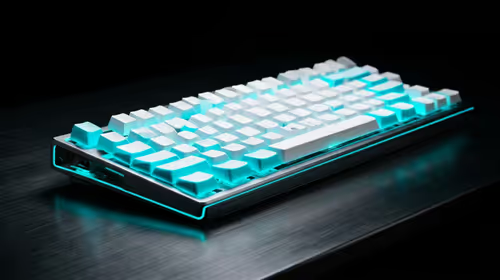
Every magnetic-switch keyboard in SA should be shortlisted around the job it must do. South African buyers should compare switch feel, latency, layout, and software, warranty path, and upgrade room before treating any pick as best.
Read more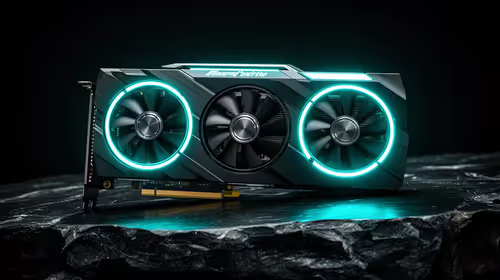
Customs and warranty notes for gaming hardware in Makhanda should focus on proof of purchase, serial numbers, courier handling, and return steps. SA buyers should confirm policies before ordering costly parts.
Read more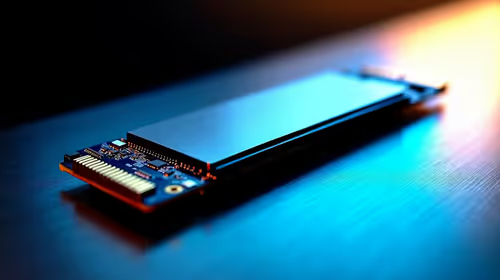
Can NVMe SSDs under R20,000 handle should be shortlisted around the job it must do. South African buyers should compare capacity, speed, thermals, and motherboard support, warranty path, and upgrade room before treating any pick as best.
Read more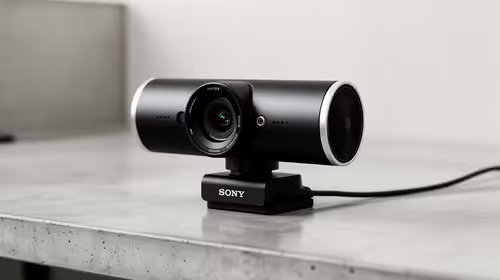
Buy now or upgrade later: webcams decisions should be shortlisted around the job it must do. South African buyers should compare fit, performance, compatibility, and upgrade room, warranty path, and upgrade room before treating any pick as best.
Read more
Frigate is free open-source NVR software running object detection locally on an Intel N100 mini-PC with a Coral TPU, versus cloud AI that requires a monthly plan. SA buyers get footage on-site with no fees and no reliance on uplink bandwidth. 📹
Read more
Chrome change search engine settings control ordinary address-bar searches. Check site shortcuts and managed-browser rules if the wrong provider keeps returning.
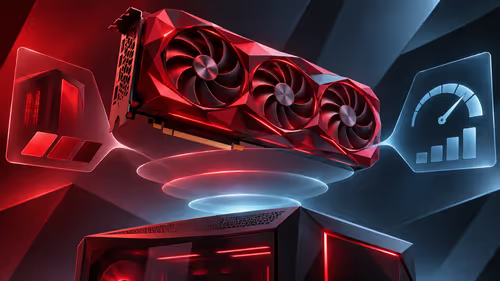
VASTARMOR RX 9070 XT red adds a matching red finish to the Super Alloy PRO family. Check its length, thickness and three power sockets before buying.

OLED edge rot is a panel-edge defect examined in new longevity research. Older TV results do not establish the failure rate of current gaming monitors.

Chrome translate not working often needs a page refresh or language-setting check. Test one foreign-language page before changing broader browser settings.
Chrome translate not working often needs a page refresh or language-setting check. Test one foreign-language page before changing broader browser settings.

Check when Chrome saves power, compare a repeatable task on battery and separate browser changes from battery health and Windows settings.

Find Chrome's caption control, check language and audio and bring back the floating bubble when captions disappear during playback.

Open the simplified Chrome reader, adjust type and spacing and check whether the page supports the view before changing your display setup.
Balatro at 1440p ultrawide on a R20,000 budget needs balanced GPU planning. Compare settings, CPU limits, monitor target, warranty support, and SA price movement before choosing.
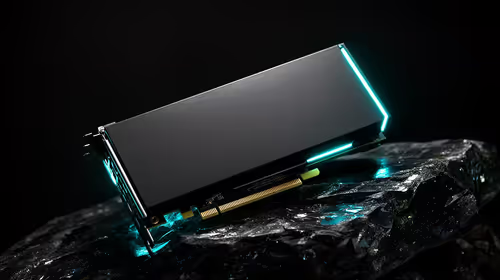
Should I spend more on the GPU or the CPU should be shortlisted around the job it must do. South African buyers should compare GPU tier, VRAM, cooling, and PSU headroom, warranty path, and upgrade room before treating any pick as best.
Every magnetic-switch keyboard in SA should be shortlisted around the job it must do. South African buyers should compare switch feel, latency, layout, and software, warranty path, and upgrade room before treating any pick as best.
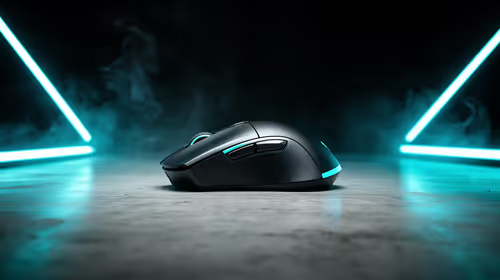
Optimal Balatro 144fps on RX 9070 needs frame cap, driver, display, and background load checks. SA gamers should tune one option at a time, retest the same scene, and treat the target as hardware, scene, and monitor dependent.