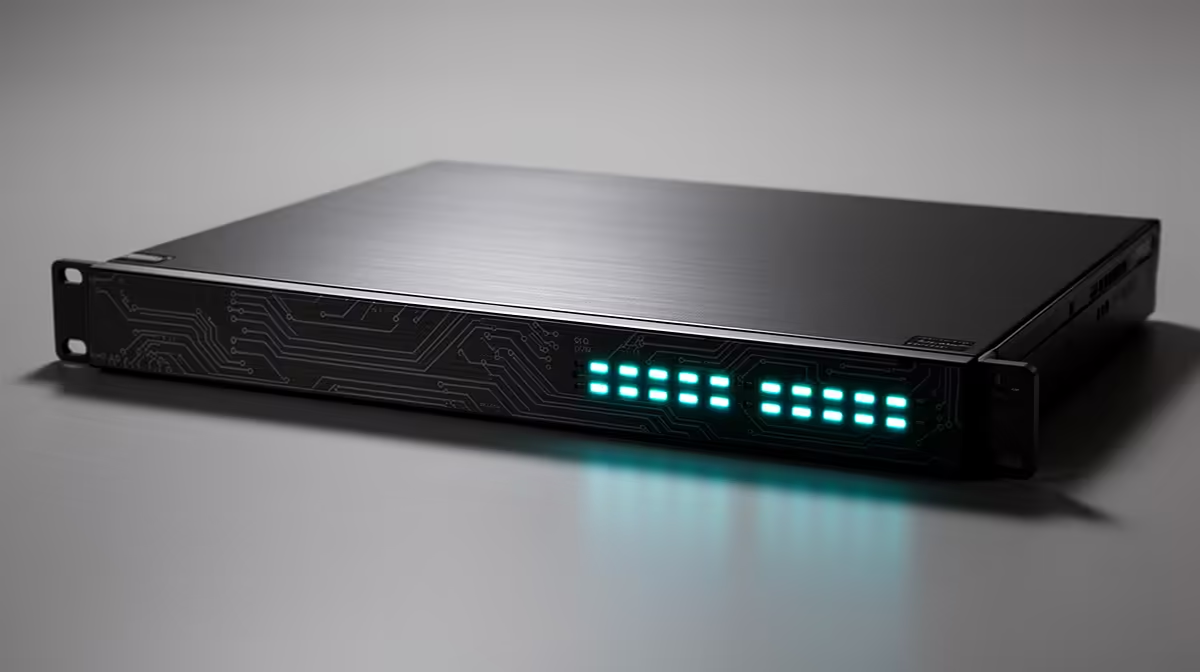
A 2.5GbE switch can accelerate local transfers without consuming extra internet data by itself. A capped plan measures traffic leaving or entering through the service, while a computer copying files to a local NAS stays on the home network. Cloud synchronisation and online backups still use the cap.
Separate LAN speed from internet allowance
Map the router, switch, computers and NAS. Confirm which ports support multi-gigabit Ethernet and whether the storage can sustain more than one gigabit. Test a large local file with cloud sync paused, then compare the router traffic counter. This proves whether the transfer remains local in the actual configuration.
The available factpack evidence does not identify a confirmed 2.5GbE switch or cost. Inspect current Evetech listings for port speeds, uplink design, management, cooling, power supply and warranty. The Cudy WR3600E Wi-Fi 6 router is verified at R766, but it is not proof of multi-gigabit switching. Check every router port before planning the fast path.
Use suitable Cat5e or better cabling and confirm negotiated link rates at both endpoints. Configure backup software so cloud uploads follow the intended schedule and data allowance. A faster LAN is valuable for local media and backups even when internet traffic remains deliberately limited. Retest after every router, NAS or cable change.
Speeding up a capped home network? > Compare current Evetech switches after auditing ports, storage and cloud traffic.