Quick Answer
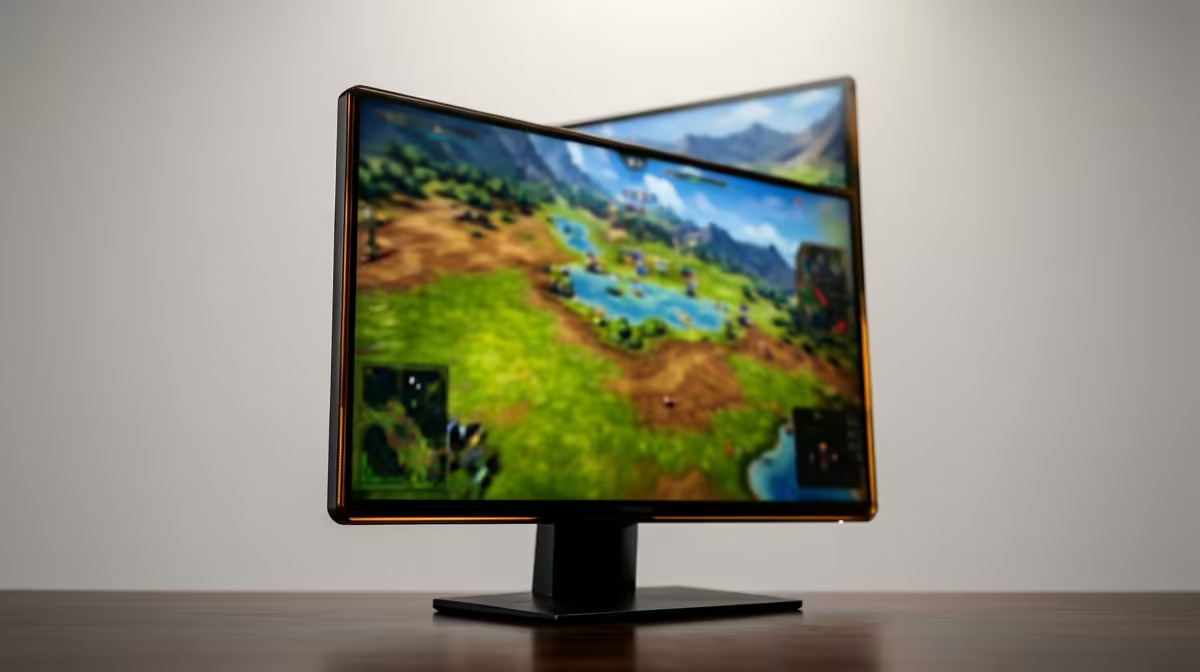
For strategy and sim games, the safest SA buy is a 240Hz monitor that solves the daily workspace first: readable detail, comfortable height, the right ports, and performance your PC or laptop can actually drive. Start with a 24- or 27-inch 240Hz panel, 1ms-class response, DisplayPort support, and adaptive sync. Expect sensible SA shortlists around R4,500 to R10,000; an RTX 4060 can push esports well above 180 fps at 1080p, while heavier story games often sit closer to 70-120 fps depending on settings.
What To Prioritise
For daily use, match the screen to the device driving it, the desk depth, and the hours you will spend in front of it. Check cable standard, stand height, warranty route, and whether the panel handles both work and games without forcing extra adapters. Check the exact output on the machine you already own: HDMI 2.0 can limit refresh at higher resolutions, while DisplayPort or USB-C often gives a cleaner path. For Gauteng, Cape Town, Durban, and campus rooms, also check desk depth because a 32-inch 4K screen can feel too close on a shallow desk.
Price And Spec Targets
Use price bands as a sanity check, not as live stock promises. Practical 240Hz monitor choices usually start near R3,500 for 1440p productivity, move to about R6,000-R10,000 for stronger gaming or ultrawide options, and can reach R18,000 or more for premium 4K colour work. Named specs to compare include 2560x1440, 3840x2160, 144Hz, 165Hz, 240Hz, IPS, VA, HDMI 2.1, DisplayPort 1.4, and USB-C power delivery where laptop docking matters.
Fit For South African Setups
Local buyers should plan the full chain: PC or laptop GPU, cable, desk, chair height, and support route. A Ryzen 5 or Core i5 laptop can run study and office screens easily, but gaming at 1440p or 4K needs a stronger GPU such as RTX 4060, RTX 4070, or better. Keep brightness comfortable for evening use and avoid a glossy panel if the room has a bright window behind you.
FAQ
Is a 240Hz monitor worth it for strategy and sim games?
Yes, if it fixes a real limitation such as cramped windows, blurry text, low refresh, or poor viewing comfort. It is less useful when the current PC, laptop, or cable cannot drive the resolution and refresh rate you are paying for.
What size should SA buyers choose?
Most buyers should start at 27 inches for 1440p, 32 inches for 4K, or 34 inches for ultrawide. Smaller desks and residence rooms usually favour 27 inches because it keeps text readable without forcing you to sit too far back.
Which specs matter before checkout?
Confirm resolution, refresh rate, panel type, stand adjustment, DisplayPort or HDMI version, and warranty route. Also check whether the screen includes the cable you need, because a weak cable can block 144Hz, 165Hz, or 240Hz modes.
Pro Tip
Before checkout, set a target such as 27-inch 1440p 165Hz, 32-inch 4K 60Hz, or 34-inch ultrawide 1440p, then confirm your PC or laptop has the matching port.