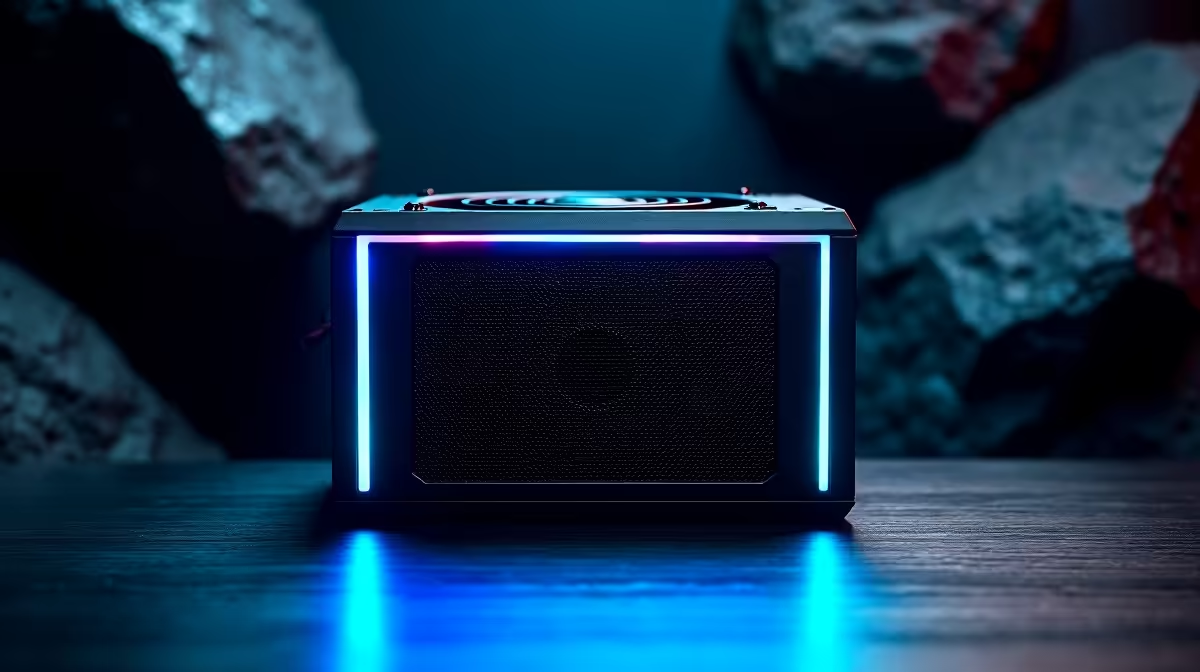
A 750W power supply can easily support many podcast computers, but wattage alone does not determine recording quality or system stability. The complete PC parts list, connector requirements and unit quality matter. Microphones, mixers and speakers may use separate power and add little to the internal PSU load.
Stress the real recording computer
List the processor, graphics card, storage, motherboard and planned upgrades. Run a full recording with video calls, local capture and editing tools active while monitoring wall draw, temperatures, fan noise and any USB disconnects. Listen for electrical noise, but isolate cables and peripherals before blaming the PSU.
The DeepCool PF750 750W PSU is verified at R550. The NearStream USB/XLR microphone at R676 is a separate recording reference. These entries do not guarantee compatibility or quiet operation in a specific build. Check PSU connectors, form factor, input range, fan behaviour, case clearance, motherboard support and warranty.
Never open a power supply or mix modular cables across models. Route analogue and power leads carefully, use headphones to prevent feedback and keep recorded sessions in independent backups. An electricity-continuity requirement needs a separately sized UPS.
Retain 750W when measured load and connectors fit with sensible headroom. Fix microphone placement, room noise or USB stability when those are the real reasons the podcast sounds poor.
Building a stable podcast PC? > Compare Evetech PSUs and microphones after testing the complete rig.