Quick Answer
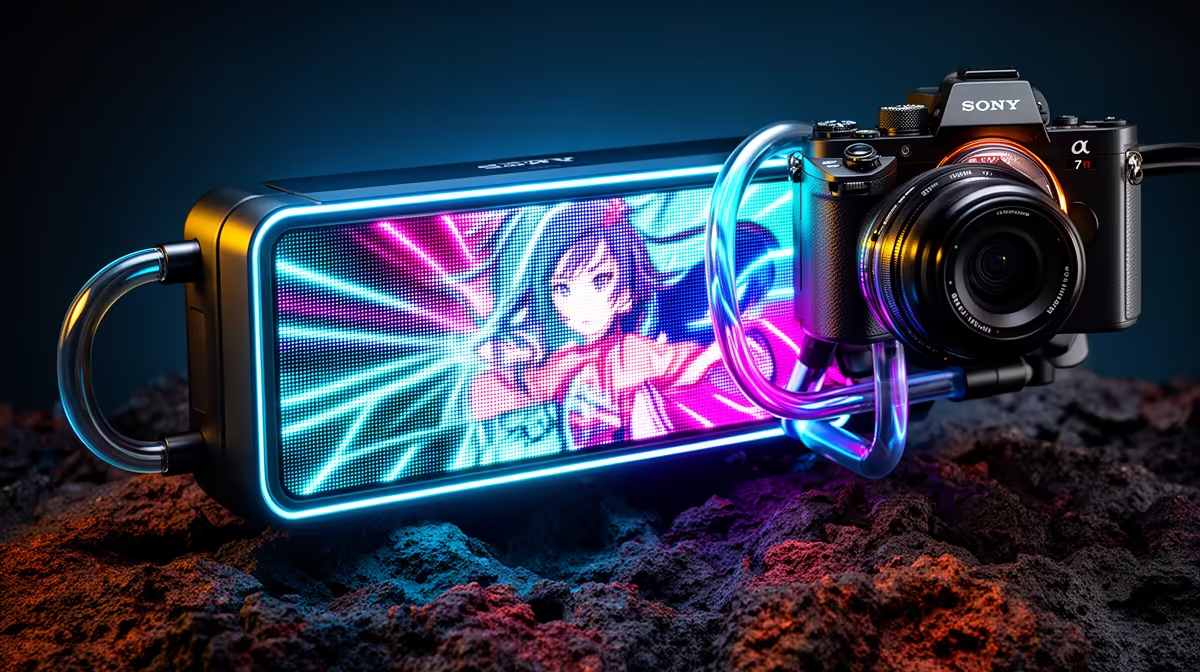
Anime Matrix is ASUS ROG's proprietary LED matrix display technology, used on gaming peripherals and ROG AIO cooler pump heads. It renders dot-matrix animations, custom graphics, and system stats using a grid of individually addressable LEDs. On AIO coolers it is a pure aesthetic feature with no thermal impact.
What Anime Matrix Actually Is on an AIO Pump Head ✨
ROG's Anime Matrix system uses a grid of micro-LEDs arranged in a rectangular dot-matrix pattern on the pump head face. Unlike an LCD panel that displays full-colour images, Anime Matrix uses a lower-resolution LED grid that produces pixel-art style animations and text. The effect is distinctive and more industrial-looking than a smooth LCD screen: think LED matrix clock aesthetic rather than a smartphone display. Content is managed through the ASUS Armoury Crate software, which includes a library of pre-made animations and an editor for creating custom pixel-art displays. ROG AIO coolers with Anime Matrix technology, such as the ROG Ryujin III series, are premium products that in South Africa land in the R5,500 to R8,000 range, positioning them at the top of the AIO market.
Anime Matrix vs LCD Display: Key Differences 🖥️
The comparison between Anime Matrix and a conventional LCD pump display comes down to aesthetic style versus image fidelity. LCD panels on competitor AIOs like the NZXT Kraken Elite or Corsair iCUE Elite show full-colour photos, video clips, and smooth gradient stats.
Practical SA Builder Considerations 💰
For South African gamers and builders, ROG AIO coolers with Anime Matrix are available through authorised ASUS distributors and carried at Evetech. The warranty on these products is typically two to three years through local ASUS channels, which is shorter than the five-year warranty offered by some competing premium AIOs. The thermal performance of ROG Ryujin III 360mm units is competitive with other top-tier 360mm AIOs, making the decision between Anime Matrix and LCD primarily a matter of aesthetic preference and ecosystem fit. If you already own an ROG Crosshair X870E or ROG Strix X870-E motherboard, the Armoury Crate integration makes the Anime Matrix display a natural extension of your existing RGB setup.
Pre-Load Your Custom Anime Matrix Animation Before Install ⚡
Before mounting the ROG AIO, connect it via USB to a running PC and use Armoury Crate to upload your custom pixel animation. Confirming the display works correctly before the unit is installed in a case saves you from disassembly troubleshooting if the software fails to recognise the device post-install.
FAQ
Can I create custom animations for the Anime Matrix display on my ROG AIO?
Yes. ASUS Armoury Crate includes a pixel-art animation editor where you can draw frame-by-frame animations and upload them to the AIO pump head. You can also download community-made animations from the ROG user community. The resolution of the LED matrix is lower than an LCD, so designs need to be optimised for the dot-grid format.
Does the Anime Matrix display work without Armoury Crate installed?
The display defaults to a pre-set ROG animation or static display when Armoury Crate is not running. Full customisation and live system stats require Armoury Crate to be active. The software needs to run in the background at startup for live temperature and performance overlays.
Is an ROG AIO with Anime Matrix worth the premium over a standard LCD AIO for SA builds?
For builders outside the ASUS ROG ecosystem, the premium is harder to justify since Anime Matrix only integrates fully with Armoury Crate and ROG hardware. For committed ROG ecosystem builders, the seamless integration and unique display style make it a compelling flagship AIO choice despite the higher R5,500 to R8,000 price in South Africa.
Building an ROG ecosystem PC and want the full AIO experience?
Evetech stocks ROG AIO coolers including Anime Matrix models for current AMD and Intel sockets. Browse the CPU cooler section to find the ROG AIO that fits your build.