Remember spending hours tweaking BIOS settings and praying your rig would not blue-screen? Those days are over. Today, AI overclocking and AI networking features on modern motherboards handle the heavy lifting. Whether you want maximum frames for your hard-earned ZAR... smart tech is taking over. Let us explore how these intelligent features actually work to boost your daily gaming performance.
The Magic of AI Overclocking Explained ⚡
Overclocking used to require serious technical knowledge. You had to manually adjust voltages and test for stability. Now, an onboard micro-controller does it all. AI overclocking profiles your CPU silicon quality and your cooling setup. It then automatically pushes your processor to its optimal limit.
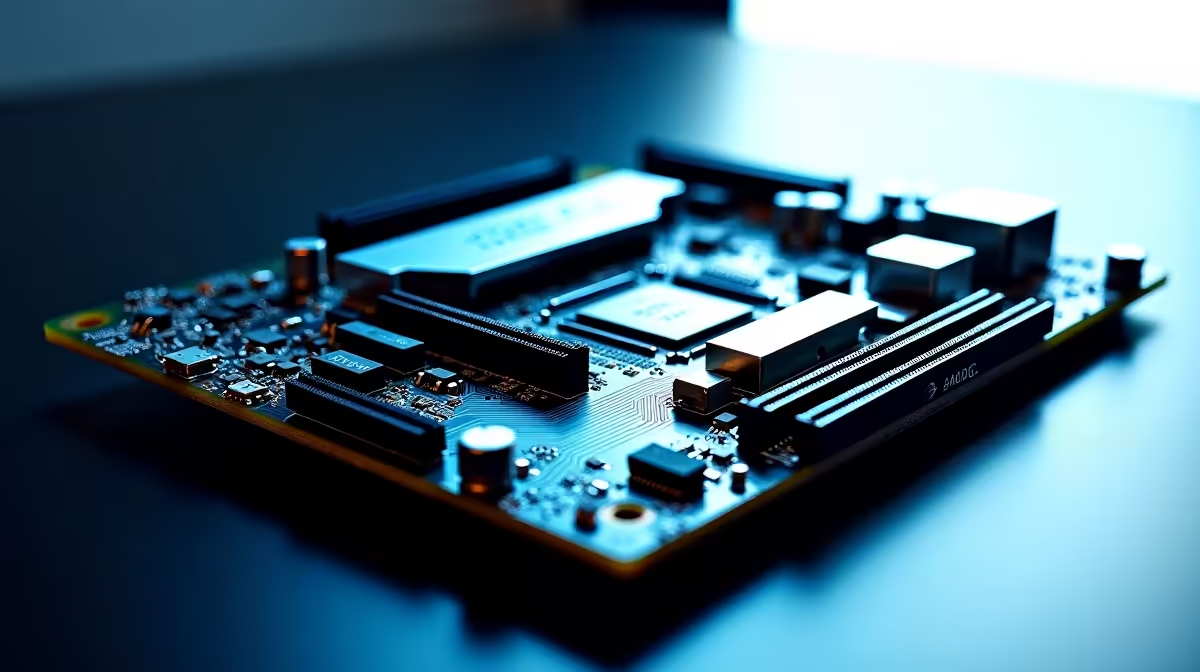
If you are shopping for modern PC motherboards... you will notice this feature is standard. Brands use clever algorithms to monitor temperatures in real-time. For example... many ASUS Intel motherboards feature AI that continuously learns. If your room gets hotter during a South African summer... the AI scales back. This prevents unexpected system crashes.
To get the absolute best results... pair this smart tech with high-performance memory kits. Faster RAM helps the AI extract every last drop of CPU power.
How AI Networking Features Crush Lag 🚀
South African gamers know the pain of high ping. When you connect to European servers... every millisecond counts. This is where AI networking features on modern motherboards shine.
Standard network controllers treat all data equally. AI networking identifies game packets and pushes them to the front. If Windows decides to download an update while playing CS2... the AI throttles the download. This keeps your ping exceptionally low.
You can find this packet-prioritisation tech on most premium boards. This includes top-tier ASUS AMD motherboards. It is a brilliant way to optimise your local fibre connection.
Cooling Pro Tip ❄️
AI overclocking relies heavily on thermal headroom. Ensure your CPU cooler is properly mounted and your case has good airflow. The cooler your system runs... the higher the AI will push your clock speeds for free performance.
Keeping Your Smart Board Updated ✨
To get the most out of these intelligent features... you must keep your BIOS updated. Motherboard manufacturers constantly refine their AI algorithms. A simple BIOS update can sometimes unlock better thermal management. It can also improve memory stability for your entire system.
Always check the official support page for your specific board. Downloading the latest network drivers is just as crucial. The AI networking software relies on these driver updates. This helps the software recognise new game executables quickly. Updated drivers ensure your game packets always get top priority.
Getting the Best Value for Your ZAR 🔧
Building a PC with these smart features ensures your system stays relevant. The AI constantly adapts as new games become more demanding. You do not need to be a hardware expert to get enthusiast-level performance.
If building from scratch sounds intimidating... you can still get these benefits. Many premium pre-built gaming PCs come equipped with smart motherboards. The AI handles the optimisation right out of the box. This lets you focus entirely on your gameplay.
Ready to Build Your Smart PC?
Mastering your hardware is easier than ever with intelligent components. For maximum power, choice, and value in South Africa, Evetech is your ultimate destination. Explore our massive range of PC deals and find the perfect hardware to conquer your world.