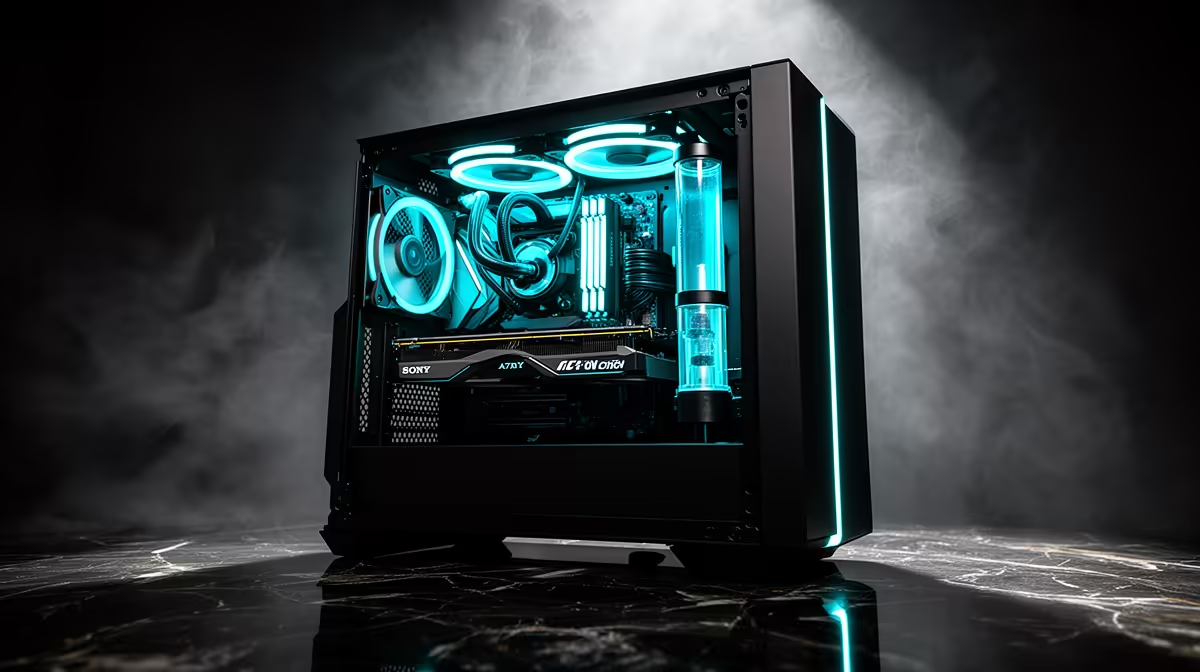
An AI upscaling rig can run Cyberpunk 2077 when the complete computer meets the game’s current requirements and the chosen resolution, quality and ray-tracing settings fit its hardware. Upscaling can improve performance in supported modes, but it does not remove CPU, video-memory or cooling limits.
Set the visual target before buying
Choose display resolution, desired frame range and the settings that matter most. Run the built-in or repeatable game benchmark while recording frame consistency, video-memory use, processor load, temperatures and fan noise. Check current game, driver and upscaling support for the exact graphics card.
The Palit RTX 5060 8GB graphics card is listed at R4,800, while the Palit RTX 5070 Infinity 3 12GB is listed at R9,000. Confirm live game performance, motherboard slot, PSU capacity and connectors, case clearance, display outputs, cooling, driver support and warranties. Published results must be matched to resolution and settings.
Install supported drivers, select one upscaling mode and change one graphics setting at a time. Watch for stutter and video-memory pressure rather than relying only on an average frame figure. Keep saves and preferred settings backed up.
Choose the RTX 5060 for a target it can prove in testing. Move to the RTX 5070 when measured resolution, effects or video-memory needs justify the extra capability.
Tuning a Cyberpunk build? > Compare Evetech GPUs against the target resolution and complete PC.