Quick Answer
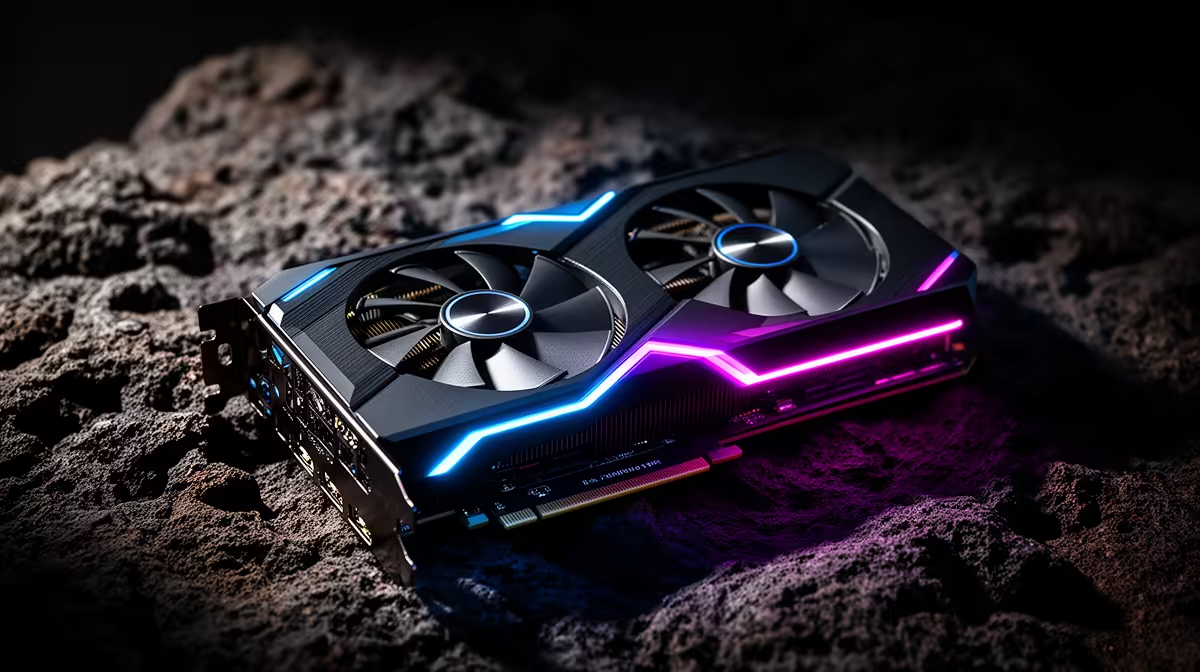
The best alternative is Radeon RX 7700 XT 12GB if it fits your budget and software needs; RTX 4060 Ti 16GB and RTX 4070 12GB are the next cards to compare. For first-time builders, do not buy only by model number - compare VRAM, power draw, cooler size and the monitor you actually use. A cautious SA price band for this decision is R7,000-R14,000, with exact Evetech pricing checked at checkout.
Best Cards To Shortlist
Start with Radeon RX 7700 XT 12GB, then compare RTX 4060 Ti 16GB and RTX 4070 12GB. Use 60 fps, 144Hz and VRAM capacity as the practical checkpoints before paying for a higher tier.
For SA buyers, shortlist cards with local warranty support. Use the R7,000-R14,000 band as a planning guide, then check the final basket because GPU pricing moves quickly.
Match The GPU To First-Time Builders
Match the alternative to the monitor first. A 1080p 144Hz screen, a 1440p 165Hz screen and a 4K TV all reward different GPU choices. For 4K TV use, check memory bandwidth, HDMI 2.1 and cooler noise.
What Not To Overpay For
Do not pay extra just because the card name sits one tier higher. Check PSU fit too: mid-range cards often suit quality 650W to 750W units, while high-end cards can need 850W or more.
FAQ
Which alternative should I compare first?
Compare Radeon RX 7700 XT 12GB first because it is the closest practical fit for first-time builders. Then use RTX 4060 Ti 16GB and RTX 4070 12GB as the price and VRAM checks before committing.
Is more VRAM worth it for SA buyers?
Yes when the workload uses it. For 1440p gaming, creator apps, VR and local AI, 16GB or 24GB can age better than a faster 8GB or 12GB card.
Should I wait for a different GPU tier?
Wait only if your current PC still meets your monitor target. If you are below 60 fps, short on VRAM, or building a new machine now, choose the best stocked card in your realistic price band.
Buyer check
Before ordering, write down your monitor resolution, refresh rate, PSU wattage and case GPU clearance. If it clears those four checks, it is practical.