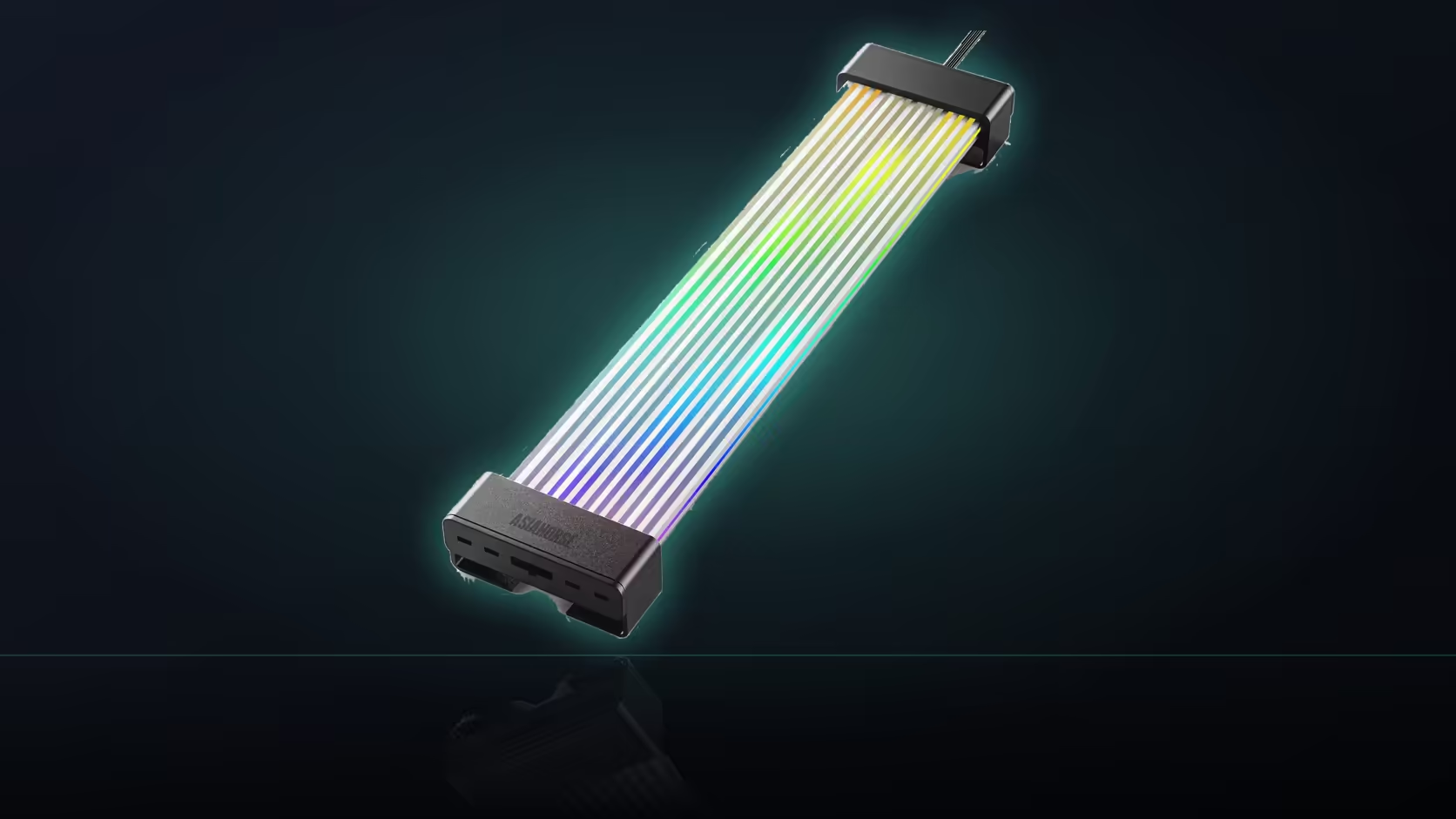
A lighting preset library sounds like a feature to be maximised, more scenes always sounding better than fewer, but the real decision most builders end up facing with this Aurora Learn cable cover is a much simpler binary than the number 124 suggests.
Quick Answer
With 124 or more presets available on the R599 Aurora Learn cover, the practical decision most builders face is whether the lighting moves or sits still, rather than which specific scene out of that long list to pick. A travelling effect across the 108 LEDs draws the eye repeatedly throughout the day, while a static colour settles into the build and becomes part of its look rather than something happening inside it. Which suits a given desk usually comes down to how much movement someone wants in their peripheral vision during actual work.
🌊 What a travelling effect actually looks like
Points of light moving continuously along the strand, rendered smoothly thanks to the addressable LEDs and the 60 FPS update rate, is the signature look of an animated preset. It is genuinely eye-catching, particularly the first few times it is seen.
🎨 What a static scene offers instead
A settled colour across the whole span reads as part of the build's finish rather than as an ongoing event, which tends to sit more comfortably for a machine that gets looked at for hours at a time rather than admired occasionally.
🖥️ Matching the choice to how the PC gets used
Daily-use desks generally favour static
Repeated movement sitting in the corner of your vision while you work can become tiring in a way a fixed colour simply does not, which is worth weighing for a machine you sit in front of for long stretches.
Display builds can afford more motion
A machine kept mainly for showing off, rather than working at directly, has more room for an animated preset to add genuine visual interest without the same fatigue concern applying.
🔄 Why the choice is not actually permanent
The remote changes presets instantly at any point, so alternating between a calm static colour for work and something livelier for an evening session is a button press rather than a real decision to commit to. Shell colour plays a role too: black gives both looks stronger contrast, while white diffuses the light and softens a moving effect's edges.
📷 Judging a preset properly before settling on it
A preset can look quite different on camera than it does in person, so judging it by eye in the actual room, at the actual time of day it will mostly be seen, is a better test than trusting a demo video or a product photo taken under studio lighting. Cycling through a shortlist of favourites over a couple of evenings, rather than deciding on the first scene that catches the eye, tends to produce a choice that still feels right weeks later rather than one that quietly starts to grate once the novelty of a new build has worn off. That novelty period is worth being honest about, since a lot of first impressions about a bright, busy animated scene fade within the first fortnight of actually working at the desk it sits beside, long before the preset has had a fair chance to prove itself either way.
🔗 Fitting this into a wider lighting plan
Once a static or animated preference is settled, the same logic extends to anything else planned for the build, whether that is a matched controller drawing from your power supply or fans and strips picked from a case lighting range. Keeping every lit component on the same side of the static-versus-animated line generally reads as more deliberate than mixing the two styles across different parts of the same case.
🧭 A simple rule of thumb worth keeping
If the machine spends most of its time being worked at rather than looked at, default to static and treat animation as an occasional treat reserved for evenings or when showing the build off. If it spends more time on display than in active use, that balance can reasonably tip the other way without much downside either way.
🖼️ Treating the cover as part of the room, not just the case
Once a build sits somewhere visible, a bedroom corner, a shared lounge, a home office, its lighting is no longer purely a PC decision but a small piece of interior decoration too. Viewed that way, the same logic that applies to picking a lamp or an accent light applies here: a static tone that complements the room tends to age better than a flashy effect chosen purely to impress on day one. That is not an argument against animation altogether, simply a reminder that the room the machine lives in has its own opinion about what looks right, whether or not the preset library was consulted first, and a quick look around the rest of the room, its walls, its furniture, its other light sources, before deciding rarely hurts.
Frequently Asked Questions
What does a travelling lighting effect actually look like?
Points of light moving along the strand, rendered smoothly by the addressable LEDs and the controller's 60 FPS update rate.
And what does a static scene look like by comparison?
A settled colour spread evenly across the span, which reads as part of the build rather than as an ongoing animated event.
Which option generally suits daily desk use better?
Static usually, since repeated movement in peripheral vision tends to become tiring at a desk in a way a fixed colour does not.
When is an animated preset genuinely worth choosing?
For a machine kept mostly on display rather than in constant use, where movement adds interest to something being looked at rather than worked at.
Can the two styles be swapped between easily?
Yes, the remote changes presets at any time, so alternating between a quiet colour and something livelier takes only a button press.
Does the shell's colour affect either style?
Black gives both a static colour and a moving effect stronger contrast, while white diffuses the light and softens a moving effect's edges.
How many presets does a typical builder actually end up using?
Most settle on one or two favourites, which is worth remembering whenever a large preset count is used as a headline selling point.
Deciding between animated and static lighting for your build?
Check Evetech's power supply range to plan an Aurora Learn install either way.