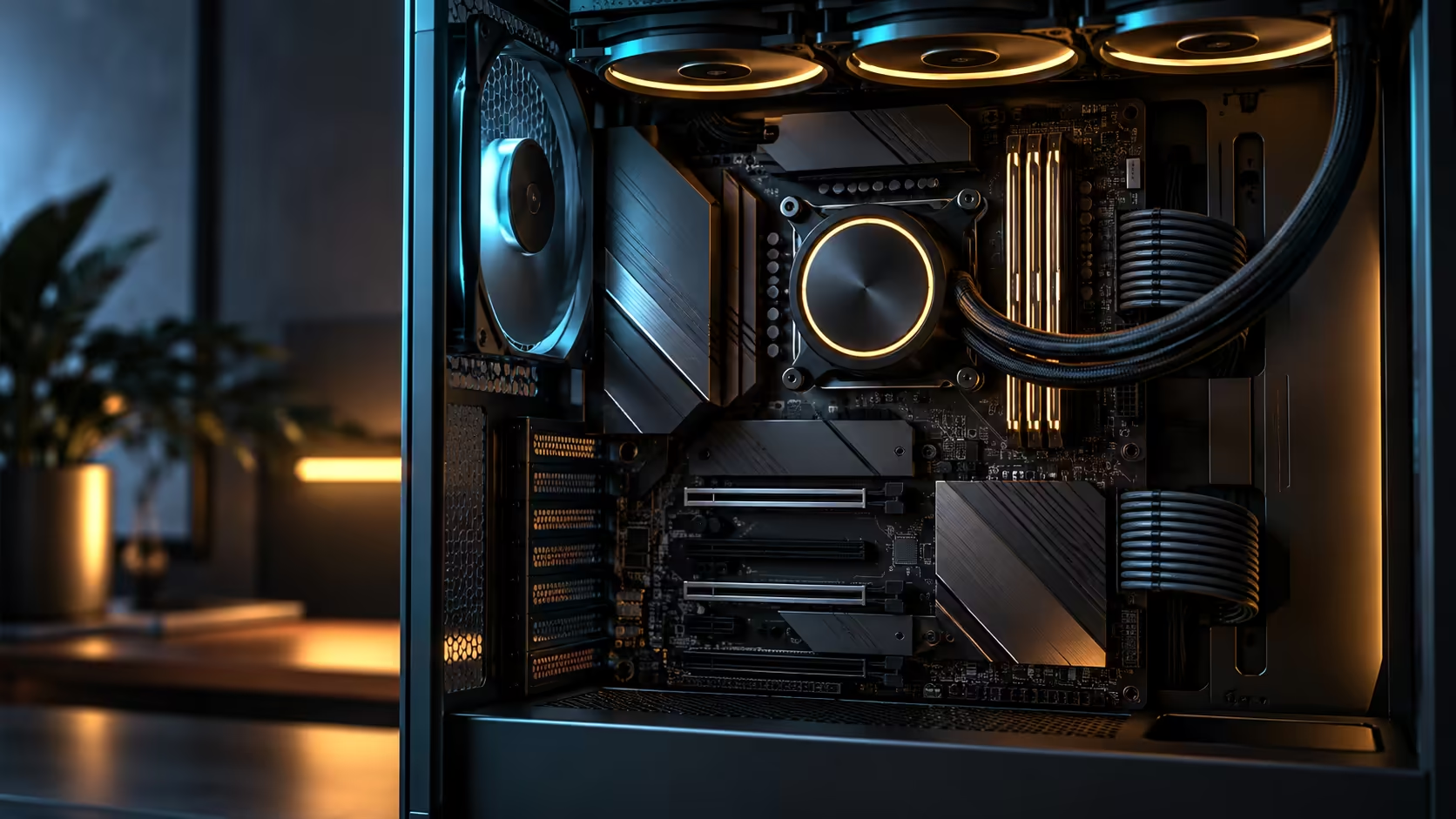
Paying extra for networking hardware on a gaming board is one of those decisions that splits cleanly in two depending on a single fact about your own household, and that fact has nothing to do with how much you game. Whether dual 10Gb Ethernet and Wi-Fi 7 are worth paying more for in South Africa, on this or any other board in the AMD motherboard range, comes down to what else is connected to your network, not what is connected to your PC.
Quick Answer
With a single PC on a home fibre line and nothing else on the network, the 10Gb ports do nothing measurable and the Wi-Fi 7 radio is the more useful half of the pairing, mainly for its efficiency improvements on existing bands. Add a NAS, a second machine, or a home server and the wired pair starts earning its keep the very first time a big backup or media library needs to move. Both technologies are built into this R54,999 board, so the real question is what you plan to attach to them, not whether the features themselves are worth having in isolation.
🏠 The single-device household, honestly assessed
A household with one PC, a phone or two, and a smart TV, all pulling from the same fibre line, will never come close to saturating even a gigabit connection during normal browsing, streaming and gaming. In that setup, dual 10Gb Ethernet is genuinely unused capacity, and paying extra purely for those ports without a realistic plan to use them is not a good use of budget. Even 4K streaming across several devices at once rarely exceeds a few hundred megabits combined, leaving the vast majority of even a single gigabit connection unused.
Wi-Fi 7 fares slightly better in the same household, since even without a matching 6GHz router, the improved efficiency on 5GHz can help in a home with several competing devices, though the largest advertised gains still wait on the router side to catch up.
📡 Where the maths flips completely
The moment a NAS, a second workstation, or any device doing regular large file transfers joins the network, the calculation reverses entirely. A direct 10Gb link between two devices turns a lengthy backup or media sync from a background task running for the better part of an hour into one finishing in a few minutes, and that time saved compounds every single time the transfer happens.
Browse the networking category with this specific scenario in mind if a NAS or home server is realistically on your own roadmap, even if not an immediate purchase, since the ports on this board are ready for it the moment you are.
📶 Wi-Fi 7's local South African reality
Most fibre-supplied routers in South African homes today still run 5GHz as their fastest band, so a 6GHz-capable device on your desk currently negotiates down regardless of how capable the PC side is. That is not a reason to avoid Wi-Fi 7 hardware now; it is a reason to be realistic about when the full benefit actually arrives, which is whenever your own router catches up rather than the day you buy the PC. Hardware bought today with this radio built in simply waits, ready, for that router upgrade whenever it happens.
Looking through the wireless networking selection for a router with its own 6GHz radio is what actually unlocks the feature, and it is worth treating as a separate, later purchase decision rather than assuming the PC alone delivers the full benefit on day one.
🧮 Putting a rough rand figure on the decision
Isolating the cost of these two features specifically from the rest of a board's price is hard to do precisely, since they arrive bundled with everything else the board offers. A reasonable way to think about it is comparing this board's price against a similarly specified model without dual 10Gb Ethernet or Wi-Fi 7, which typically shows a gap of a few thousand rand for the networking tier alone.
Whether that gap is worth paying comes back to the same household test: a few thousand rand for genuinely unused capacity is not a good trade, while the same amount spent on a feature that saves real time every week on a household with a NAS or a second machine pays for itself surprisingly quickly.
💡 A simple test for your own household
List every device on your home network that regularly moves large files, backs up automatically, or streams heavily, and count how many of them are wired versus wireless today. If that list is short or empty, the wired ports on this board are a convenience for the future rather than a benefit you will feel immediately. If it already includes a NAS or a second machine, the ports are already paying for themselves the moment you plug them in.
Run this test once every 12 months rather than only at purchase time, since a household's network genuinely changes over a machine's useful life. A NAS bought 18 months after the PC, a second workstation added for a partner working from home, or a home server set up for media and backups can all turn an unused feature into a daily convenience without anything about the PC itself changing. That is the practical argument for having the ports built in from day one rather than treating them as an unnecessary extra to avoid paying for now.
Frequently Asked Questions
Is dual 10Gb Ethernet wasted on a single-PC household?
Day to day, yes, it sits idle, unless a NAS or a second machine is genuinely on the cards before this PC is due for replacement.
Does Wi-Fi 7 help even without a matching router?
Somewhat, through improved efficiency on existing bands, though the standard's largest advertised gains need a 6GHz-capable router to actually show up.
What is the clearest sign these features are worth paying for?
An existing or planned NAS, second workstation, or home server on your network, where large transfers become noticeably faster over a direct wired link.
Has the average South African ISP router caught up to Wi-Fi 7 yet?
Not yet in most homes, since ISP-supplied routers commonly still run 5GHz as their fastest band.
Should I buy a new router at the same time as this board to use Wi-Fi 7 fully?
Only if the full 6GHz benefit matters to you immediately; otherwise it is reasonable to treat the router upgrade as a separate, later decision.
Ready to decide based on what is actually on your network, not what is in the box?
Count your existing and planned devices first, then judge whether these two features are paying for themselves or waiting for a use case.