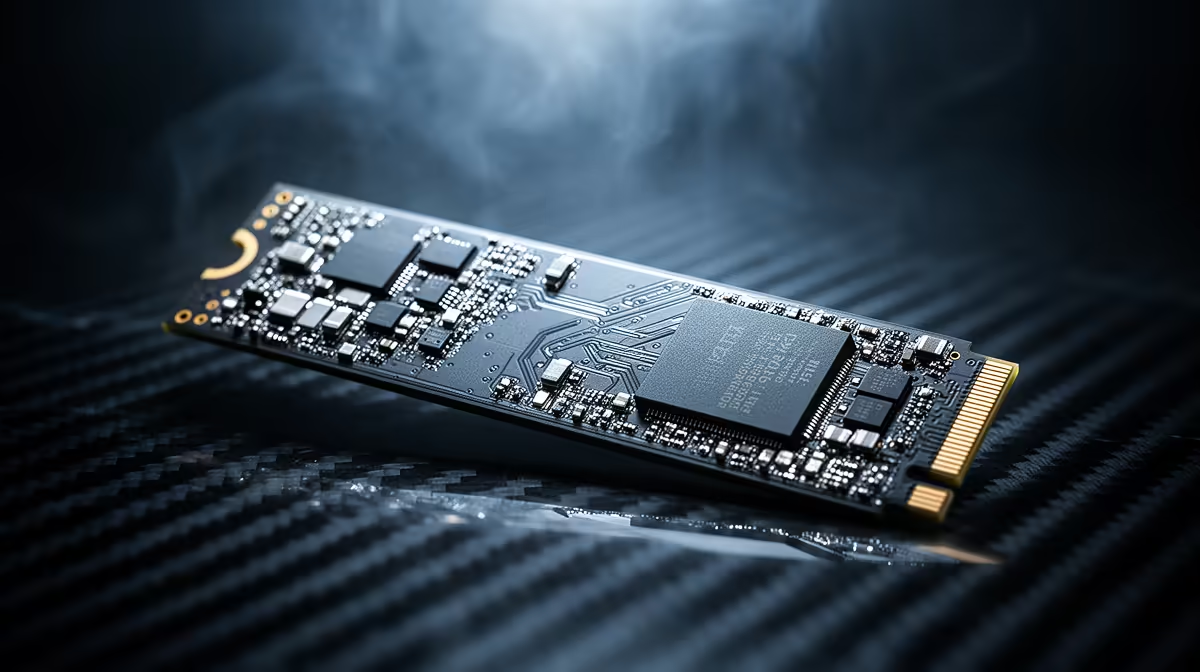
Gen3 NVMe SSDs sit in a useful middle ground in 2026. They are far faster and cleaner to install than old hard-drive storage, while gaming rarely uses the full headline speed of premium Gen4 or Gen5 drives. A good Gen3 model can protect capacity when NAND pricing makes faster tiers awkward.
Quick Answer
Choose a Gen3 NVMe SSD when it gives you more capacity or a better proven drive for less than Gen4, and your main work is gaming, office use and everyday file handling. Choose Gen4 when the price gap is small, the motherboard supports it or large file and creation workloads can use the throughput. Avoid buying on generation alone.
Gaming needs responsiveness more than a huge sequential number
Game loads involve many small files, decompression, CPU work and engine behaviour. Peak sequential transfer is only one part. A strong Gen3 NVMe drive can load games close to a Gen4 model even when the box numbers are far apart.
Moving from a hard drive creates the largest change: quick access, silent operation and far shorter loads. Moving from SATA SSD to NVMe can improve transfers and some loads. Moving from good Gen3 to Gen4 often creates a smaller visible step in games.
This lets capacity lead. A 2TB Gen3 drive can be more useful than a 1TB Gen4 model when the larger option keeps the active library installed. Deleting and downloading games each week costs more time than a second saved on a loading screen.
Browse the wider SSD range, check SSD best sellers and narrow the interface through NVMe SSDs. The Hiksemi E100N 512GB M.2 SATA SSD was R1,599 as of July 2026. Its M.2 shape does not make it NVMe, which is why the named interface must stay attached to every price.
Gen3 can stretch a tight build budget
A first gaming PC needs a GPU, CPU, memory, PSU and storage. Paying a large premium for peak SSD speed can force a smaller drive or weaker graphics card. A known Gen3 model can keep the system responsive while leaving money for the parts that affect frame rate.
Use the saving with intent. Move from 512GB to 1TB, choose a quality PSU or protect 32GB memory if the workload needs it. A faster SSD is attractive, but the completed PC decides value.
Do not assume every Gen3 drive is good. Controller, flash type, cache behaviour and firmware matter. A weak drive can slow after a short write burst, while a well-designed model holds more consistent performance.
Warranty and endurance deserve a check. Gaming writes are often modest compared with professional scratch work, yet a clear warranty and reputable model still matter for the boot drive.
M.2 is a shape, NVMe is a protocol
Some M.2 drives use SATA and perform like 2.5-inch SATA SSDs. Others use PCIe with NVMe. The keying and motherboard slot support determine compatibility.
Read the motherboard manual. A slot may accept SATA, NVMe or both. Some positions share lanes with SATA ports or expansion slots. Installing one drive can disable another connection.
A Gen3 NVMe SSD can run in a Gen4-capable slot at Gen3 speed. A Gen4 drive can run in many Gen3 slots at the lower link speed. Backward compatibility is useful, though the exact board and drive must be checked.
Use the primary CPU-connected slot for the boot drive where the platform guidance recommends it. Fit the board heatsink or a suitable cooler when required, and remove the thermal-pad film.
Know the workloads that deserve Gen4
Large video files, project caches, archives and virtual-machine images can use higher sequential throughput. If you move hundreds of gigabytes every day, the time saved can justify Gen4.
Sustained performance matters here. A cheap Gen4 drive may post a fast short benchmark and slow once its cache fills. Review long-write tests and thermals for the exact model.
Modern games may use faster storage features in new ways, though results vary by title and system. Buy for tested support today and treat future use as headroom.
For a workstation, separate the boot drive, source media and scratch requirements. A Gen3 boot drive can remain fine while a faster Gen4 model handles the heavy data path.
Compare Gen3 with the nearest Gen4 model
Fix capacity first. Compare price, controller quality, flash, endurance, warranty and sustained results. If Gen4 costs little more for an equal or better drive, buy it. If the premium is large, Gen3 can be the smarter value.
Check the old drive's future role. A replaced Gen3 SSD can become secondary game storage or move to an enclosure if it remains healthy. Do not treat it as a backup unless data is copied and protected elsewhere.
Keep important files backed up regardless of generation. Speed does not create data safety. Monitor health, firmware guidance and available free space.
Give the cheaper drive a real job
A Gen3 model can serve as the main game drive while a smaller fast Gen4 SSD handles project scratch work. It can also become secondary storage after a later platform upgrade. Planning that role makes the value last beyond the first installation.
Label the drive in Windows with its capacity and purpose, and keep the model details with the PC records. This avoids confusing SATA and NVMe devices when the machine gains more storage.
If the Gen3 drive becomes secondary storage, move launchers and libraries one at a time. Test each new location before deleting the old files, and keep save data backed up through the game's supported method.
Frequently Asked Questions
Are Gen3 NVMe SSDs fast enough for gaming?
Yes. A good Gen3 drive remains responsive, and game-load gaps against Gen4 can be small.
Is Gen3 better value than Gen4?
It can be when it buys more capacity or a stronger drive at a lower price. Compare exact current models.
Is every M.2 SSD NVMe?
No. M.2 describes the shape; some M.2 drives use SATA. Check the protocol.
Can Gen3 work in a Gen4 motherboard?
Often, yes, at Gen3 link speed. Confirm the slot's supported devices in the board manual.
Who should pay for Gen4?
Users moving large files, running heavy creation caches or finding a close price gap have the strongest case.
Compare Gen3 and Gen4 NVMe drives at the capacity you need, then choose the proven model that improves the whole build.