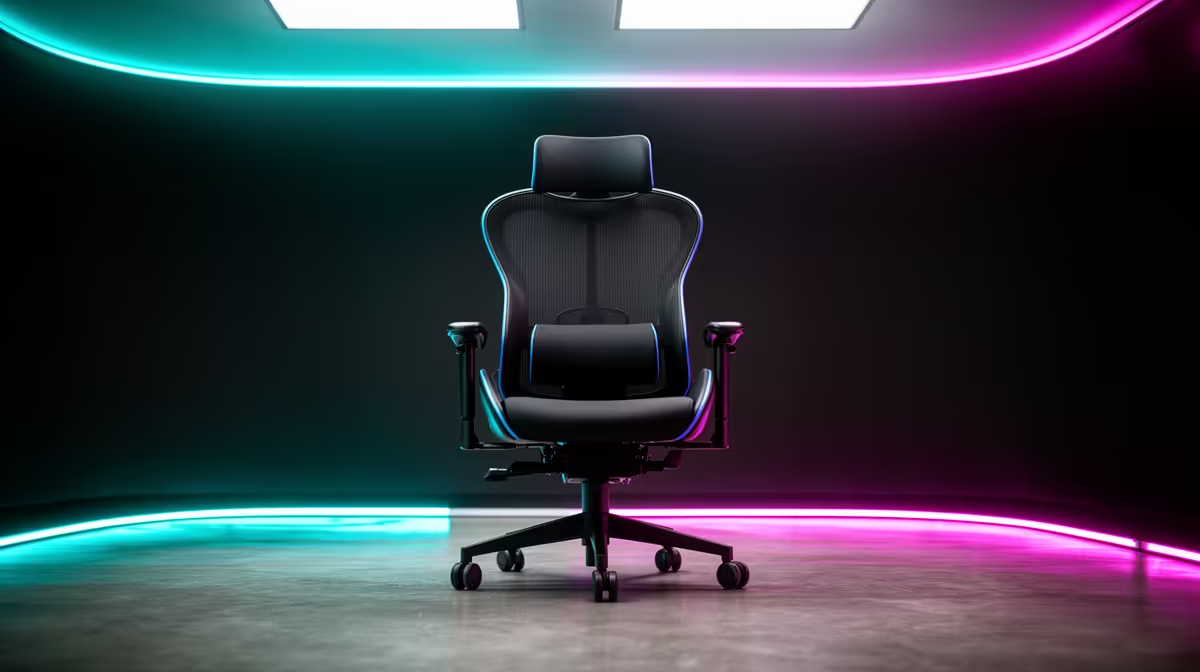
A smart gaming chair choice for CAD work starts with body and desk measurements, not with using the full stated budget. Long modelling sessions need adjustable support and unblocked mouse movement; they do not require racing styling.
Fit the chair to the drawing posture
Measure seated elbow height, upper-leg length, desk clearance and monitor eye line. Test whether armrests can support keyboard work yet move aside for precise mouse or 3D-input movement. Sit through a realistic modelling block and change posture several times.
The GAMDIAS ZELUS E5 gaming chair is verified at R1,540, while the HBADA E3 Pro ergonomic office chair is R5,700. These provide different seating references and leave most of the wider workstation ceiling untouched. Check current seat dimensions, lumbar and armrest controls, recline, weight guidance, materials, castors, assembly and warranty.
Adjust the screen after setting seat height, keep chair travel clear of cables and recheck fasteners as directed. Move between CAD tasks and take regular standing breaks. Persistent discomfort needs appropriate guidance rather than a more expensive seat.
Buy the chair that passes the personal fit trial. Reserve the rest for measured CAD requirements such as processor, graphics, memory, display or reliable project storage.
Check whether the chair can roll under the desk without striking a case or drawer.
Improving a CAD workstation? > Compare Evetech gaming and ergonomic chairs using exact body and desk measurements.