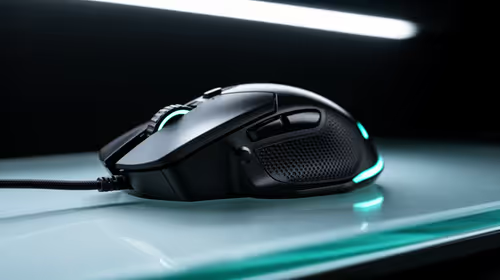
Yes, the Logitech G305 Wireless at R525 suits a PC builder who wants a clean desk, cable-free movement, and a proper gaming mouse without pushing the budget too hard. It is the safest first pick here because it is wireless, priced sensibly, and better aligned to a gaming setup than an office-focused ergonomic mouse.
Wireless mouse picks for a new PC build
The Logitech G305 Wireless at R525 is the one to start with if the build is for gaming, study, and everyday browsing on the same desk. Its key spec is wireless operation, which keeps the keyboard area cleaner and makes it easier to shift between a mousepad, notebook, and controller space without a cable dragging across the setup.
The Promate SAMIT at R100 makes sense as a very low-cost spare mouse for setup work, BIOS checks, or a secondary PC. At R100, it is useful when you need a basic pointing device around the desk, but it should not be the main recommendation for someone building a gaming PC because the brief calls for a gaming-focused choice.
Gaming room cable control in SA
In a gaming room, wireless is mainly about keeping the surface tidy once the PC, monitor, keyboard, headset stand, and charger cables are already competing for space. The Logitech G305 Wireless at R525 gives that desk setup a cleaner feel while still staying close to the price of entry-level accessories.
The Logitech Lift Ergonomic at R956 is better for comfort-led office use than for a gaming build. Its ergonomic design is the notable spec, and the R956 price makes sense for long desk sessions where wrist angle matters more than a gaming-first shape.
Ready to choose the right gaming mouse?
Use Promate SAMIT at R100 as the gaming mouse shortlist benchmark, then check whether its listed spec matches the space, workload, and upgrade path.